
NXUpdateTracker Switch
More actions
| NXUpdateTracker | |
|---|---|
 | |
| General | |
| Author | F-l-a |
| Type | Other Apps |
| Version | 2.0 |
| License | GPL-3.0 |
| Last Updated | 2023/10/10 |
| Links | |
| Download | |
| Website | |
| Source | |
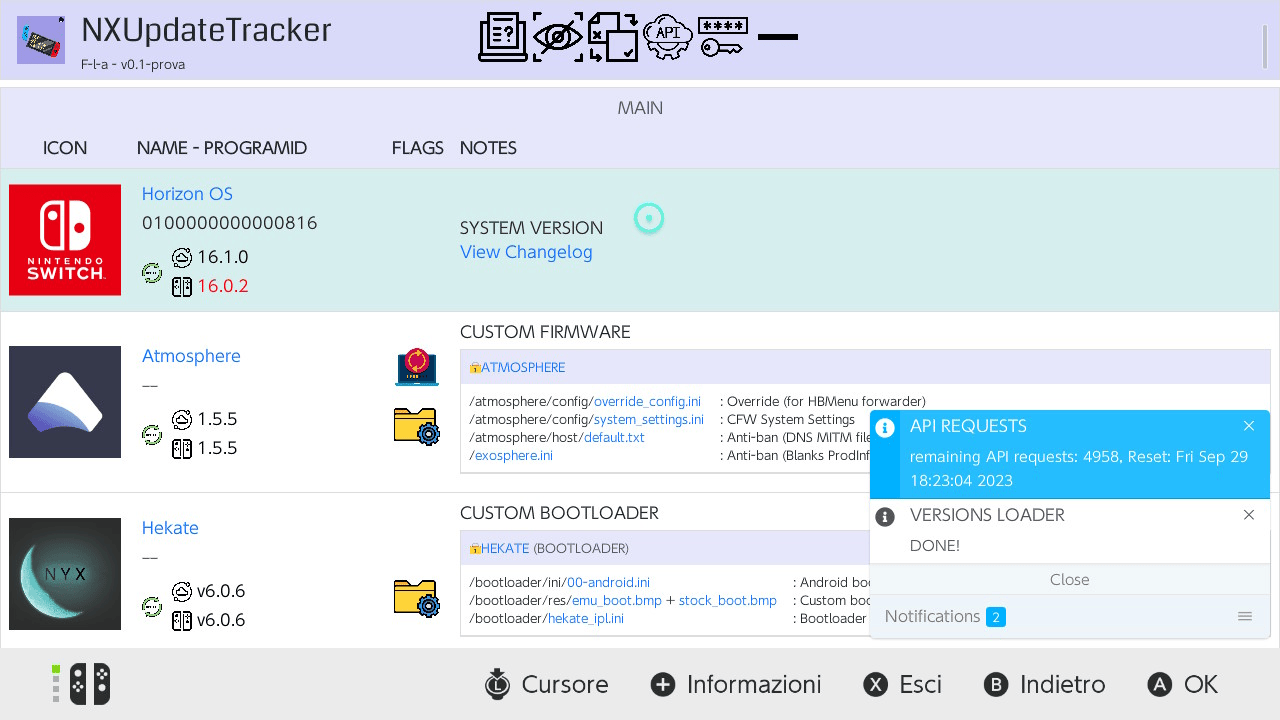
NXUpdateTracker is a local HTML page that helps you track the version numbers of [Switch] homebrew applications.
You can try the demo version here.
Features
- Lists the latest version number of the supported homebrews.
- Loads the currently installed version number from a JSON file hosted on GitHub, like this.
- Compares the installed and the latest version numbers, with the possibility to only list the outdated apps that have an update available.
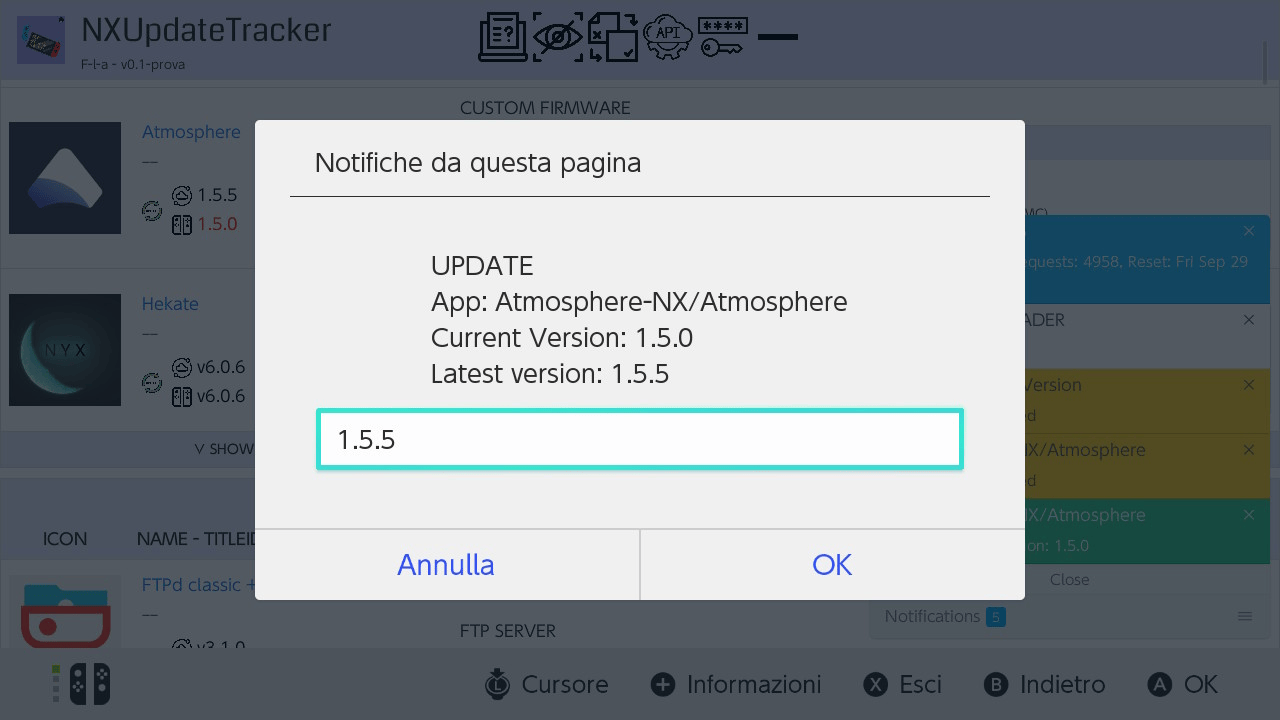
- Updates the installed version numbers modifying the JSON directly from the app.
- Hide/Show the homebrews you prefer.
- Lists some important files needed by the apps to work properly.
- Accessible everywhere: .nro version for the switch, standalone .html version for every browser.
- Customizable: you can modify the html to include other apps/assets/links.
- Does NOT install the updates itself, nor it downloads them.
Installation
How to install:
- Download NXUpdateTracker.zip from the latest release.
- Extract NXUpdateTracker.zip and copy its contents inside the root of your SD card.
- To use all the functions of the app, you need to modify /switch/NXUpdateTracker/githubInfo.ini. See usage.
How to update:
- Make a backup of the /switch/NXUpdateTracker/githubInfo.ini file contents.
- Download NXUpdateTracker.zip from the latest release.
- Extract NXUpdateTracker.zip and copy its contents inside the root of your SD card. Overwrite the previous files if needed.
- Reinsert the info back into /switch/NXUpdateTracker/githubInfo.ini.
Folder structure:
sd:\
 |-switch\
 |  |-NXUpdateTracker\
 |  |  |-githubInfo.ini
 |  |  |-NXUpdateTracker.nro
User guide
The application operates through a simple HTML, JavaScript (JS), and CSS page, which is accessible via the Nintendo Switch's web applet. The HTML page is hosted locally using Mongoose, creating a local web server. This page comprises tables listing various applications, each associated with two version numbers – one for the latest available version and another for the installed version. The latest version is fetched directly from GitHub's official repository, while the installed version is retrieved from a JSON file hosted in a user's GitHub repository. Each user needs to create their repository, and a guide on how to do so is available here.
Example githubInfo.ini content (this is only an example. use your own info):
API_TOKEN = qwertyuiopasdfghjklzxcvbnm1234567890
OWNER = F-l-a
REPO = NXUpdateTracker
FILE_PATH = Versions.json
Upon booting the Switch, the app writes the necessary files (HTML, JS) to sdmc:/switch/NXUpdateTracker/, which becomes the server's root folder. These required files are sourced from romfs:/webapp/ and are hardcoded within the .nro. To prevent overwriting existing files, create an empty file named .keep inside /switch/NXUpdateTracker/.
Screenshots
Changelog
v2.0
- A function to hide/show the homebrews. You can save the configuration on your Github repo: follow the Update Guide here. You also need to add a new Visibility.json file to your repo: follow STEP 7 here.
- Some code reorganization
- Google Drive links got removed for security reasons
v1.0
- First Release.
Credits
I would like to thank these people who gave me the possibility to bring this project to you:
- switchbrew for Libnx Switch
- BernardoGiordano for nx-spa, the project I partially used as a reference for mine. I used his approach to open a web server with Mongoose and I used some of his files for some parts of the process
- F-l-a (me) for the html and javascript (and some c++) parts. I learned a lot doing this (and spending half the time on some stupid things because I couldn't get it to work. But that's what the game is about, right?)