
TinyZoo GB
From GameBrew
More actions
| TinyZoo/GB | |
|---|---|
 | |
| General | |
| Author | Adrian Siekierka |
| Type | Computer |
| Version | 2023 |
| License | GPL-3.0 |
| System | CGB, DMG |
| Last Updated | 2023/06/25 |
| Links | |
| Download | |
| Website | |
| Source | |
TinyZoo/GB is a source port of the ZZT engine to the Game Boy and Game Boy Color platforms.
Downloads and usage documentation is available on the Wiki of Weavers.
Installation
You will need:
- The latest version of [zima]{https://github.com/OpenZoo/zima), 0.9.0 or above.
- Java 17 for new zima builds.
- The latest engine file.
Run the following command in the command line: java -jar zima.jar binconv -o output_rom_path -e engine_file_path -p platform_id input_world_path, replacing the underscored identifiers with the necessary values:
- output_rom_path is the output file path for the ROM image.
- engine_file_path is the path for the platform-specific engine file - you can download it above, in the platform list.
- platform_id is the platform ID - you can find it in the platform list.
- input_world_path is the path to the input world. You can specify multiple worlds, but this may not be supported by all platforms.
Screenshots
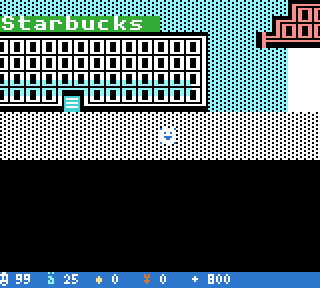
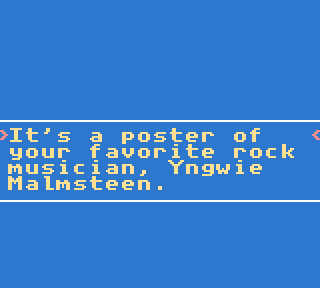
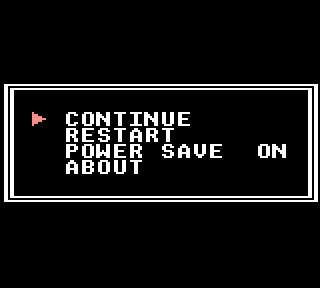
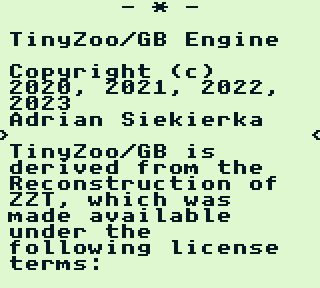
Compatibility
Recommended emulators:
- binjgb - For publishing to HTML5.
- SameBoy - The most accurate of the lot,
- Emulicious - Best debugging tools (but the necessary symbols files are currently not packaged).
Physical cartridges:
- List of reflashable cartridge vendors..
- Cartridge that is larger than 4MG ROM is not supported by TinyZoo/GB at this time.
- Note that you need a cartridge with 128K RAM and MBC5.
- Smaller games or those using "board groups" might manage with 32K RAM – use the command "–sram-size 32" when building your ROM with binconv.
External links
- GitHub - https://github.com/OpenZoo/tinyzoo-gb
- GitHub - https://github.com/OpenZoo/zima