
NX-RomGet Switch
From GameBrew
More actions
| NX-RomGet | |
|---|---|
 | |
| General | |
| Author | hotshotz79 |
| Type | Other Apps |
| Version | 0.1 |
| License | MIT License |
| Last Updated | 2020/04/21 |
| Links | |
| Download | |
| Website | |
| Source | |
Download ROMs directly on the Switch from user provided list (.txt).
Requires PyNX to use.
Touch support only.
Installation
How to install:
- Download PyNX and extract to sdmc:/switch/PyNx/.
- Download NX-RomGet (main.py) and overwrite PyNx main.py.
NX-RomGet.zip is alternate option which includes the following:
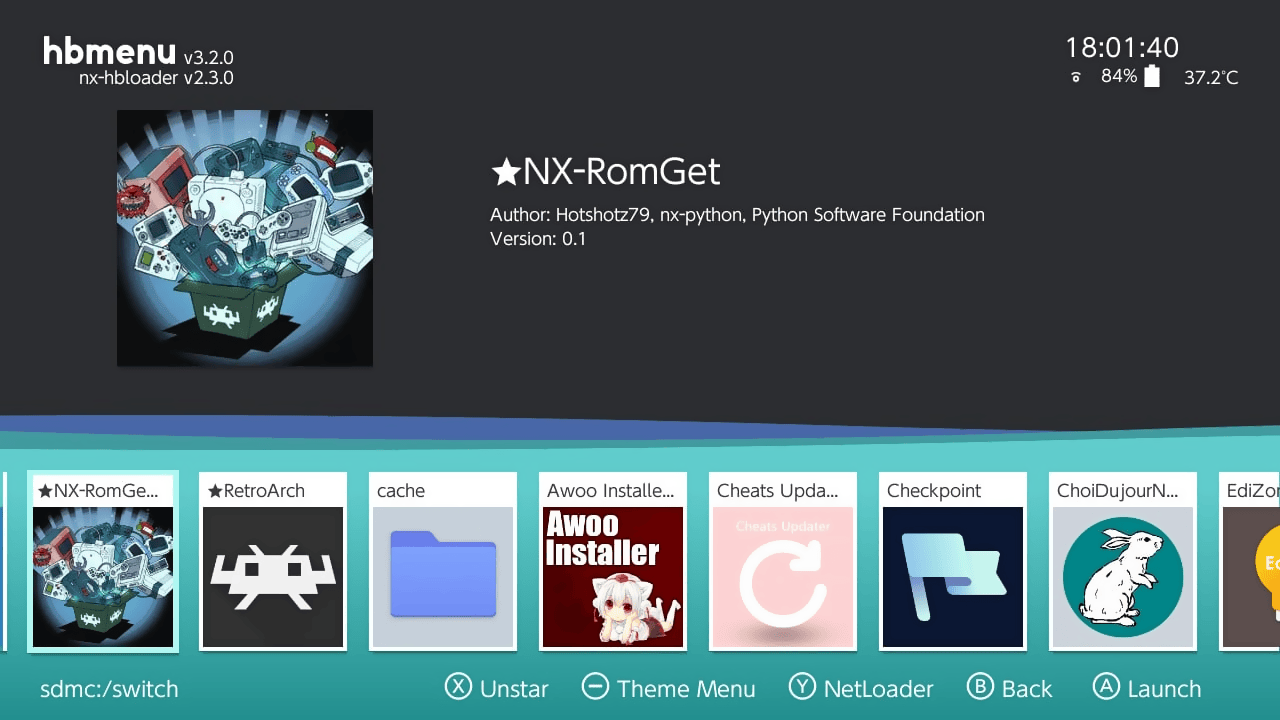
- PyNx - Renamed to NX-RomGet and Icon replaced using NRO Asset Editor.
- NX-RomGet (Main.py).
- Sample - Download.txt.
Create txt files in the PyNx folder in the following way:
- File name will determine where to save ROMs Ex; "Sega - Genesis.txt" will save ROMs from that list under sdmc:/Roms/Sega - Genesis/.
- Each row will include name and download link separate by semi colon Ex; "Sonic 3 (USA);http://link.com/Sonic3.zip".
Note: HTTPS link will give error, so try to rename to HTTP.
User guide
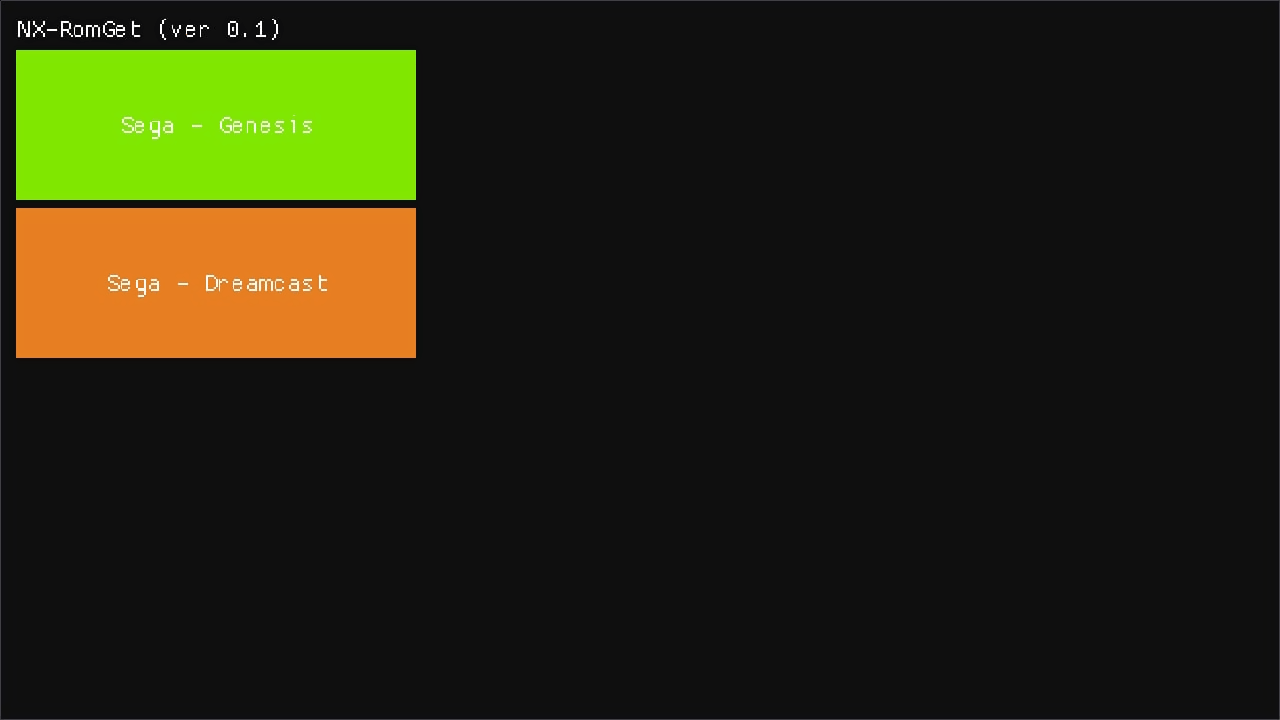
- Main screen - Console selection.
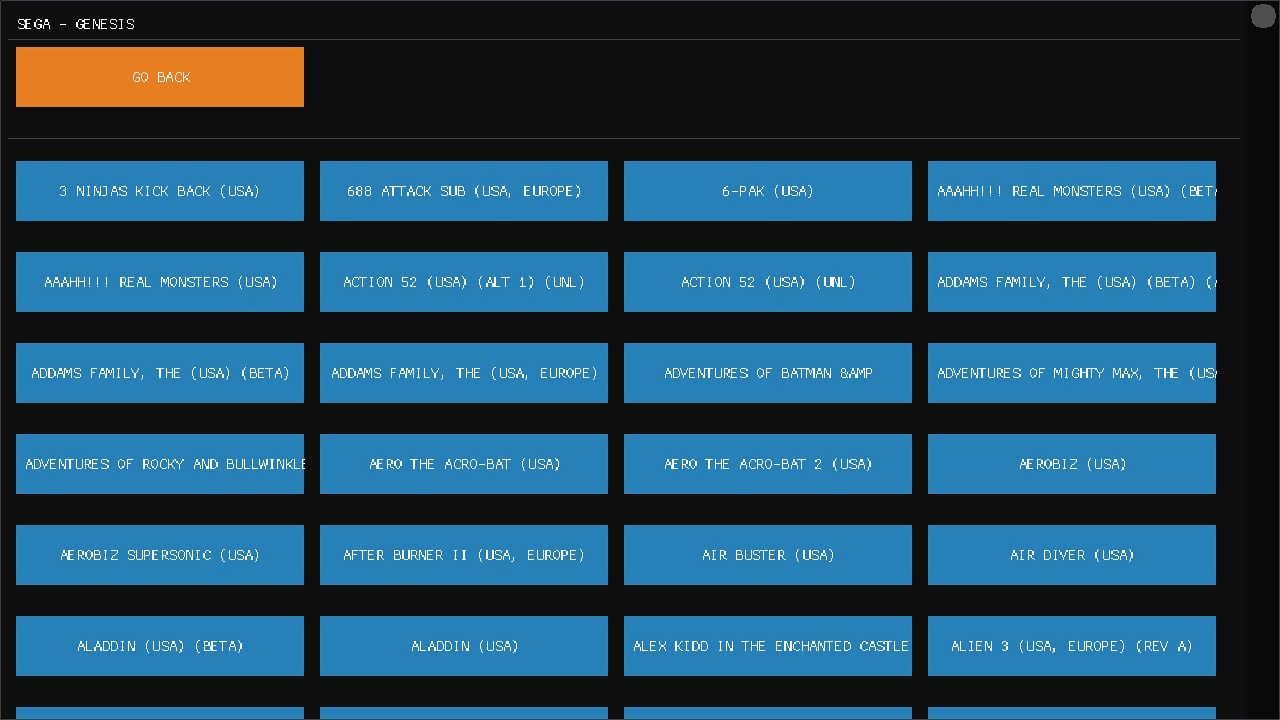
- Console screen - Rom selection:
- Based off of external .txt.
- Upto 900 records works.
- Failed to display with 1500+ rows.
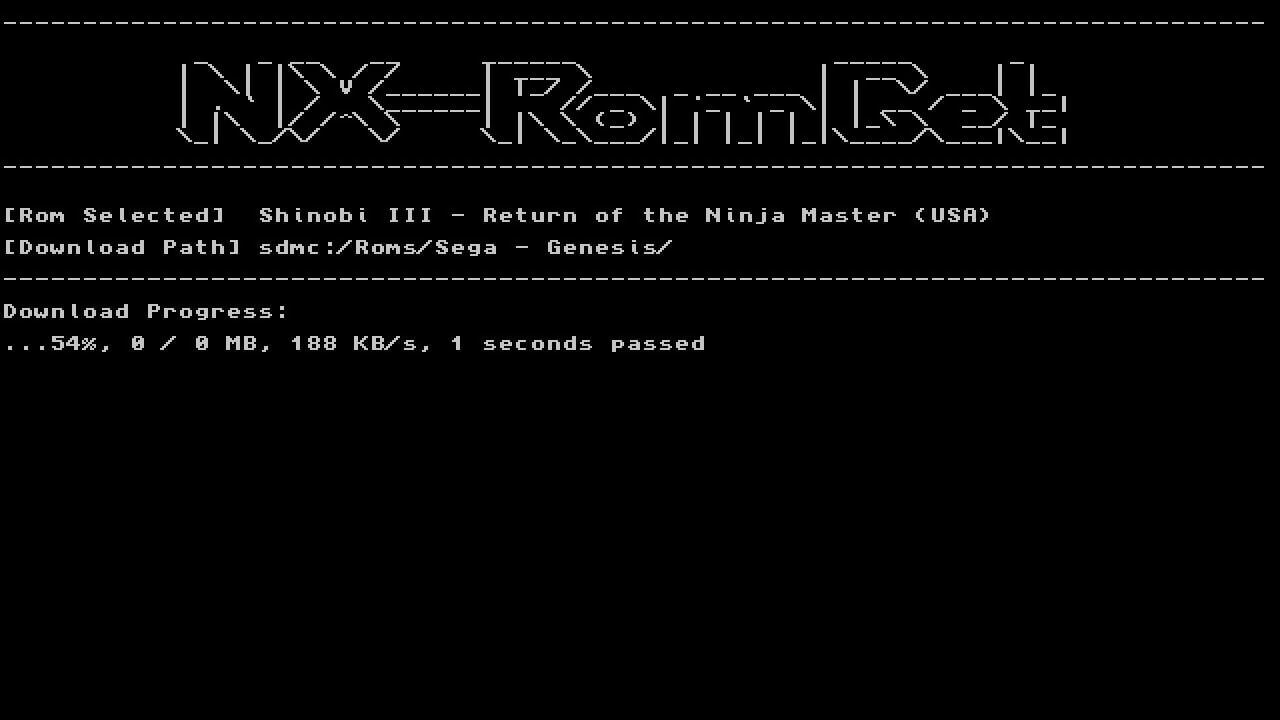
- Download screen - Progress report.
Screenshots
|
|
|
|
|
Changelog
v0.1
- First Release.
- Download Main.py only if you want to use PyNx as main homebrew;
- OR NX-RomGet.zip is alternate option which includes the following:
- PyNx - Renamed to NX-RomGet and Icon replaced using NRO Asset Editor
- NX-RomGet (Main.py)
- Sample - Download.txt