
Dark Lands Vita
More actions
| Dark Lands Vita | |
|---|---|
 | |
| General | |
| Author | Rocroverss |
| Type | Platform |
| Version | 1.0 |
| License | MIT License |
| Last Updated | 2026/06/26 |
| Links | |
| Download | |
| Website | |
| Source | |
Dark Lands is a 2D action-platformer where players take on the role of an Ancient Greek hero. With reflexes and a sword, they must survive a dark world filled with shadows, deadly obstacles, and relentless foes.
The port works by loading the official Android ARMv7 executable in memory, resolving its imports with native functions, and patching it so it can run properly on PS Vita.
Setup Instructions
Install Kubridge and FdFix by copying
kubridge.skprxandfd_fix.skprxto your taiHEN plugins folder.The folder is commonly
ur0:tai, but useux0:taiif that is how your Vita is configured. Add both plugins under*KERNELinconfig.txt:*KERNEL ur0:tai/kubridge.skprx ur0:tai/fd_fix.skprx
Do not install
fd_fix.skprxif you are already using the rePatch plugin.Install
libshacccg.suprxtour0:/data/orur0:/data/external/. If you do not have it, follow a libshacccg extraction guide.The game runs correctly at the default 444 MHz CPU clock. For the best performance, however, it's recommended to install PSVshell Vita and overclock the Vita to 500 MHz.
Install
dla.vpk.Create this folder on the Vita:
ux0:data/dla/
From your legally obtained Android APK, extract:
- Obtain
dark-lands-1-5-6.apk(version 1.5.6).
Verify that the APK matches the expected SHA-256 checksum: Windows (Command Prompt):
certutil -hashfile dark-lands-1-5-6.apk SHA256
Expected output:
7ecd7f1c4cd2e9d9066b0515c7bde2af7ce6d0a8b7d79deab652b98e7f3d1b0e
Run the following command that will create the dla folder that you need to place at "ux0:data/":
python prepare_dla_folder.py dark-lands-1-5-6.apk
The clean final layout should look like this:
ux0:data/dla/
|- base.apk
|- libcocos2dcpp.so
|- assets/
|  |- ...
|- gxp/                       created by the port when shader cache is used
|- DarkLandsSecurePrefs.bin   created by the port after saving
|- SharedPreferences.bin      created by the port after saving
- Obtain
Controls
| Vita input | Action |
|---|---|
| D-Pad Up | Swipe up / jump |
| D-Pad Down | Swipe down / slide |
| Circle/Cross | Attack |
| R and L | Block |
| Touchscreen | Native game touch input |
Media
Dark Lands - Official Trailer (BulkyPix)
Screenshots
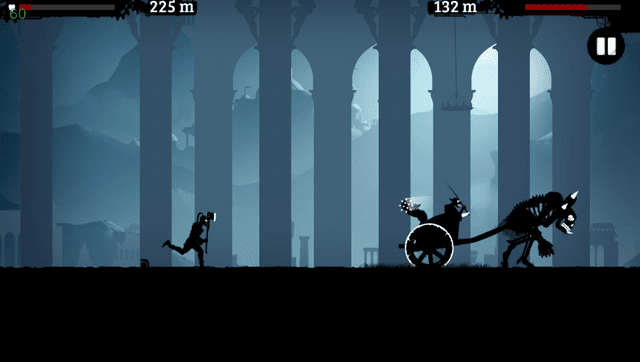
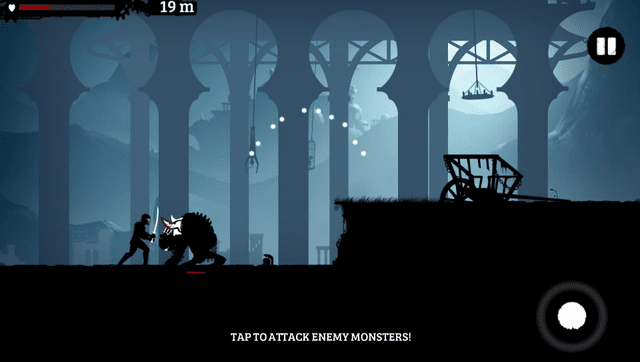
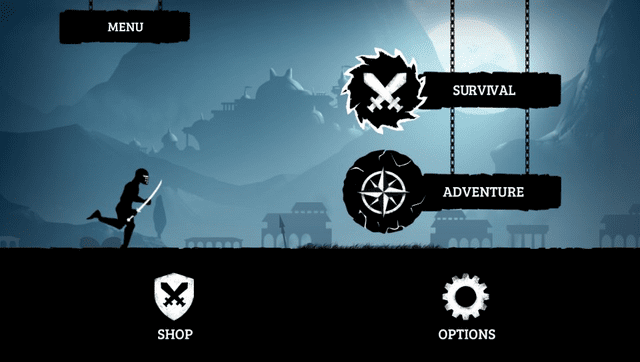
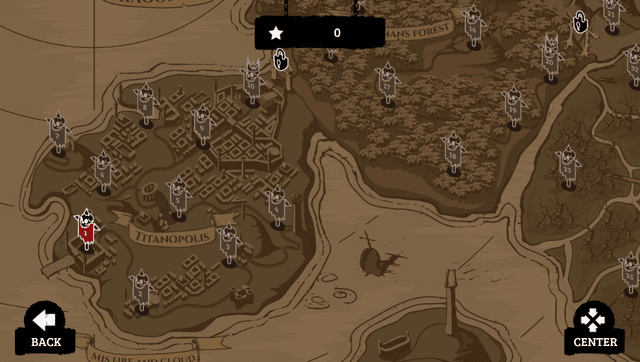
Changelog
v1.0
- First Release.
Credits
- TheFloW for the original Android
.soloader work. - Rinnegatamante for vitaGL and help with Vita ports.
- gl33ntwine/v-atamanenko for SoLoBoP and Android loader boilerplate work.
- The Vita Nuova community and everyone who helped with testing/debugging.