
NXShare Switch
More actions
| NXShare | |
|---|---|
 | |
| General | |
| Author | musebrot1 |
| Type | Utilities |
| Version | 1.8.1 |
| License | MIT License |
| Last Updated | 2026/06/22 |
| Links | |
| Download | |
| Website | |
| Source | |
NXShare is a Nintendo Switch homebrew app to transfer screenshots and videos to any device via browser.
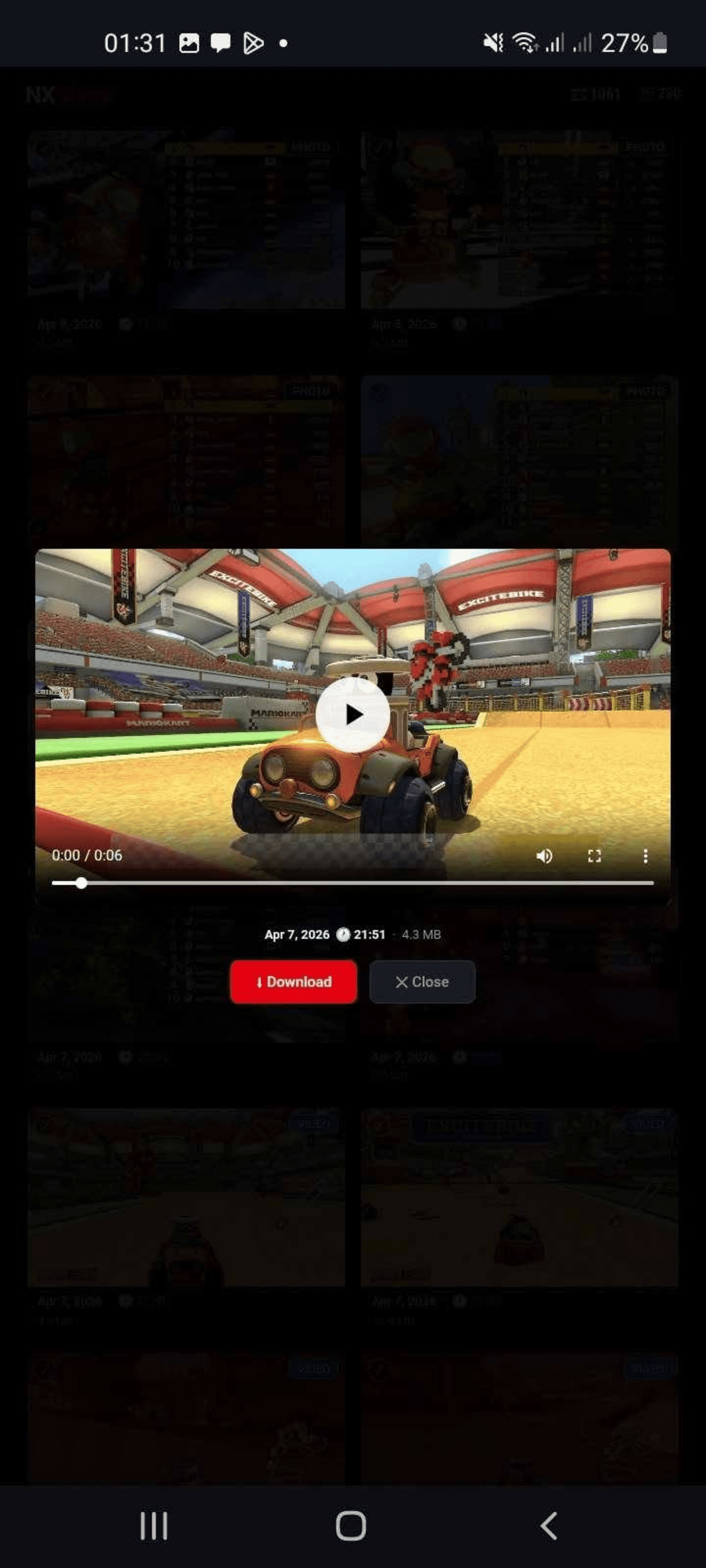
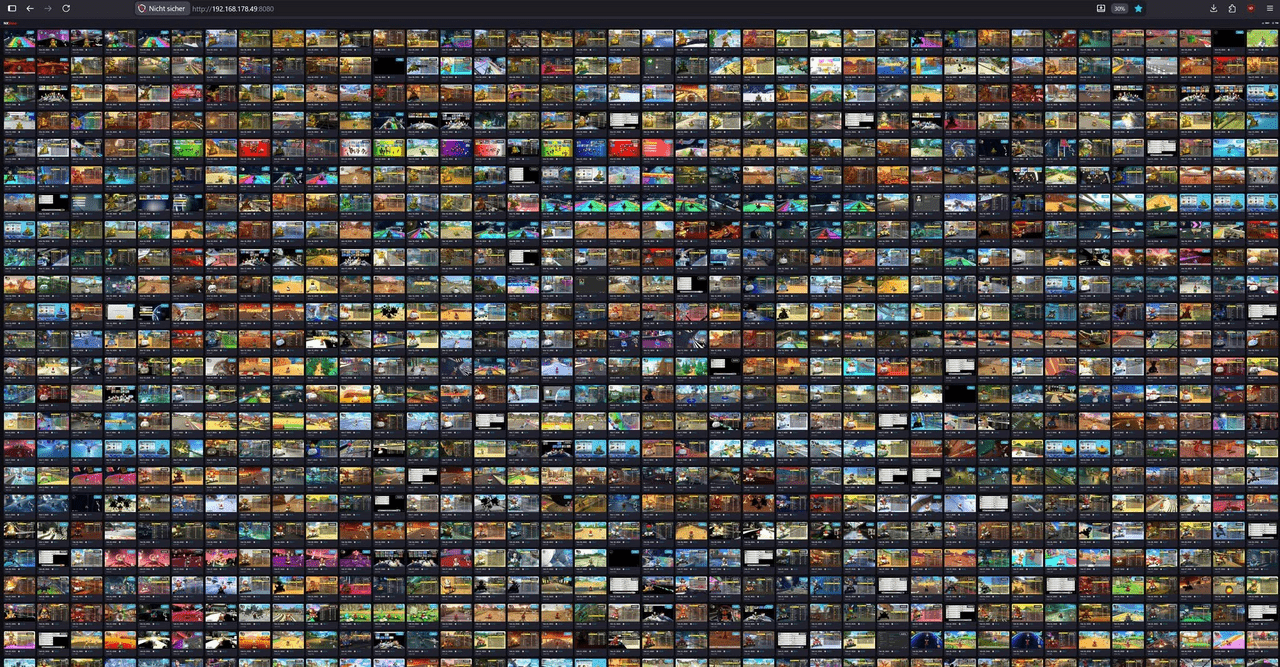
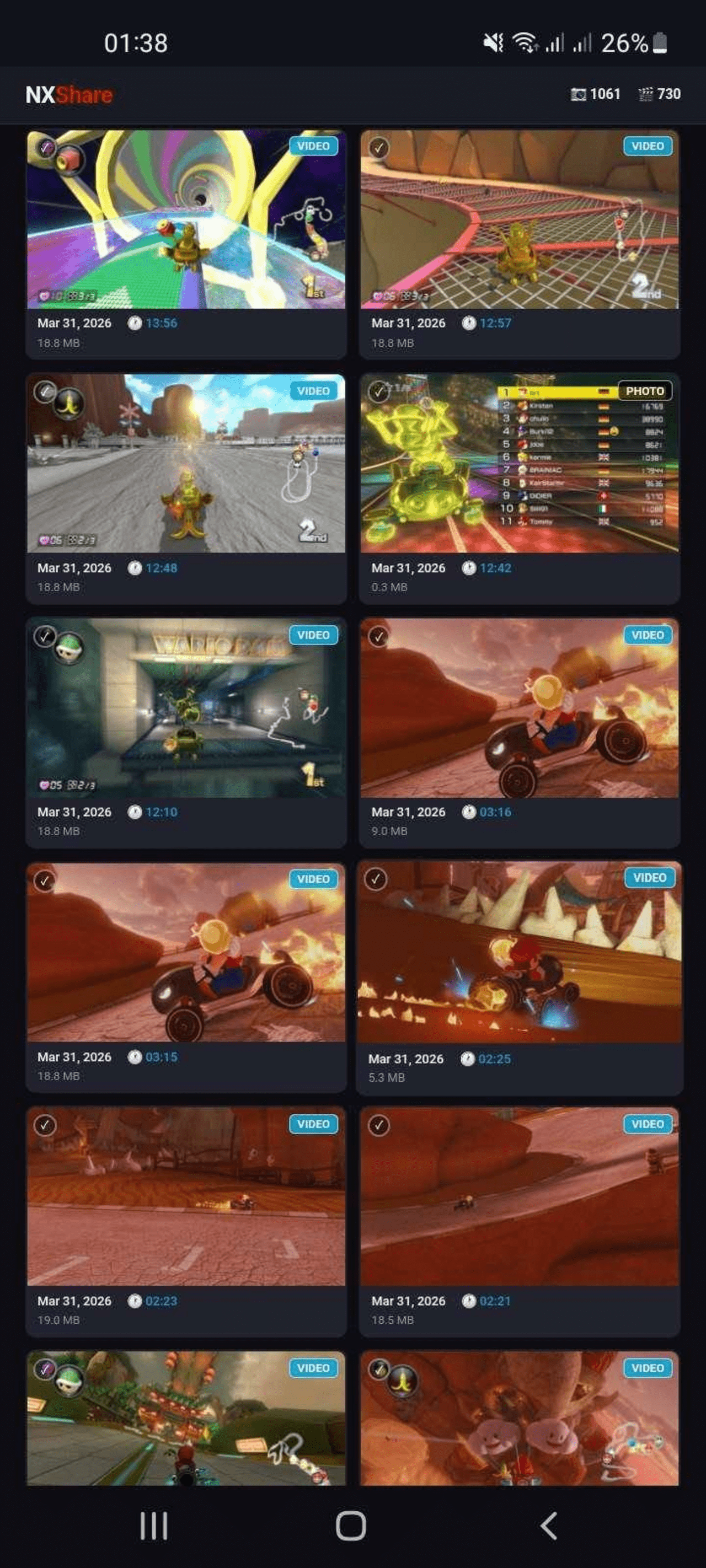
NXShare starts a small web server on the Nintendo Switch. Opening the displayed URL in any browser on a PC, phone or tablet on the same WiFi network gives a gallery view of screenshots and videos with thumbnails, filters and multi-select download.
Compatibility
The lists compatibility as Atmosphère tested on 1.9.3 and 1.11.1, firmware tested on 20.3.0 and 22.0.0, and storage support for SysMMC and emuMMC with auto-detection.
Features
- Browse and view all screenshots and videos.
- Filter by screenshots/videos or by game.
- Download individual files or select multiple files at once.
Installation
Download the latest NXShare.nro from the Releases page and copy it to the switch/ folder on your SD card.
NXShare is also available in the Homebrew App Store.
To use NXShare:
- Make sure your Switch is connected to WiFi.
- Launch NXShare from the Homebrew Launcher in Applet Mode.
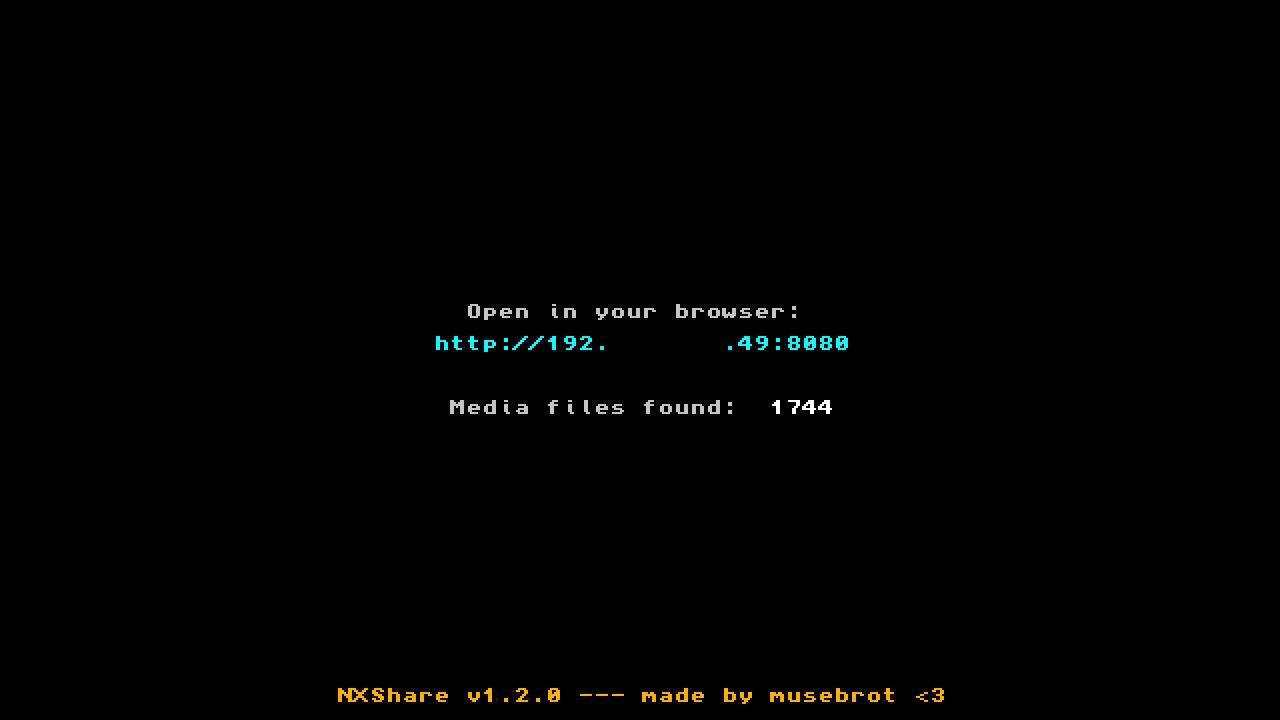
- The screen shows a URL / QR code.
- Open the URL in any browser on the same network, or scan the QR code.
- Browse, preview and download your media.
Screenshots
|
|
Changelog
1.8.1
- Web UI layout adjustments.
1.8.0
- added Date filter.
1.7.6
- fixed JSON escaping for control characters.
1.7.5
- fixed media sorting issue.
1.7.4
- more fixes.
1.7.3
- fixed how png files are getting saved.
1.7.2
- more fixes.
1.7.1
- some fixes.
1.7.0
- in full size view there are now left/right buttons to jump to the previous/next file.
- now also reads PNG files.
1.6.0
- added games filter.
1.5.0
- some fixes.
- new UI.
- now shows app icon in browser tab.
1.4.0
- URL now shows as QR code too.
- some layout adjustments for both desktop and mobile browsers.
1.3.1
- some minor fixes and layout changes.
- exit the app with [+].
1.3.0
- Nintendo Switch Homebrew app to transfer screenshots and videos via browser
Credits
- [[1](https://github.com/switchbrew/libnx) libnx] by switchbrew - Nintendo Switch homebrew library (ISC License).
- [[2](https://devkitpro.org) devkitPro] - ARM toolchain and build system.
- [[3](https://github.com/iUltimateLP/NXGallery) NXGallery] by iUltimateLP - inspiration for capsa API usage.
External links
- Github - https://github.com/musebrot1/NXShare
- HB-App - https://hb-app.store/switch/NXShare