
2ship2harkinian Vita
From GameBrew
More actions
| 2ship2harkinian Vita | |
|---|---|
 | |
| General | |
| Author | Rinnegatamante |
| Type | Adventure |
| Version | 1.1 |
| License | CC0-1.0 |
| Last Updated | 2026/04/15 |
| Links | |
| Download | |
| Website | |
| Source | |
| Support Author | |
2ship2harkinian Vita is a port of 2 Ship 2 Harkinian (v1.1.2) — a PC fan-made re-implementation of The Legend of Zelda: Majora's Mask - for the PlayStation Vita. It is based on the HarbourMasters 2 Ship 2 Harkinian project and powered by libultraship and vitaGL.
This port does not include any copyrighted assets. A legally obtained copy of the game is required to generate the necessary data files.
Installation
- Download 2ship2harkinian v1.1.2 for PC.
- Follow its instructions to generate
mm.o2r. - Extract
2s2h.zipfrom the Release tab intoux0:data. - Place
mm.o2rand2ship.o2rinux0:data/2s2h. - Install the VPK from the Release tab.
vitaGL flags
HAVE_PTHREAD=1 NO_DEBUG=1 HAVE_GLSL_TEXTURE_SIZE=1 STORE_DEPTH_STENCIL=1
Media
NATIVE PS Vita Port of Majora's Mask is SUPER IMPRESSIVE !!! ( 2ship2harkinian ) (Zealous Chuck)
2ship2harkinian v1.1 PSVITA port installation guide (ELMATRIXGAMING)
Screenshots
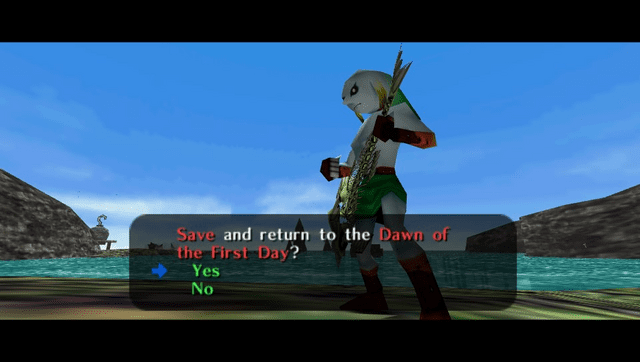
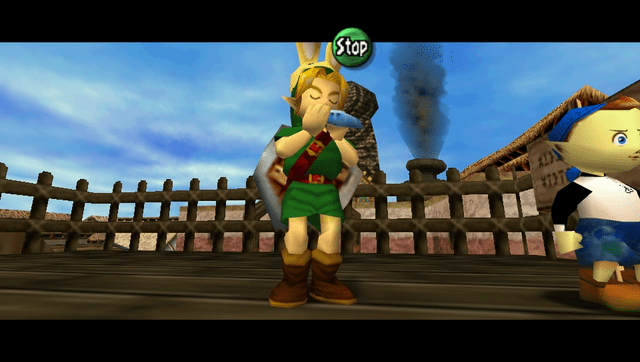
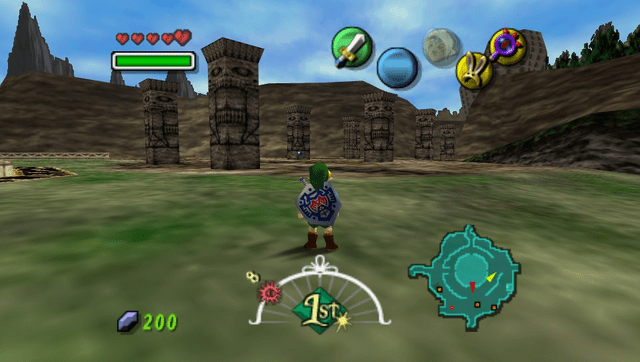
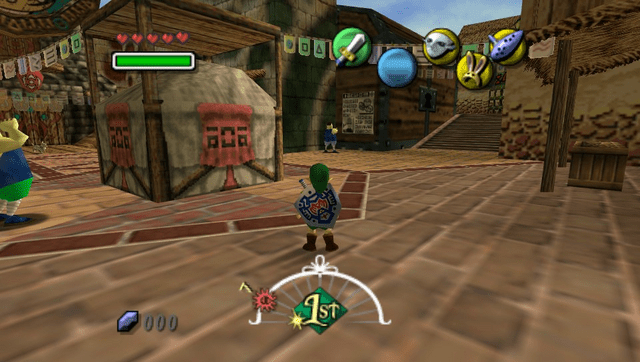
Changelog
v1.1
- Fixed a bug causing the config file to corrupt after subsequent boots, resulting in wrong controls mapping.
- Restored several missing windows/options in the settings menubar.
- Disabled by default navigations through settings menubar with physical buttons (can still be enabled optionally).
- Fixed an out of bounds bug resulting in memory corruption and leading to potential undefined behaviours.
- Fixed the motion blur effect causing a buggy cascade effect when the settings menubar was on screen.
- Adjusted the default config settings to a better controls mapping scheme.
v1.0
- First Release.
Credits
- TheIronUniverse for the Livearea assets.
- withLogic for testing the homebrew.