
Ghostship Vita
More actions
| Ghostship Vita | |
|---|---|
 | |
| General | |
| Author | Rinnegatamante |
| Type | Platform |
| Version | 1.1 |
| License | MIT License |
| Last Updated | 2026/04/14 |
| Links | |
| Download | |
| Website | |
| Source | |
| Support Author | |
Ghostship Vita is a port of Ghostship (v1.0.2 with some improvements from the develop branch) for the PlayStation Vita. Ghostship itself is a PC/multi-platform decompilation port of Super Mario 64, powered by libultraship, that does not include any copyrighted assets. Players must provide their own supported ROM dump to generate the required asset file before playing.
Requirements
Ghostship Vita requires the following files before it can be run:
- A supported US or JP Super Mario 64 ROM in
.z64format. - A PC release of Ghostship v1.0.2 is needed to generate the
sm64.o2rasset file.
Supported ROM SHA-1 hashes:
- US:
9bef1128717f958171a4afac3ed78ee2bb4e86ce - JP:
8a20a5c83d6ceb0f0506cfc9fa20d8f438cafe51
You can verify your ROM using the SHA-1 File Checksum tool at romhashing.net.
If your ROM is in .n64 format, convert it using hack64.net.
Requirements
- libshacccg.suprx
- Game Data Files: N64
Installation
- Download Ghostship v1.0.2 for PC.
- Follow its instructions to generate
sm64.o2r. - Extract
ghostship.zipfrom the Release tab intoux0:data. - Place both
sm64.o2randghostship.o2rintoux0:data/ghostship. - Install the
.vpkfrom the Release tab.
Custom Assets
Custom assets are packed in .o2r or .otr files. To use custom assets, place them in the mods folder.
Tools for creating and packing custom asset files:
Media
Ghostship PSVita Port - Latest optimizations showcase (Rinne4Fun)
Screenshots
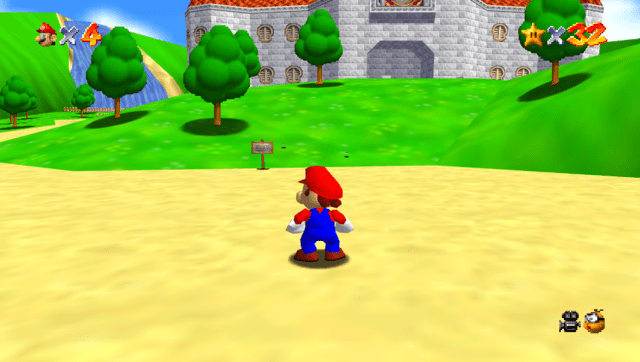
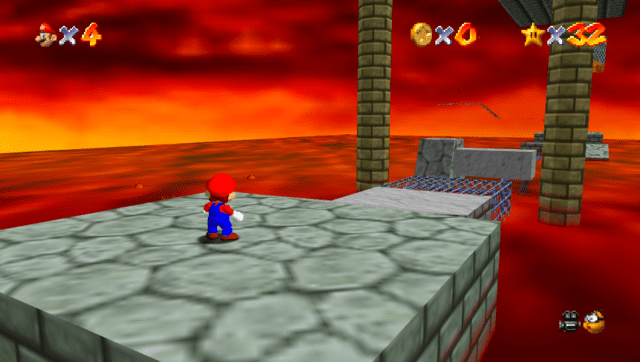
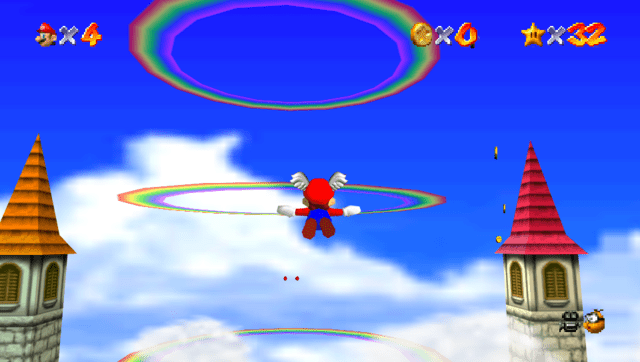
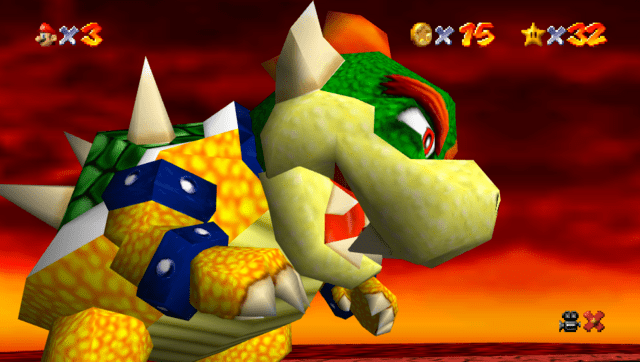
Changelog
v1.1
- Fixed a bug causing the config file to corrupt after subsequent boots, resulting in wrong controls mapping.
- Restored several missing windows/options in the settings menubar.
- Disabled by default navigations through settings menubar with physical buttons (can still be enabled optionally).
- Fixed an out of bounds bug resulting in memory corruption and leading to potential undefined behaviours.
- Fixed the motion blur effect causing a buggy cascade effect when the settings menubar was on screen.
- Adjusted the default config settings to a better controls mapping scheme.
v1.0
- First Release.
Credits
- Rinnegatamante — PSVita port
- TheIronUniverse — Livearea assets
- hatoving — Testing
- Lywx — Lead developer of the original Ghostship project
- HM64 Team — libultraship and various contributions
- garrettjoecox — Fixes to the port
- inspectredc — Asset extraction contributions
- Malkierian — Asset extraction contributions