
Zombieville USA 2 Vita
From GameBrew
More actions
| Zombieville USA 2 Vita | |
|---|---|
 | |
| General | |
| Author | AJ170 |
| Type | Shooter |
| Version | 1.01 |
| License | N/A |
| Last Updated | 2026/04/18 |
| Links | |
| Download | |
| Website | |
This is a port of Zombieville USA 2 for the PS Vita, based on a decompilation of the original game.
Installation
- Install
Zombieville_USA_2_v1.00-Loader.vpkto your PS Vita. - Download
xdelta-patch.zip. - Unzip and copy its contents to an empty folder.
- Run
ApplyPatch.bat. - Unzip the newly created
Media.zip. - Copy the extracted
Mediafolder toux0:\app\ZUSA42069on your PS Vita via USB or FTP.
Controls
| Button | Action |
|---|---|
| Cross, L | Weapon 1 |
| Circle, R | Weapon 2 |
| Square | Weapon 3 |
| Start | Pause |
| Left Analog Stick | Move Character / In-game Mouse Cursor |
Multiplayer
Only public co-op is available, with cross-play support. To start a session, one player creates a lobby by pressing Public; the other player joins automatically by also pressing Public after the host begins hosting. Note that hosting from a PS Vita can take approximately 60 seconds to start.
Media
The Most Underrated Zombie Mobile Game | Zombieville USA 2 (Nekkodude)
Screenshots
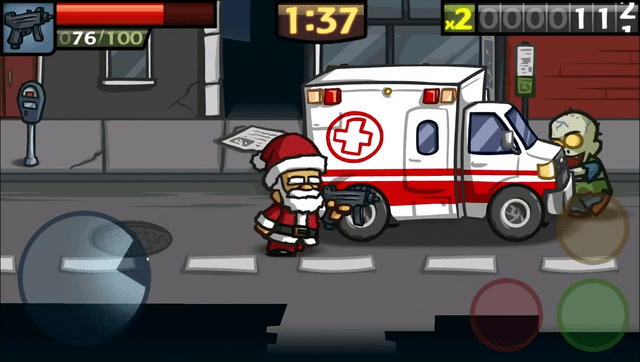
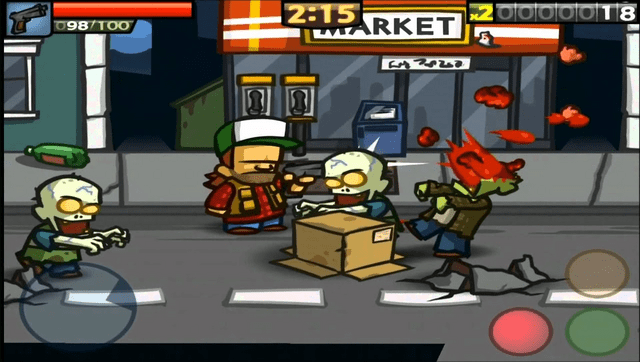
Changelog
v1.0
- First Release.
Credits
- overmet15 - Decompilation
- ChoppySloppy542 - Small fixes