
Strikebox Vita
More actions
| Strikebox | |
|---|---|
 | |
| General | |
| Author | nonogamer9 |
| Type | Shooter |
| Version | 1.0 |
| License | N/A |
| Last Updated | 2025/11/15 |
| Links | |
| Download on itch.io | |
| Website | |
StrikeBox PSVITA Port is a first-person shooter game ported to the PS Vita by nonogamer9. This port leverages the Unity engine via Mono and is optimized specifically for the Vita hardware. It supports multiplayer gameplay but does not incorporate AI opponents.
Installation
To install a VPK file on a modded PS Vita, first transfer the .vpk file to your Vita (commonly to the ux0:/vpk/ folder) using VitaShell via USB or FTP, then open VitaShell on your Vita, navigate to the location of the .vpk file, select it, and press the Cross button to install—confirming any permission prompts that appear.
For users on Vita3K (the PlayStation Vita emulator for PC), simply drag and drop the .vpk file into the Vita3K window or use the menu option File > Install .vpk/.zip to select and install your VPK; ensure the game folder is named after the correct Title ID for proper booting
Media
THE SNIPER IN THE AIR BALLON BY STRIKEBOX SANDBOX GAMEPLAY (Official_ChenYangLim )
</youtube>
Screenshots
|
|
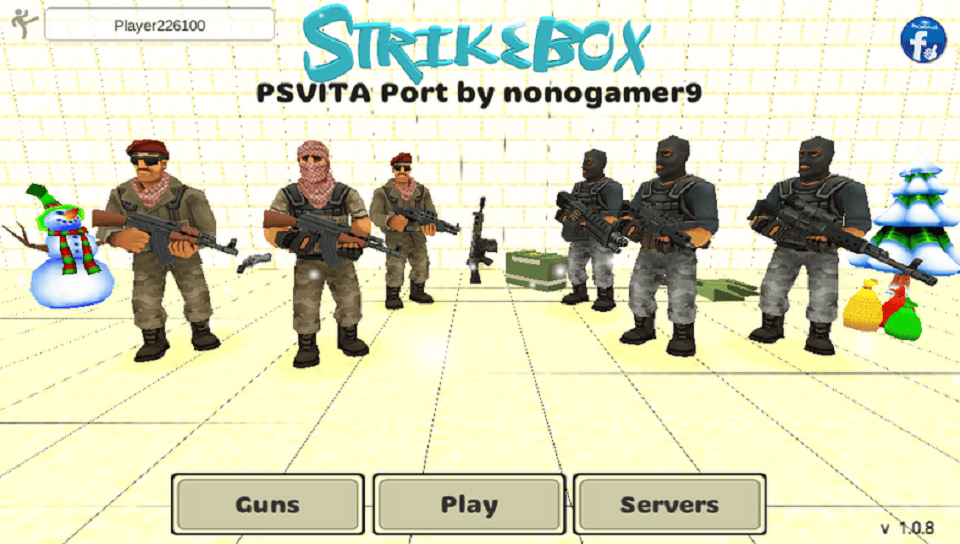
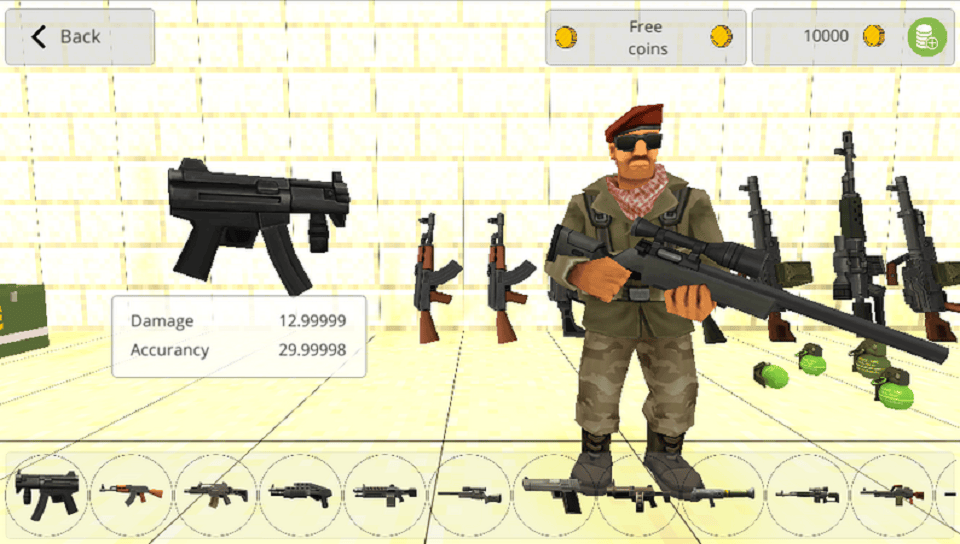
Changelog
v1.0
- First Release.