HewDraw-Remix Switch
More actions
| HewDraw-Remix | |
|---|---|
 | |
| General | |
| Author | HewDraw Remix Dev Team |
| Type | Game Hacks |
| Version | 0.49.6 |
| License | AGPL-3.0 |
| Last Updated | 2025/09/26 |
| Links | |
| Download | |
| Website | |
| Source | |
HewDraw Remix (HDR) is a comprehensive gameplay overhaul for Super Smash Bros. Ultimate, offering new mechanics, balance changes, and custom content designed to enhance competitive and casual play on the Nintendo Switch platform.
Features
- Complete gameplay system rebalancing for Super Smash Bros. Ultimate.
- Extensive use of Skyline plugins for enhanced mod functionality.
- User-friendly HDR launcher for mod management, enabling launch and folder toggling.
Installation
Nintendo Switch
- Requires Atmosphere custom firmware (CFW) and homebrew-ready SD card.
- Download the switch-release.zip package from the HDR-Releases GitHub.
- Extract and copy contents to your SD card as instructed.
- If this was done correctly, you should be greeted by the HDR launcher and a play button to launch the game. For more information on the launcher see this demonstration video.
- First time users will most likely need to go into the ingame Smash eShop after launching the game for the first time to toggle HDR's folders as seen in the tutorial mentioned earlier.
Emulator (Ryujinx)
- Yuzu emulator is not currently supported due to lack of Skyline plugin compatibility.
- Ryujinx emulator users download ryujinx-release.zip.
- Extract and copy contents to \AppData\Roaming\Ryujinx\ on your PC.
Uninstallation
On Switch: Delete all folders beginning with hdr from /ultimate/mods on your SD card.
Disable HDR via the in-game mod manager or by holding L on boot to temporarily deactivate all mods. On Ryujinx: Remove relevant folders from /AppData/Roaming/Ryujinx/sdcard/ultimate/mods.
Troubleshooting
For support, join the official HDR Discord (discord.gg/hdr) and post in the #help-questions channel.
Refer to YouTube tutorials for modding guidance and feature demonstrations below.
Media
HewDraw Remix / HDR Installation Tutorial (Switch) (HDR)
HDR: Update v0.25.0-beta Trailer
(HDR)
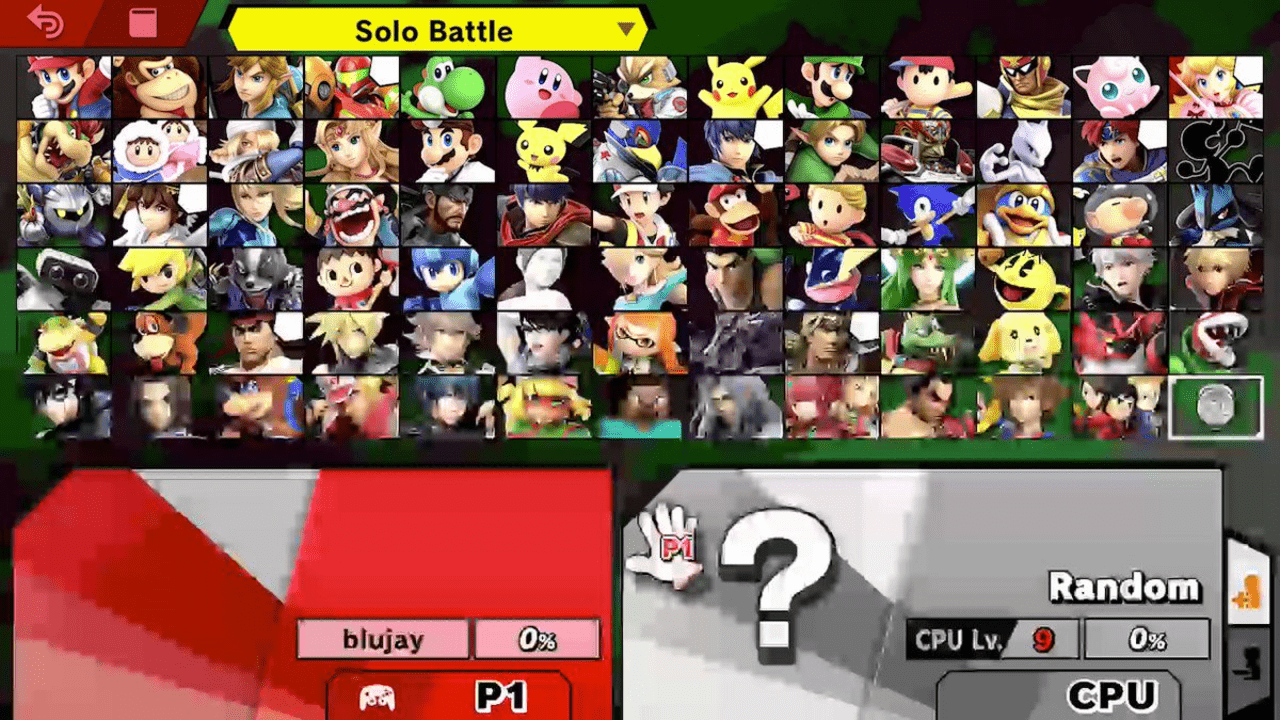
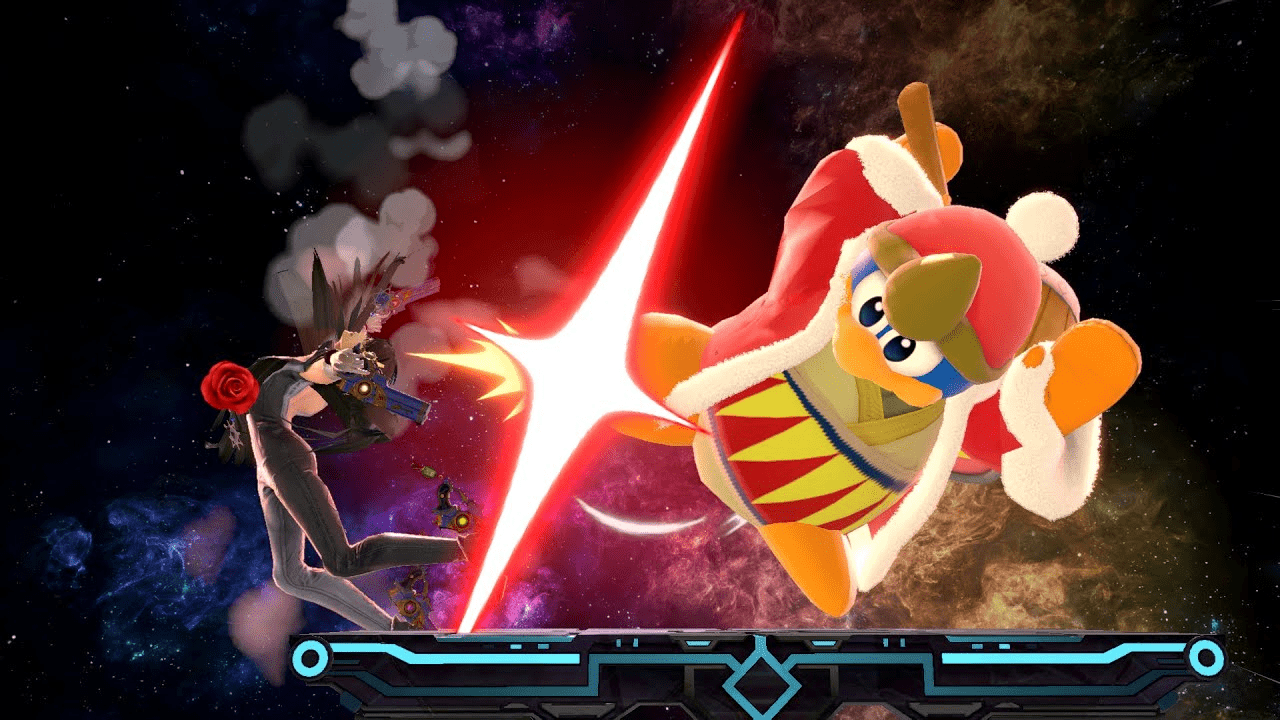
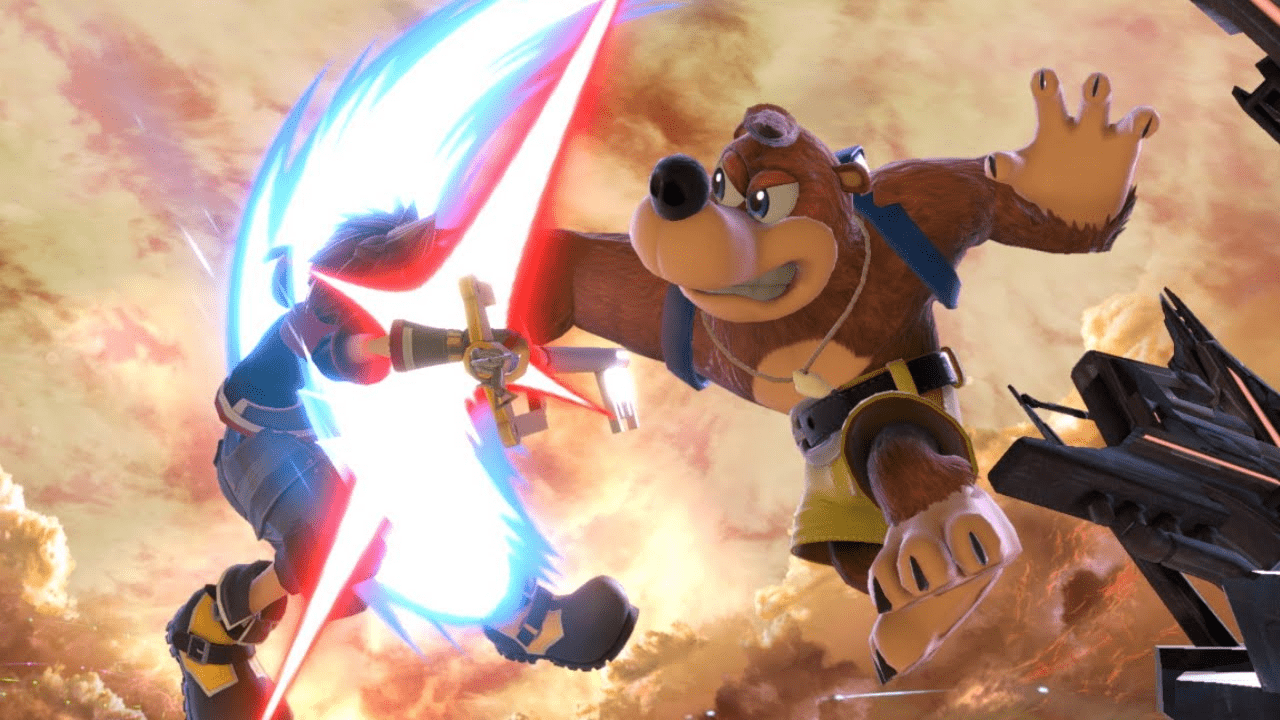
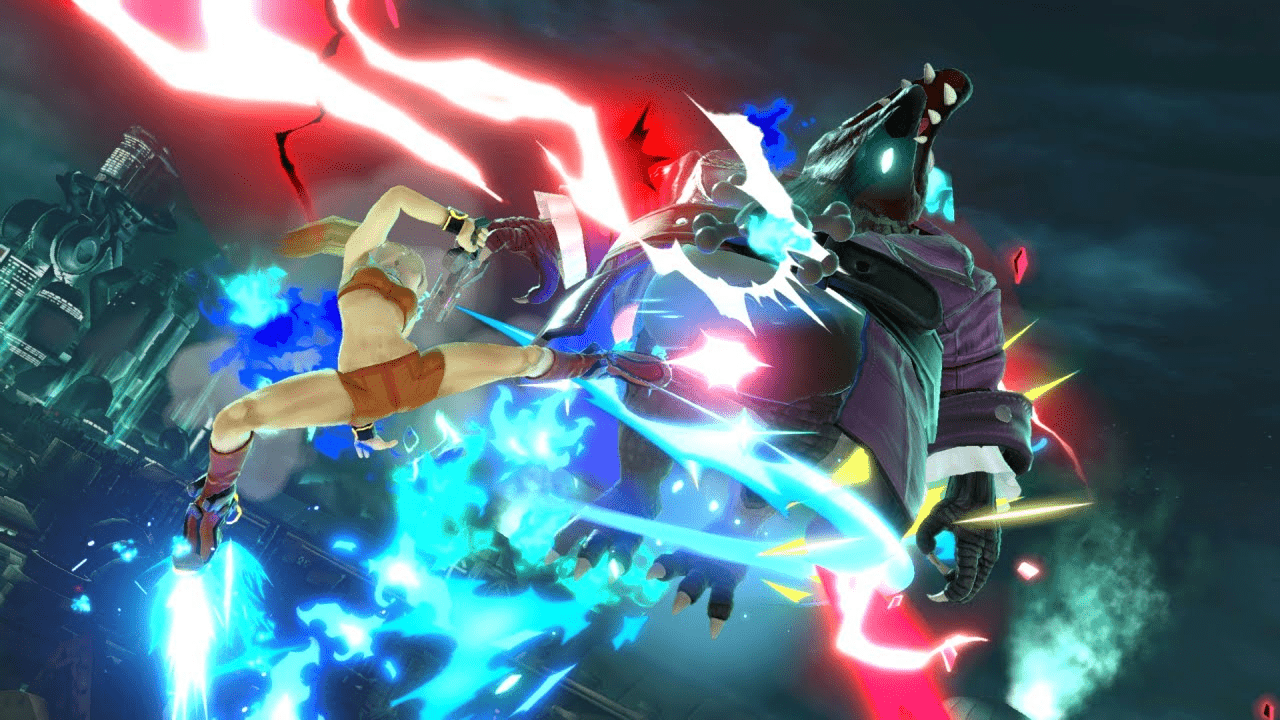
Screenshots