
NX Optimizer Switch
More actions
| NX Optimizer | |
|---|---|
 | |
| General | |
| Author | MaxLastBreath |
| Type | Hack Utilities |
| Version | 3.2 |
| License | CC BY-NC 2.0 |
| Last Updated | 2025/10/11 |
| Links | |
| Download | |
| Website | |
| Source | |
| Support Author | |
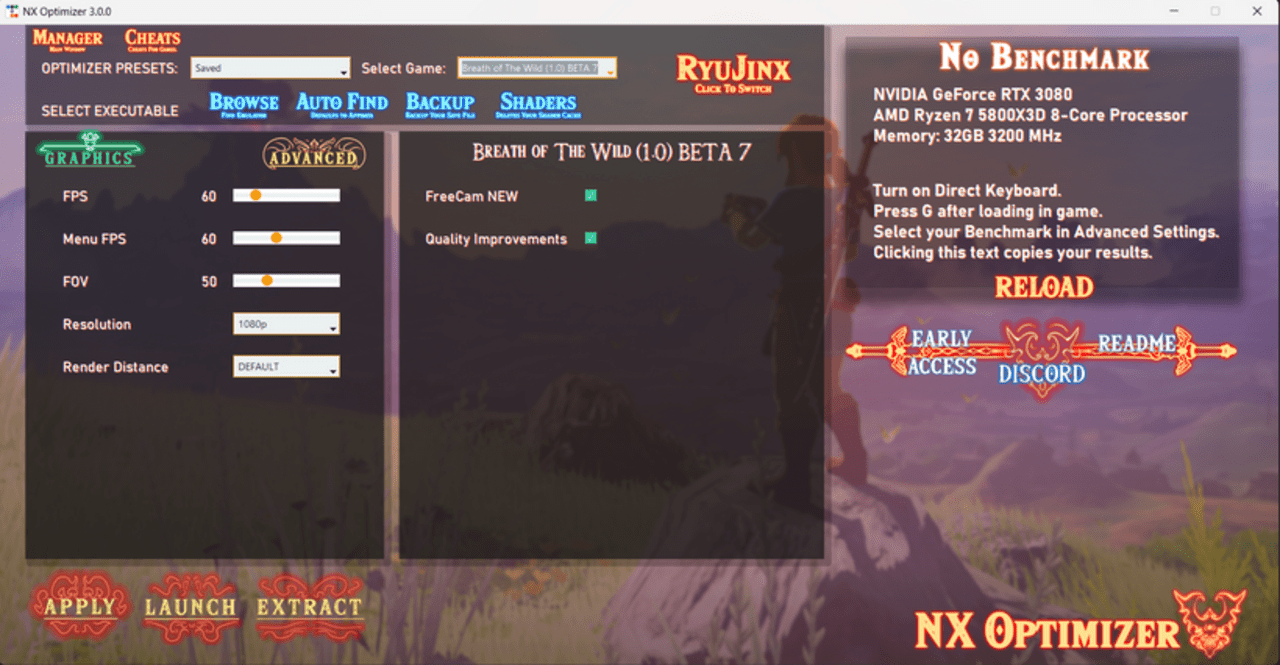
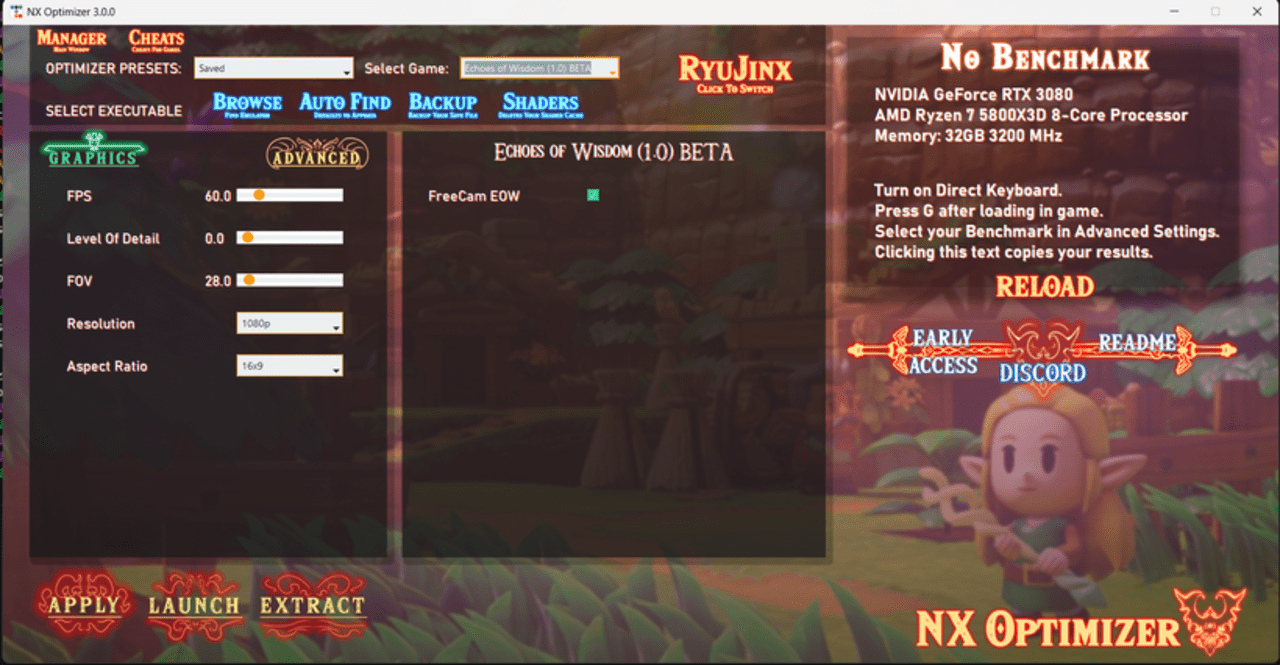
NX Optimizer, also known as TOTK-Optimizer, is an advanced mod manager and enhancement suite targeting popular Nintendo Switch games such as The Legend of Zelda: Tears of the Kingdom, Breath of the Wild, Echoes of Wisdom, and Link's Awakening. It installs the UltraCam mod, a complex code injection tool designed to improve framerate stability, enable dynamic framerates over 60 FPS, and introduce a feature-rich free camera system along with enhanced graphical options.
This project supports both original Switch hardware and emulators, allowing users to optimize gameplay performance and visuals with selectable presets tuned to their PC's hardware capabilities or Switch configuration.
Features
- Performance Optimization: Dynamic framerate control up to 480 FPS, triple buffering, and fixes for physics and menu speed issues caused by the original engine.
- UltraCam Free Camera: Advanced, feature-rich free camera with keyframe animation, FOV control, and smooth interpolation for cinematic captures.
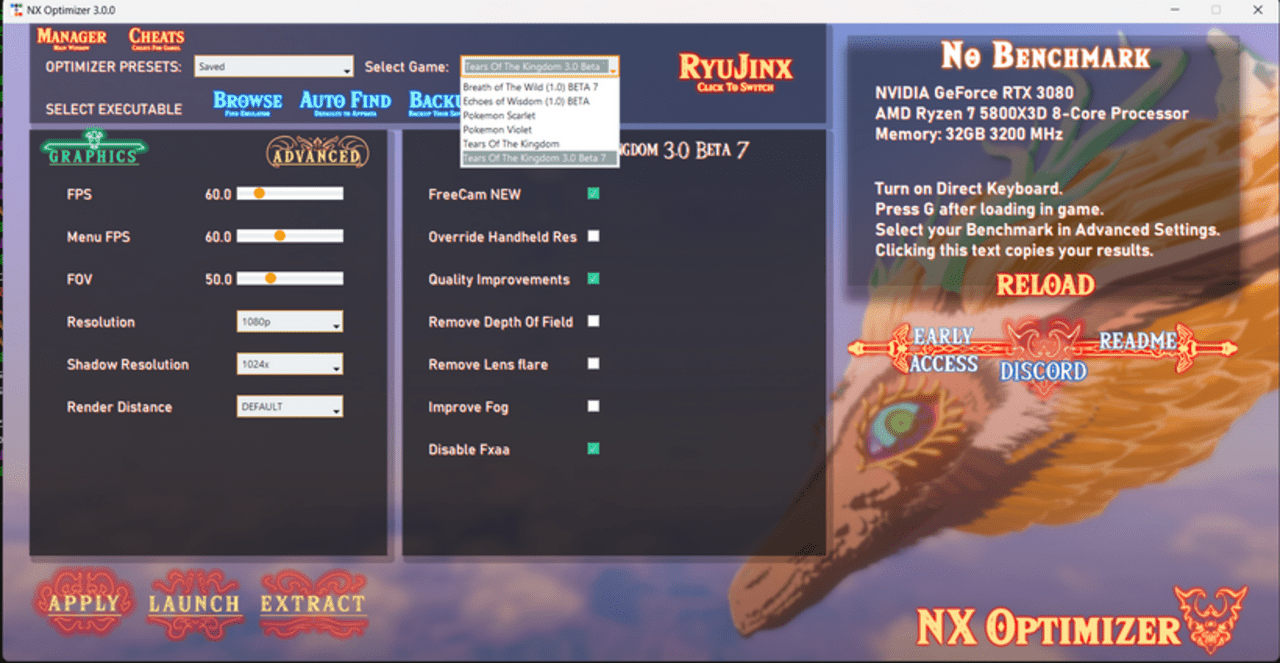
- Graphical Enhancements: Internal resolution scaling (up to 8K shadows), customizable fog and bloom, FXAA/FSR toggle, aspect ratio adjustments, and render distance controls.
- In-Game Overlay Menu: Accessed via F12 key or controller shortcut, provides real-time adjustment of settings, color grading presets (Calamity Presets), teleportation, auto-attaching gameplay enhancements, and benchmarking tools.
- Preset Support: Share and load custom color grading presets compatible with UltraCam and other visual mods.
- Memory Optimization: Automatically allocates game memory based on available system RAM to support higher resolutions and smoother performance.
- Cheat Integration: Support for cheats and gameplay enhancements through UltraCam Calamity integration.
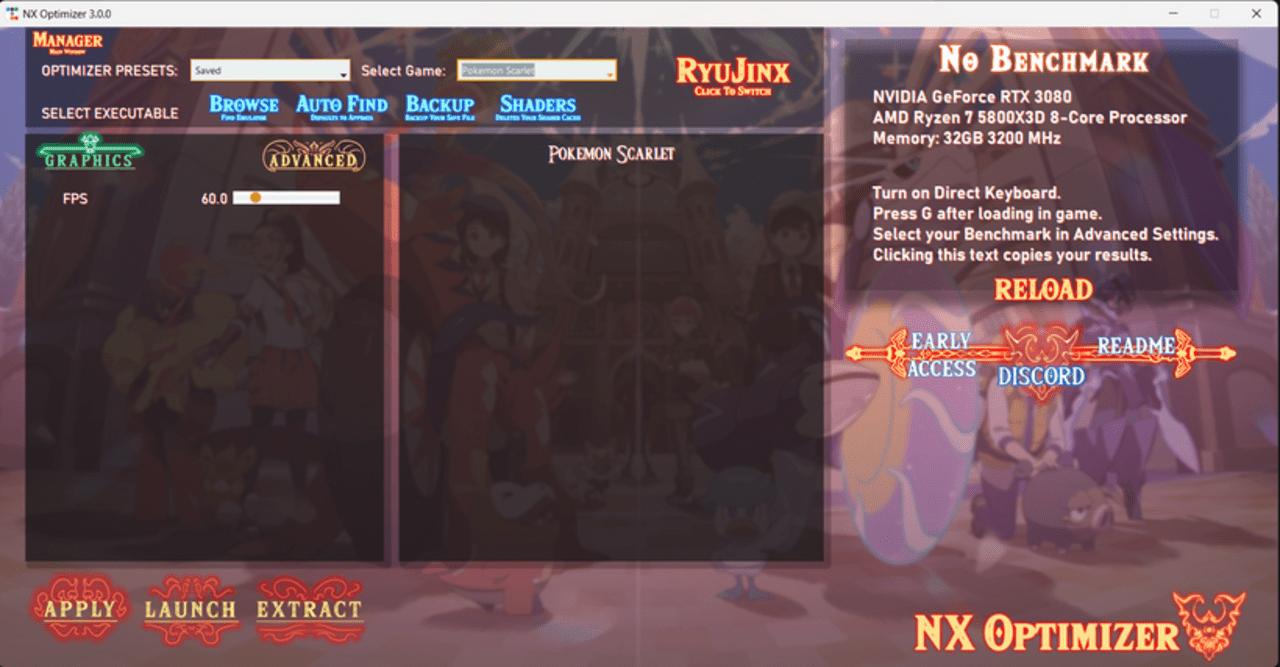
- Compatibility: Supports multiple games including various versions of Tears of the Kingdom, Breath of the Wild, Echoes of Wisdom, Pokémon Scarlet/Violet, and Xenoblade Chronicles X.
Quick Installation Guide
Download the Provided AppImage or .exe File from releases
- Please Read The Setup Guide
- Pre-Release versions (V1.0.0) Are NOT SUPPORTED.
- Run the executable.
- Select the game you want to run at the top right.
- Simply select a preset suitable for your PC configuration. The following presets are for. ()
- Low (900P)- GTX 1050ti/1060+. AMD Rx 570/580+
- Medium (1440P)- Gtx 1070/1660ti/2060. AMD Rx 5700+
- High (4K)- Gtx 1080/2070/3060/3070/3080+. AMD Rx 6700/6800/7800 (AT LEAST 8GB VRAM)
- Ultra (6K)- 3080ti/3090+. Rx 6800/7800/7800xt. (AT LEAST 12gb+ VRAM)
- EXTREME (8k)- 3090/4090. Rx 7900xt/7900xtx. (AT LEAST 16gb+ VRAM)
- If you desire further changes, feel free to tweak the settings.
- (WARNING) Select your Emulator executable if you are using them in portable MODE.
- Click apply and open the desired game from within your Emulator or Switch.
- Read the Setup-Guide for More Detailed Information.
If you can't get the AppImage to Open for Linux
- Right click, properties, permissions, run as executable
If you cant copy benchmark on Linux...
- Install xclip using the command below in Terminal
sudo apt install xclip
Supported Games - Full Game Information
- Tears Of The Kingdom Versions - 1.0.0 (PARTIAL), 1.1.0, 1.1.1, 1.1.2, 1.2.0, 1.2.1, 1.4.0 (PARTIAL), 1.4.1 (PARTIAL), 1.4.2
- Echoes Of Wisdom Versions - 1.0.1, 1.0.2
- Breath Of The Wild Versions - 1.6
- Pokemon Scarlet/Violet Versions - Latest
- Xenoblade Chronicles X Versions - 1.0.1, 1.0.2
Hotkey Controls
Media
How To Use the TOTK Optimizer | 2025
(Optimus Grizly)
Screenshots
|
|
Changelog
Click here for all the changelogs.
Credits
- Maintainer of the Project
- Credits and Special Thanks To
- MasaGratoR - Help and Insight with romfslite
- KeatonTheBot - Testing and Insight on Internal Resolution
- Jake - Testing
- Pixelkiri - Github Workflow
- MaxAnimatior - Testing and Moderation
- Nebroc - Discord Moderation
- Godzilla - Alpha Testing
- LotP - Supervising and Suggestions, Huge 1.4.X Progress on Emulation
- zqpvr01 - Alpha Testing
- smoking_mitch - testing and benchmarking
- Naga - Alpha Testing on 8GB switch
- Soul - Testing Public TOTK 3.0
- ArchLeaders - TKMM Implementation
- lordbubbles - TKMM Implementation and Testing romfslite, alpha Testing and UltraCam Preset
- Nautilus - Testing FreeCam and Suggestions
- OldManKain - Testing Xenoblade UltraCam
- Fl4sh - Testing, Suggestions, RE and UltraCam Preset
- Alciel - Testing on Mobile
- TheL - Testing on Switch, Server Moderation and Testing romfslite, provided video clips
- Hayate Yoshida - (JapanMan) Testing, Suggestions and Testing Aspect Ratios
- Colombianx - Testing and Suggestions for FreeCam, Provided cool Freecam Clips
- נֶצַח - Testing Public Release 3.0.0
- MetrosexualGarbodor - Testing UC Xenoblade X
- nvnprogram - Insight on nvn API
- Waikuteru - Testing, Suggestions and UltraCam Preset
- Echocolat - Testing and Suggestions
- Knightpotato - Testing and Awesome Short Videos to showcase some of the features
- Lockhart - Testing
- Vicho - Testing and Server Moderation
- Aster - Testing on Switch and UltraCam Preset
- Hoverbike - Testing
- DT - Reverse Engineering Insight
- Digital Dreams - Testing Depth Buffer fix for RTX
- mr.the - Testing and UltraCam Preset
- The Derrit - Testing Aspect Ratios, Suggestions and Bug Reports
- Gossip Geist - Testing and Suggestions
- пoктuas - Multiple 24H benchmarks on Switch Hardware
- xorpix - Testing
- Shadow - For letting me use the Exlaunch Framework privately and Lots of Insight in the past
- Greem - Testing
- Zephyron - Testing and Multiple Citron Features to help with Development
- Everyone that supported the project on Patreon/Kofi, Thank YOU
- ArtWork Credits:
- Cheat Credits:
- TOTK bad1dea
- EOW heydo6
- optantic
- WeWolv
- Grattler
- WilHiteWarrior
- Testerr
- Arch9SK7 (TOTK 1.4.2 Cheats)
- Switch modders, I'm thankful to.
- Also Thanks to Everyone that supported the Project on Kofi/Patreon :). =
- [1]