
Xenoblade DE Switch - Name Delocalization Patch
From GameBrew
More actions
| Xenoblade DE - Name Delocalization Patch | |
|---|---|
 | |
| General | |
| Author | rsc-pl |
| Type | Game Hacks |
| Version | 0.1 |
| License | N/A |
| Last Updated | 2025/03/29 |
| Links | |
| Download | |
| Website | |
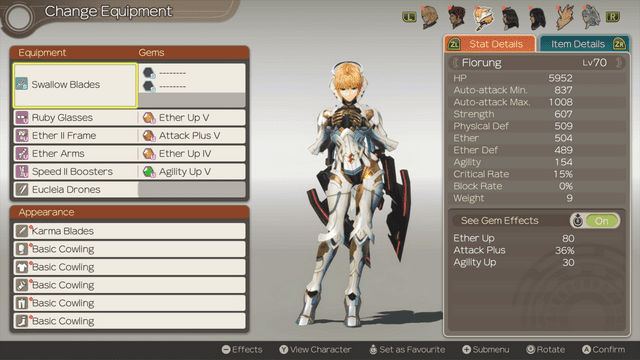
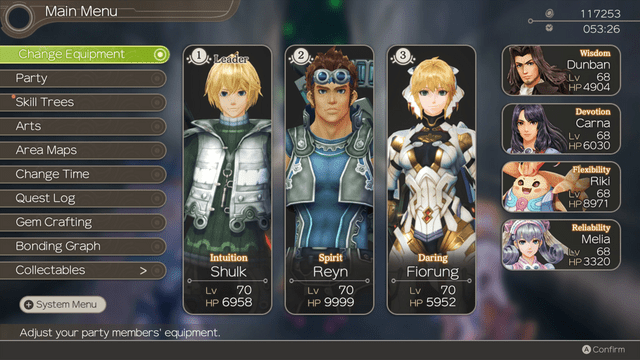
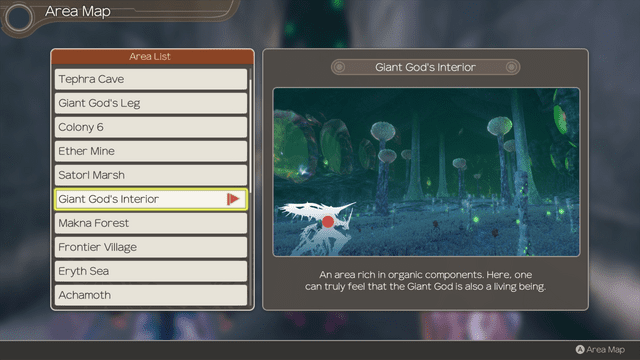
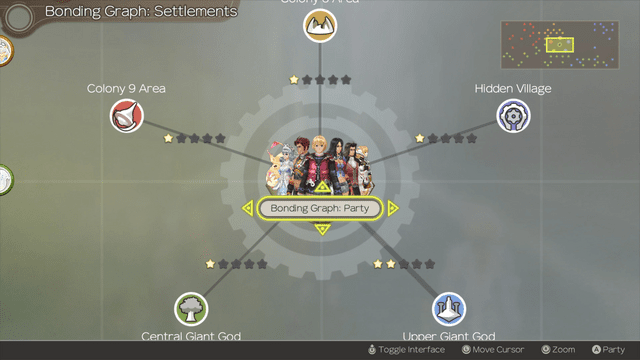
The Xenoblade Chronicles: Definitive Edition – Name Delocalization Patch is a fan-made modification for the Nintendo Switch version of Xenoblade Chronicles: Definitive Edition. Developed by GBAtemp user rsc-pl, the patch aims to restore character names, locations, and terminology to their original Japanese versions, addressing changes made during the game's Western localization.
The primary goal of the patch is to enhance authenticity by reverting names and terms altered in the Western localization, thereby preserving the original intent and cultural nuances of the Japanese version. This includes:
- Restoring original Japanese names for main and non-playable characters (NPCs).
- Reverting location and terminology changes to their original forms.
- Standardizing terminology across the Xenoblade series for consistency.
Installation
- The patch can be installed like any other mod:
- Download the patch archive from the provided link.
- Extract the contents to the appropriate directory for your platform:
- Nintendo Switch: Place the files in the atmosphere/contents/ directory on your SD card.
- Yuzu Emulator: Place the files in the load/ directory corresponding to the game's title ID.
- Ryujinx Emulator: Place the files in the mods/contents/ directory corresponding to the
Media
YOUTUBETITLE (YUOTUBE)
Screenshots
Changelog
v0.1
- First Release.