
WookReader Switch
More actions
| WookReader | |
|---|---|
 | |
| General | |
| Author | exorevan |
| Type | File Browsers |
| Version | 0.7.0 |
| License | GPL-2.0 |
| Last Updated | 2026/05/27 |
| Links | |
| Download | |
| Website | |
| Source | |
WookReader is a comic and e-book reader for the Nintendo Switch. It is a fork of eBookReaderSwitch with major improvements to performance, format support, and usability.
Features
- Format support - PDF, EPUB, XPS, CBZ, CBR, CBT, CB7.
- Reading modes - Portrait, Landscape, Vertical (fit-to-width), Spread (two-page comics).
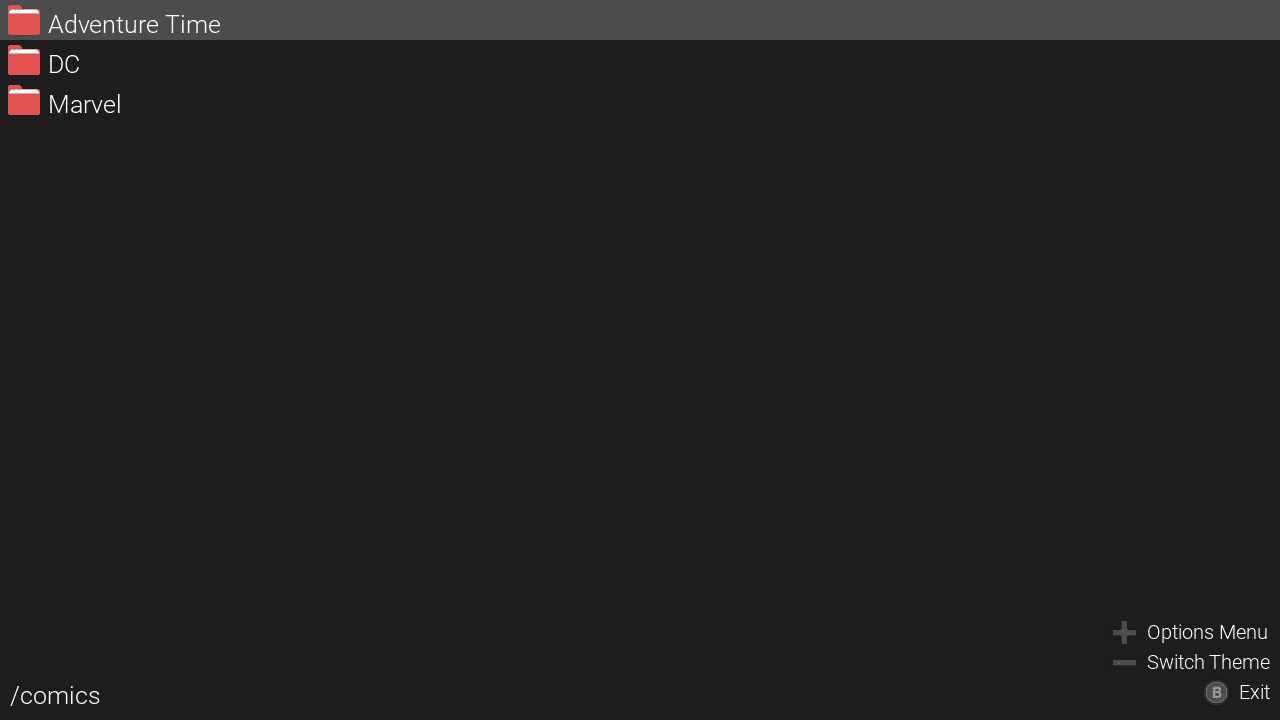
- Cover grid browser with folder navigation and thumbnail previews.
- Recently Opened virtual folder at root for quick access to the last 20 books.
- Async prefetch - next/previous pages pre-rendered for instant page turns.
- Raw image LRU cache - revisited pages load instantly.
- Early first-page display - cover shown in ~0.5s while large archives enumerate in background.
- Page-name disk cache - second+ open of any comic skips enumeration entirely.
- RAR3 fast enumeration - header-only scan (~50ms for 500MB solid RAR).
- Progressive navigation - flip through pages while archive is still scanning.
- Analog stick scrolling - full 360° proportional panning with left stick.
- Pinch-to-zoom and right-stick zoom.
- Swipe gestures - swipe to turn pages (direction matches current reading mode).
- Screen navigation buttons - on-screen previous/next overlays, auto-fade after 3 s.
- Pan locking - panning disabled when page fits the screen (no blank-space dragging).
- Notes per book - attach freeform text notes to any book or comic.
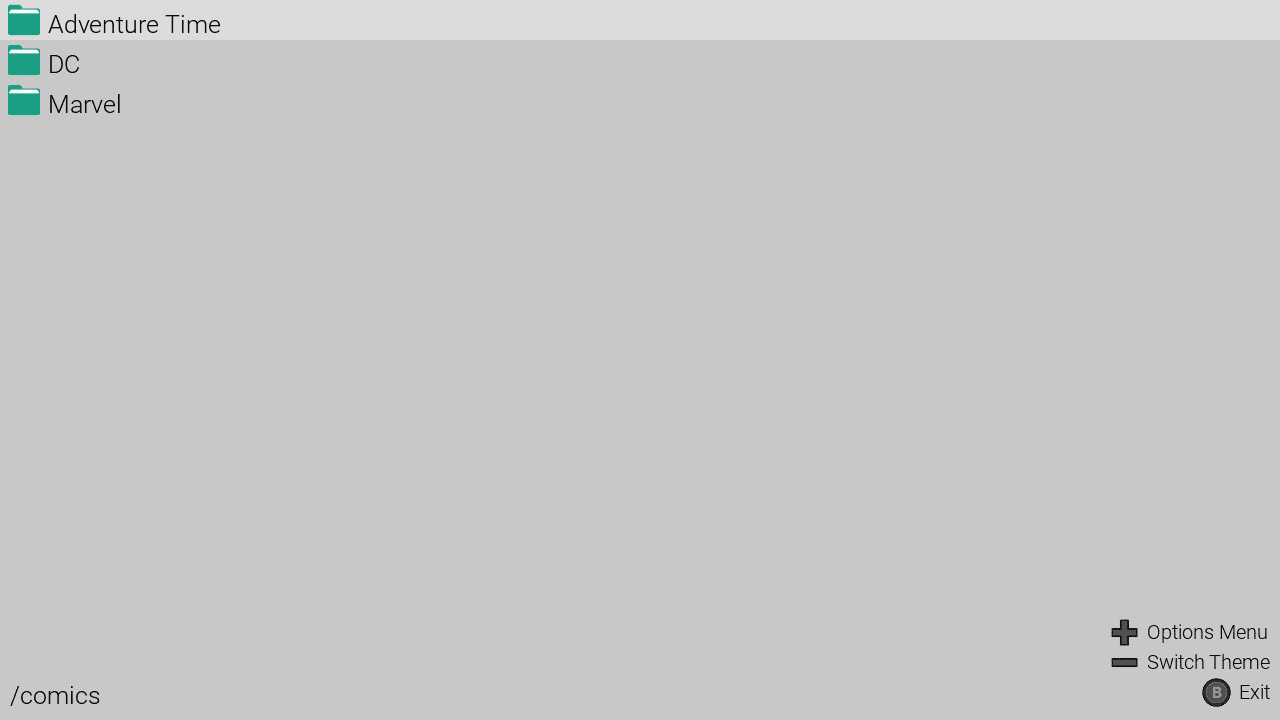
- Dark and light mode.
- Natural sort - files sort as 1, 2, 11 (not 1, 11, 2).
- Saves last page, orientation, and dark mode settings.
- Sorted file browser (folders first A-Z, files A-Z, case-insensitive).
Installation
Copy WookReader.nro to /switch/WookReader/ on the SD card.
Put your comics and books in folders inside /switch/WookReader/.
User guide
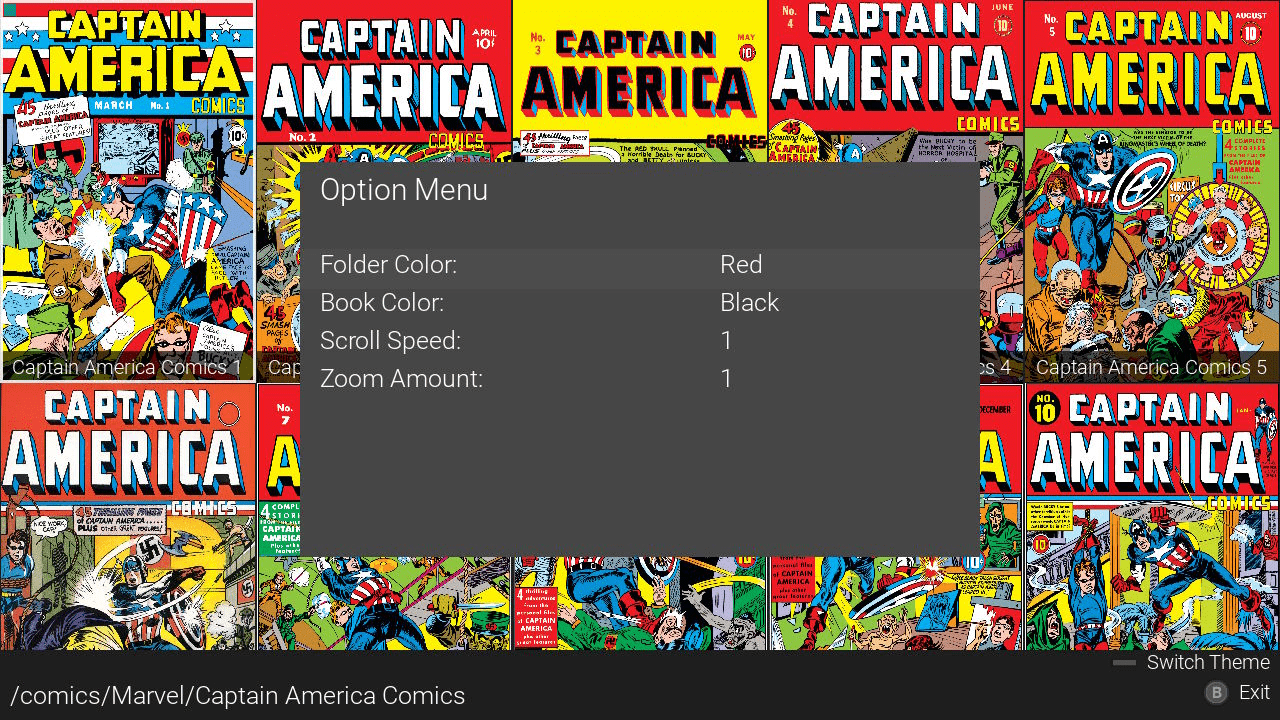
Open Options from the file browser with the Plus button:
- Scroll Speed - Left-stick and D-pad scroll distance per tick.
- Zoom Amount - Zoom step for ZL/ZR and D-pad zoom actions.
- Dark Mode Off - Invert page colours.
- Status Bar (Default: On) - Show page number and zoom level at bottom of screen.
- Screen Buttons (Default: Off) - On-screen previous/next buttons that fade after 3s.
Controls
Portrait/Vertical:
D-Pad Left/Right or ZL/ZR - Prev/Next page
D-Pad Up/Down - Zoom max/out
R+ZR/L+ZL - Skip 9 pages forward/back
SR/SL (Joy-Con) - Skip 10 pages forward/back
Right Stick Up/Down - Zoom in/out
Landscape:
D-Pad Left/Right or Up/Down - Prev/Next page
Right Stick Up/Down - Prev/Next page
ZL/ZR - Zoom out/Zoom in
R+ZR/L+ZL - Skip 9 pages forward/back
SR/SL (Joy-Con) - Skip 10 pages forward/back
View
Left Stick - Analog scroll 360° (panning disabled when page fits screen)
Left/Right Stick Click - Reset view (zoom + pan)
Y - Cycle layout (Portrait > Landscape > Vertical > Portrait)
X - Toggle status bar
Minus - Toggle dark/light mode
Touch
Portrait/Vertical:
Drag (1 finger) - Scroll/pan
Pinch (2 fingers) - Zoom
Swipe left/right (≥180 px) - Next/Prev page
Tap left or right edge - Prev/Next page
Landscape:
Drag (1 finger) - Scroll/pan
Pinch (2 fingers) - Zoom
Swipe up/down (≥180 px) - Prev/Next page
Tap top or bottom edge - Prev/Next page
Screen navigation buttons (if enabled in Options) follow the same left/right - top/bottom axis as the current layout.
Other
A - Go to page (number pad)
L - Open notes overlay for current book
A (notes open) - Edit note via on-screen keyboard
B - Exit notes overlay/exit reader
Plus - Toggle help overlay
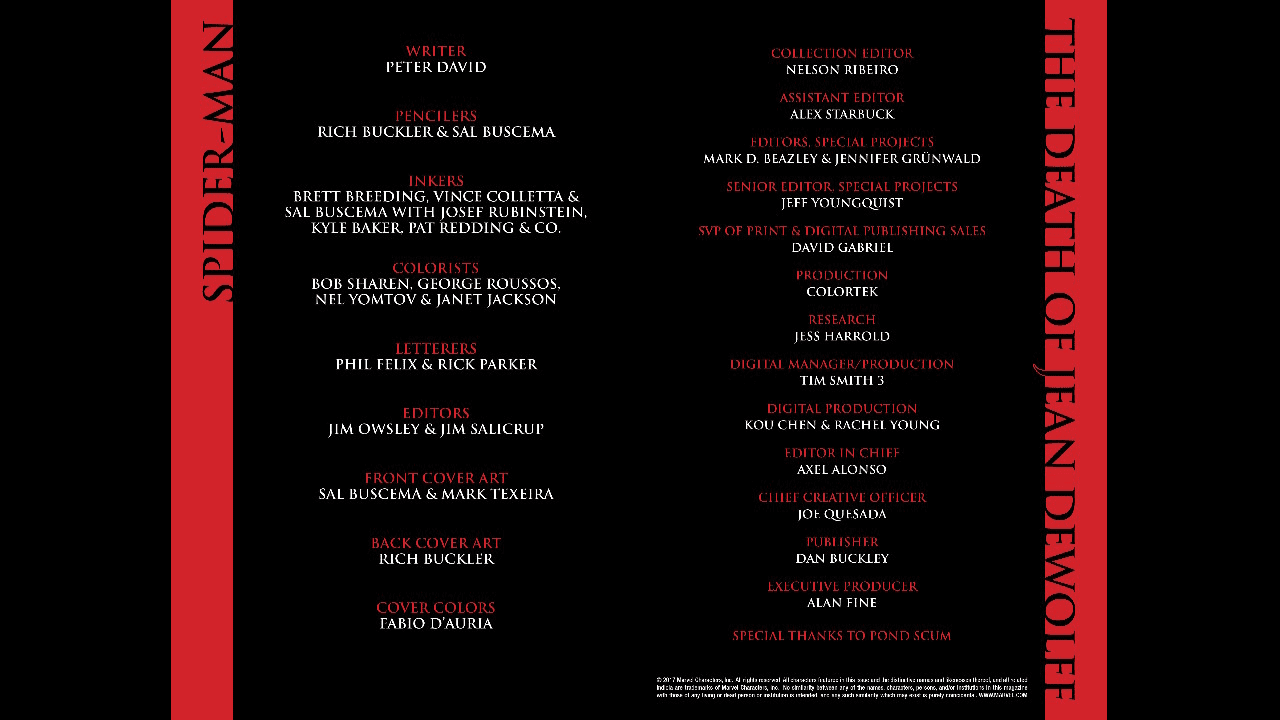
Screenshots
|
|
Changelog
v0.7.0 — Add touch control!
- Page swipes: Added swipe gestures for both vertical and horizontal modes (touchscreen and buttons). Customizable in the settings outside a book.
- Recent folder: Added a "Recent" folder that appears on startup and displays the last 4 opened files.
- Fixed bugs
v0.6.9 — Return of the rotation
- Accidentally the notes inside comics replaced the rotation. Sorry! Fixed it, now notes are working from button L.
v0.6.8 — Add notes
- Add notes for comics/books. You can open them in the folder or while reading!
v0.6.7 — Add comics support!
- Added comics support
- Fixed bugs
Credits
- moronigranja — expanded file format support
- NX-Shell Team — original application code base
- Papirus Icon Theme — folder/file icon design inspiration