
Defender II Vita
More actions
| Defender II Vita | |
|---|---|
 | |
| General | |
| Author | Rocroverss |
| Type | Strategy |
| Version | 1.01 |
| License | N/A |
| Last Updated | 2026/04/03 |
| Links | |
| Download | |
| Website | |
| Source | |
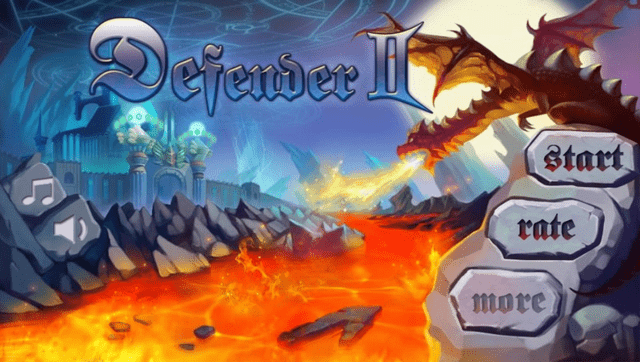
This is a native C++/VitaGL port of the Android game 'Defender II for the PlayStation Vita, developed by Rocroverss.
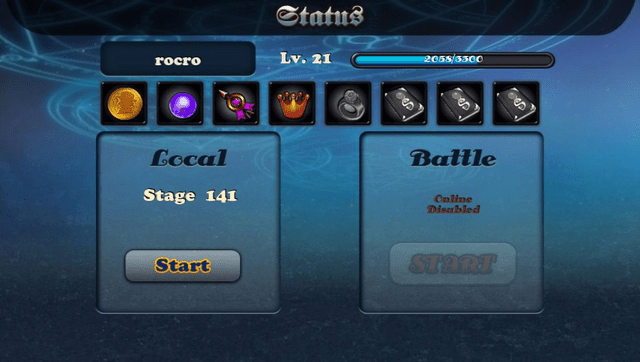
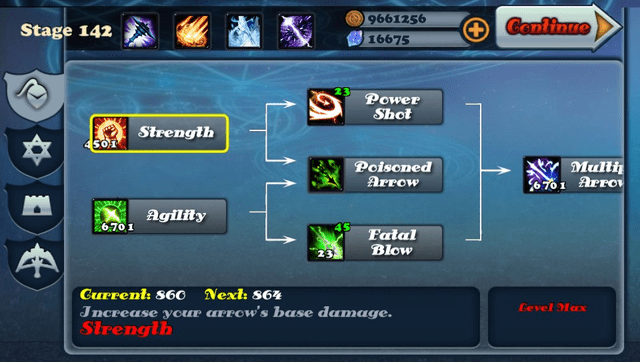
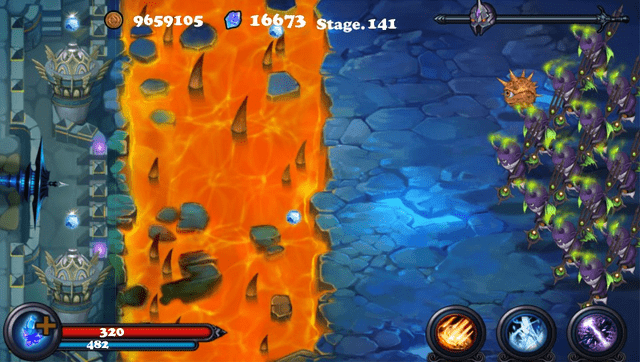
Defender II is a castle defense game in which the player protects their castle from endless waves of enemies using a bow and powerful magic. The player takes the role of the last defender, shooting arrows manually while upgrading strength, speed, and abilities. As the game progresses, enemies become stronger and more challenging, requiring the player to improve their skills and unlock new defenses such as magic towers and special powers.
This port does not ship the full original Android game data. To run the port, users must supply their own legally obtained copy of Defender II for Android (version 1.4.6).
Installation
Requirements:
- libshacccg.suprx
- A legal copy of the Defender II Android APK, version 1.4.6 (Google Play Store).
- Python 3 (to run the included patching tool)
Instructions:
- Install the release
.vpkfrom VitaDB or from the project's release package. - Obtain a legal copy of the Defender II Android APK, version 1.4.6.
- Run the patching tool with Python 3:
python apk_patcher.py - Use the tool to prepare the game data from your APK.
- Install the generated VPK, or copy the patched files into
ux0:/app/DDEF00001/.
The expected final file layout on the Vita is:
└── ux0:app/DEEF0001/
                ├── assets/
                ├── sce_sys/
                └── eboot.bin
Screenshots
Media
Defender 2 - Android (AndroidGamesVideo)
Changelog
v1.01
- Fixed an issue where the keyboard was not working on the tutorial.
- Added the O (circle) button as a back button.
v1.0
- First Release.