
Gangstar: West Coast Hustle Vita
More actions
| Gangstar: West Coast Hustle Vita | |
|---|---|
 | |
| General | |
| Author | Rinnegatamante |
| Type | Adventure |
| Version | 1.0 |
| License | MIT License |
| Last Updated | 2026/01/16 |
| Links | |
| Website | |
| Source | |
| Support Author | |
A PS Vita port/wrapper of Gameloft's open world crime game Gangstar: West Coast Hustle.
Installation
Requirements:
- libshacccg.suprx
- kubridge.skprx
- Android game data files
Instructions:
- Install Kubridge and FdFix by copying
kubridge.skprxandfd_fix.skprxto your taiHEN plugins folder (usuallyux0:tai) and adding two entries to yourconfig.txtunder*KERNEL:
  *KERNEL
  ux0:tai/kubridge.skprx
  ux0:tai/fd_fix.skprx
- Note: Don't install fd_fix.skprx if you're using rePatch plugin.
- (Optional) Install PSVshell to overclock your device to 500Mhz.
- Install
libshacccg.suprx, if you don't have it already, by following this guide. - Obtain your copy of "Gangstar: West Coast Hustle" legally for Android or Sony Xperia Play in form of an
.apkfile and an.obbfile. You can get all the required files directly from your phone or by using an apk extractor you can find in the play store. - Open the apk with your zip explorer and extract the file
libsanangeles.sofrom thelib/armeabifolder toux0:data/gangstar. - Open the obb with your zip explorer and extract the
gangstarfolder inside it inux0:data/gangstar.
How to get intro video to properly play:
- It is suggested to transcode the video with Handbrake: https://handbrake.fr/
- Import
ux0:data/gangstar/gangstar/intro.mp4into Handbrake. - Set 'Preset:' to Fast 480p30
- Under 'Summary' tab set 'Format' to MP4
- Under 'Video' tab, set 'Framerate' to 30 and Constant Framerate
- In 'Save As' field, set file extension to .mp4
- Click 'Start Encode' to proceed
- Replace the original file with the newly transcoded one.
Controls
Note: The port features partial physical buttons support via fake touch inputs sending. In order for the mapping to properly work, be sure that in Options -> Controls you have Wheel set to Stick and Throttle set to Pedals.
Left Analog - Move
Triangle - Aim/Interact with vehicles
Circle - Attack
Square - Backpedal (while in car)
Cross - Accelerate (while in car), Skip cutscenes
Start - Pause
L - Change Weapon
Screenshots
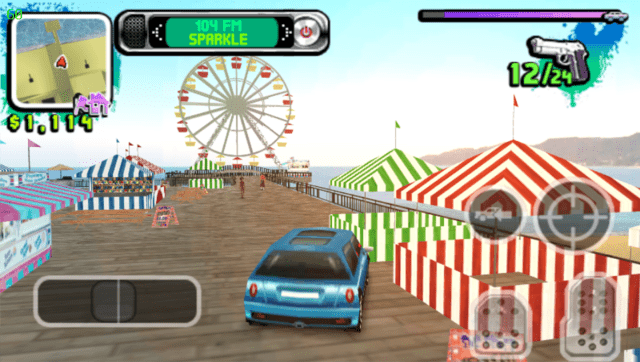
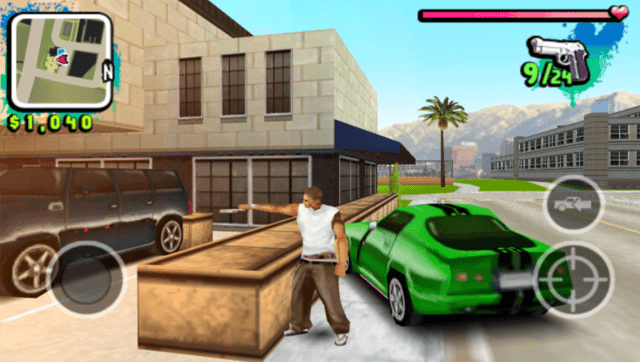
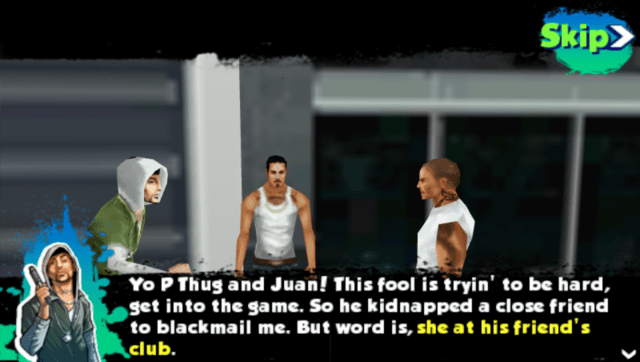
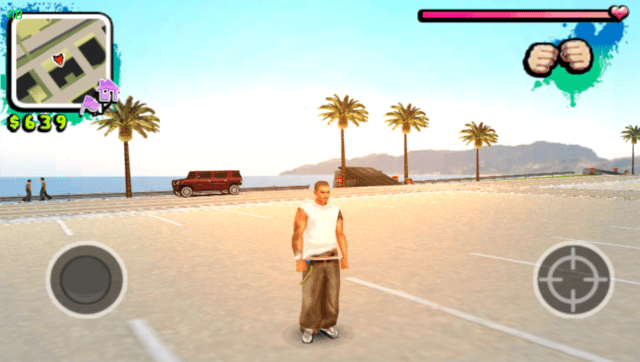
Media
Gangstar: West Coast Hustle - iPhone trailer by Gameloft (Gameloft)
Known issues
The game has audio issues with sounds playing when they shouldn't sometimes (especially with radio stations). You can pause and resume game to force a full audio system clear to workaround the issue.
Changelog
v1.0
- First Release.
Credits
- TheFloW for the original .so loader and initial port of the game.
- withLogic for testing the homebrew and providing screenshots.