
3DSoundboard
From GameBrew
More actions
| 3DSoundboard | |
|---|---|
 | |
| General | |
| Author | Sunrase |
| Type | Music Apps |
| Version | 1.0 |
| License | N/A |
| Last Updated | 2025/05/01 |
| Links | |
| Download | |
| Website | |
| Source | |
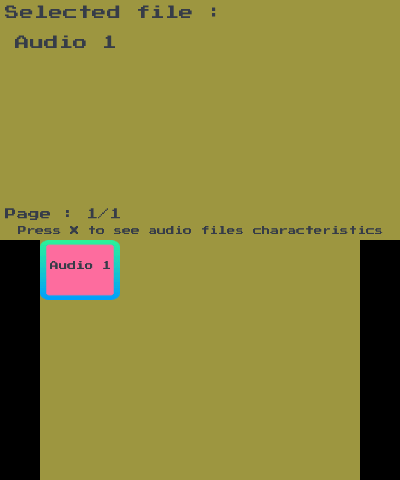
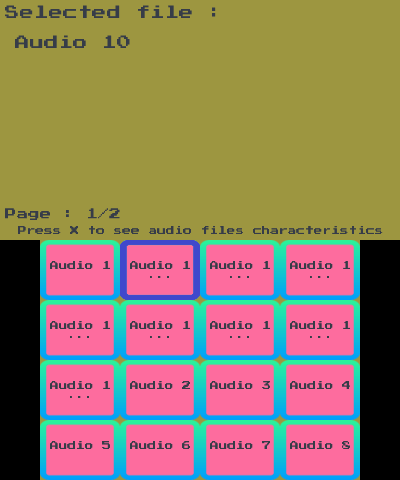
3DSoundboard is a Nintendo 3DS homebrew app that turns your handheld into a soundboard.
Installation
You have to dump the DSP firmware to play sounds. To do this:
- Open the rosalina menu (L + Down + Select).
- Then go for 'Miscellaneous options...' then 'Dump DSP firmware'.
Sounds must have these characteristics:
- Being in *.wav format.
- A sample rate set to 44100 Hz.
- Channels set to mono.
- Be placed in the '3DSoundboard' folder, which is in the '3ds' folder.
Limitations:
- Up to 64 files, the order can not be changed.
Screenshots
Changelog
v1.0
- First Release.