
Nsx Library Manager Switch
More actions
| Nsx Library Manager | |
|---|---|
 | |
| General | |
| Author | ivaano |
| Type | PC Utilities |
| Version | 0.4.1 |
| License | MIT License |
| Last Updated | 2025/02/16 |
| Links | |
| Download | |
| Website | |
| Source | |
The Nsx Library Manager is a PC utility to organize and visualize a Nintendo Switch library. The tool was created out of a desire for a data grid that allows easy filtering and sorting of games, and it offers the added convenience of server-based access from any device.
Features
- Web interface.
- Runs on Windows, Linux and Mac.
- Supports NSP, NSZ, XCI, XCZ files.
- Read a folder and analyze all the files.
- Extract metadata from the files, like name, size, titleId, publisher and Icon.
- Use titledb to aggregate more information.
- Create a database with all the information.
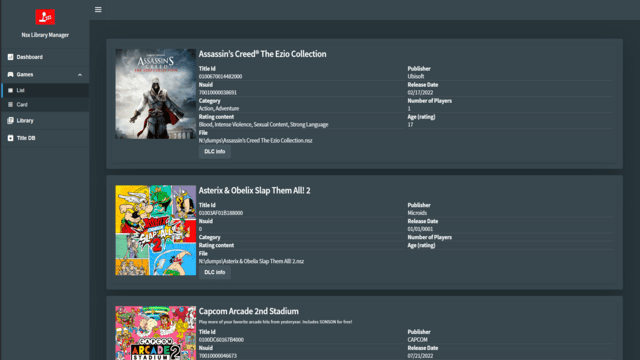
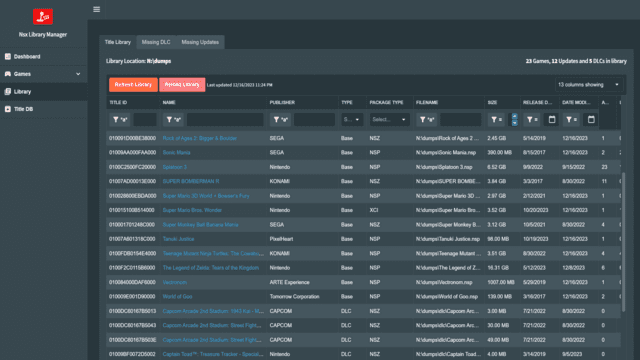
- Shows a list or grid of all your games.
- Filter by name, publisher, size, titleId, region, type, etc.
- Sort by name, publisher, size, titleId, region, type, etc.
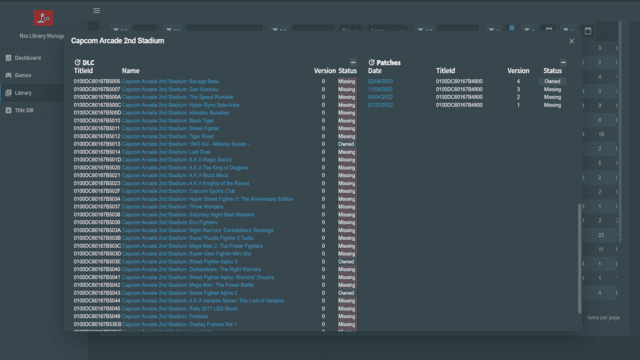
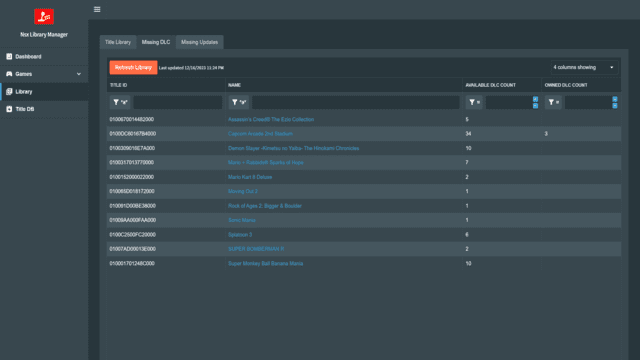
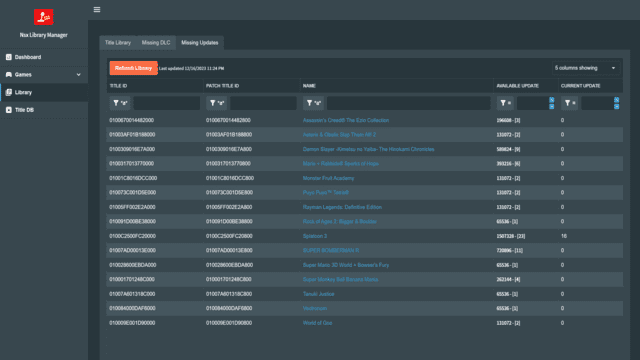
- List missing DLC or updates for your games.
- Local TitleDb, no need to download it every time.
Installation
Requirements:
- dotnet 8.0
- a recent browser (didn't worked on Edge 13)
- prod.keys
User guide
Run the NsxLibraryManager.exe file.
If you are running it for the first time, you will need to download the region, cnmts and version files.
Open your browser and go to http://localhost:5000.
On first run you will need to update titledb, go to Titledb and click on "Update Titledb" button.
After that, go to Library and click on "Reload Library".
If new files are added to your library, you can use the "Refresh Library" button to update the database.
Reload Library will drop the table and create it again.
Tip: To setup the port or the listening address, you can use the --urls parameter, for example ./NsxLibraryManager.exe --urls http://*:6666 will listen on any interface on port 6666.
Screenshots
Changelog
v0.4.1
- This release is a fix on the CI pipeline, no new changes have been added to the app, just matching the assembly info, but now new releases will be tagged properly and you can get the right image
v0.4.0.2
v.0.4.0.1
- readme screenshots update by @ivaano in #56
- Readme update by @ivaano in #57
- File structure organization by @ivaano in #58
- Age rating in library by @ivaano in #59
v0.4.0
- Fix docker permissions problem by @Darkangeel-hd in #26
- Publish to GHCR by @markp-mckinney in #39
- Features/sqlite version by @ivaano in #55
- Library now show title categories
- No need to edit config.json file anymore, download the app and run it, the configuration can be done on the settings page
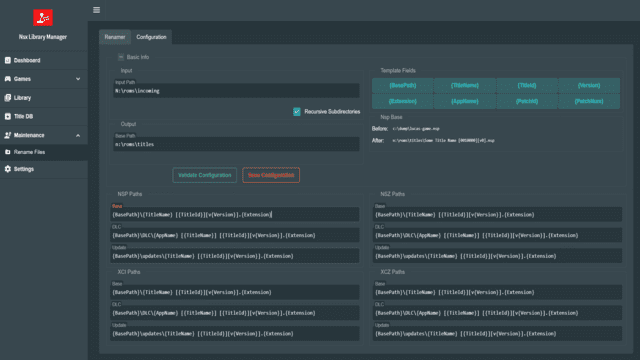
- New standalone renamer called bundle renamer, this renamer focus is to have all the related titles (base, patch, addon) in one place.
- New placeholders to the package renamer, package rename is used if you want to have your titles organized by conten type.
- New Library renamer, for now this will only work with the new collections field, collections is a user generated input so you can group titles
- by collection, it works like the bundle renamer you can have all related titles in one place and group them together by collection.
- Delete empty folders after the rename process has run, this is per renamer and you can enable disable this feature.
- Better handling of invalid characters when renaming.
- Titlecase naming for folders of renamed titles.
- Improvements to the age rating system, now instead of just the age the esrb will be shown on detail title.
- Added ability to filter by titleid or name in GameList and GameCard pages, making it easier to find your games.
- Added more fields to the library grid.
- Added new Find Duplicates function, it will find all titles that are the same, useful for removing old patches or duplicate titles, the delete has * A backup function so anything you delete is moved to the backup folder.
- Added the ability to rate your library titles
- Added the ability to export/import your data (user rating, and title collections), so if you want to reload the database you don't lose your ratings.
v0.3.1
- Config save fix by @ivaano.
v0.3.0
- Libraries updates.
- Dockerfile modification.
- Titledb Insertbulk reduced to chunks of 1k to decrease memory while importing.
- Titles that are not in cnmt are marked as unknown, marking them as base if titleid ends in 000.
- TitleDb Categories filter.
- Saving grid settings on library grid.
- Rename now creates subdirectories if needed.
- Config now read from config directory the default will be titledb so it can be mounted in docker.
v0.2.0
- License by @ivaano.
- Renamer initial release by @ivaano.
- Settings moved to config by @ivaano.
v0.0.1
- First Release.
- Features/odata service.
- Features/component refactor.
- Libhac Update.
- Deltas for faster library updates.
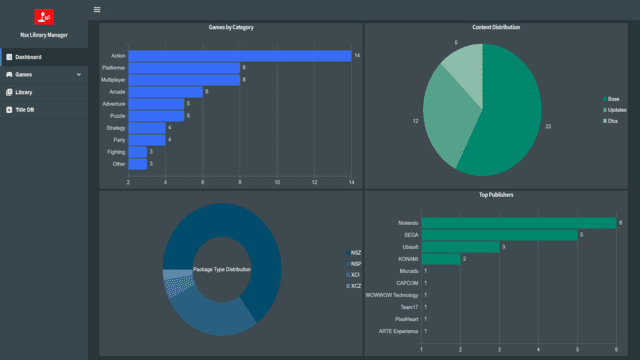
- Dashboard.
- Added game list page, and game card to easy browse games in library.
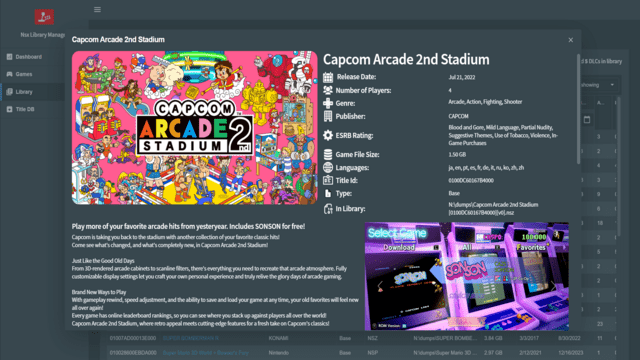
- Library Title detail moda.
- Move title detail in library to a modal.
- Versions update.
- Readme updates.
Credits
- Libhac For the amazing library to read nintendo switch files.
- Titledb For the excellent database with all the information.
- LiteDb
- Radzen.Blazor