3DS-TEST: Difference between revisions
From GameBrew
More actions
No edit summary |
No edit summary |
||
| Line 1: | Line 1: | ||
{{Infobox 3DS Homebrews | {{Infobox 3DS Homebrews | ||
|title=Button Testing | |title=Button Testing | ||
|image= | |image=3dstest2.png | ||
|description=3DS-TEST, a button/pad tester for 3DS and 2DS systems. | |description=3DS-TEST, a button/pad tester for 3DS and 2DS systems. | ||
|author=16BitWonder | |author=16BitWonder | ||
Revision as of 07:17, 24 November 2021
| Button Testing | |
|---|---|
 | |
| General | |
| Author | 16BitWonder |
| Type | Utilities |
| Version | 1.0 |
| License | Mixed |
| Last Updated | 2017/11/12 |
| Links | |
| Download | |
| Website | |
| Source | |
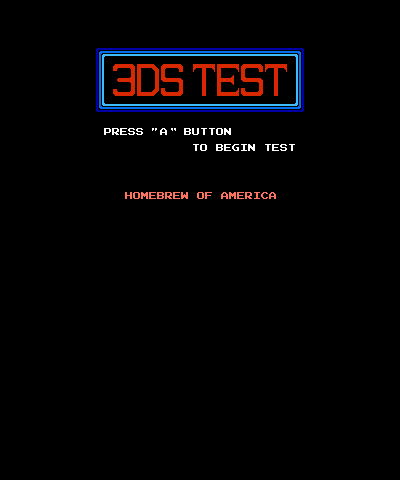
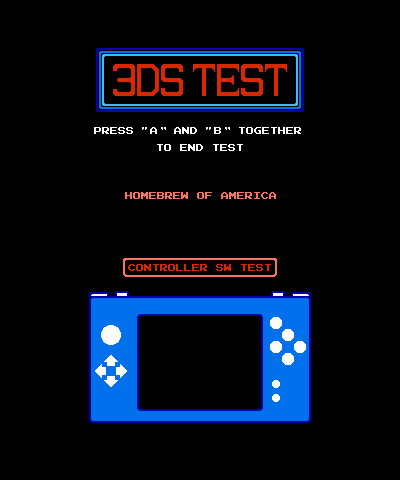
3DS-TEST is a homebrew button/pad tester for the 3DS and 2DS systems, styled after Nintendo's NES-TEST. Made in Lua with LövePotion.
Features
- 8-Bit goodness.
- Button testing action.
- Sound for each button.
- 3DSX and CIA build (TID: 0004000000C64A00).
Installation
Available as a CIA and 3DSX.
- CIA - Install the .cia with the CIA manager of your choice.
- 3DSX - Copy the 3DS-TEST folder to the 3ds folder on your SD card and run via homebrew launcher.
User guide
You press the button or slide the pad in a certain direction and it will light up on screen and make a sound indicating it's working.
When you're done testing your buttons you can exit the application by pressing both A and B.
Controls
Any and all of them (Home button is not tested).
A+B - Exit application
Screenshots