DSLiero: Difference between revisions
From GameBrew
More actions
No edit summary |
No edit summary |
||
| Line 43: | Line 43: | ||
===Themes=== | ===Themes=== | ||
* Themes are files containing information about all weapons and objects in the game. | * Themes are files containing information about all weapons and objects in the game. | ||
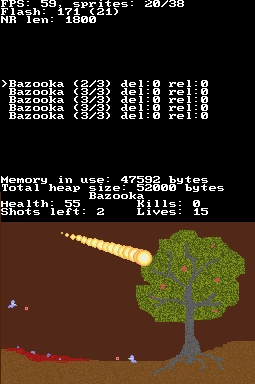
* | * They are stored in SD:/Data/DSLiero/Themes/. Without a theme file (*.thm), you can only shoot explosion-trailed bazookas, so you might want to have at least one. | ||
* To change theme, select Theme... in the Game Options menu, where to browse theme collection for the theme player wants to use. | * To change theme, select Theme... in the Game Options menu, where to browse theme collection for the theme player wants to use. | ||
* To create a theme, it's easiest to use DSLiero Theme Editor, which can be found on the official [http://dsliero.dennisvanzwieten.com/ DSLiero website]. | * To create a theme, it's easiest to use DSLiero Theme Editor, which can be found on the official [http://dsliero.dennisvanzwieten.com/ DSLiero website]. | ||
| Line 63: | Line 63: | ||
===Level editors=== | ===Level editors=== | ||
Levels can be up to 9 screens big (max 3x3), and can use the following textures: | Levels can be up to 9 screens big (max 3x3), and can use the following textures: | ||
'''Dirt types:''' | |||
* Dirt - Default dirt color. | |||
* Green - Greenball color. | |||
* Red - Blood color. | |||
* Shell - Shell color. | |||
* Worm - Worm1 color. | |||
'''Rock types:''' | |||
* Gray - Default rock color. | |||
'''Eraser types:''' | |||
* Erase - Sets color to 0 (transparent). | |||
* Background - Background color. | |||
Levels can also use any of the other colors in the palette, using the following types: | Levels can also use any of the other colors in the palette, using the following types: | ||