Frotz-PSP: Difference between revisions
From GameBrew
More actions
No edit summary |
No edit summary |
||
| Line 29: | Line 29: | ||
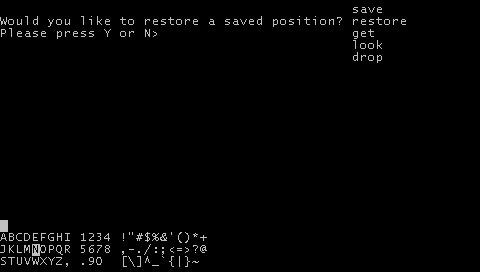
When the application starts it will open a file selection dialog allowing you to choose the story file you want to play. | When the application starts it will open a file selection dialog allowing you to choose the story file you want to play. | ||
If you prefer to auto-load a story file, place said story file on the root of your Memory Stick and name it | If you prefer to auto-load a story file, place said story file on the root of your Memory Stick and name it "story.file". This will be automatically loaded and the file select dialog will be skipped. | ||
===How to play=== | ===How to play=== | ||