Frotz-PSP: Difference between revisions
From GameBrew
More actions
No edit summary |
|||
| Line 31: | Line 31: | ||
If you prefer to auto-load a story file, place said story file on the root of your Memory Stick and name it ""story.file"". This will be automatically loaded and the file select dialog will be skipped. | If you prefer to auto-load a story file, place said story file on the root of your Memory Stick and name it ""story.file"". This will be automatically loaded and the file select dialog will be skipped. | ||
===How to play=== | |||
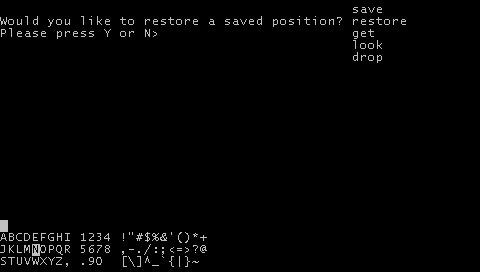
With Interactive Fiction, you type your commands in plain English each time you see the prompt which looks like this | With Interactive Fiction, you type your commands in plain English each time you see the prompt which looks like this | ||
| Line 53: | Line 52: | ||
A beginner's guide is available at [http://www.microheaven.com/IFGuide Microheaven]. | A beginner's guide is available at [http://www.microheaven.com/IFGuide Microheaven]. | ||
===Basic Commands=== | |||
>BRIEF | >BRIEF | ||
This command causes the game to fully describe a location only the first time you enter it. | This command causes the game to fully describe a location only the first time you enter it. | ||
| Line 127: | Line 125: | ||
This command can often be abbreviated to Z. | This command can often be abbreviated to Z. | ||
===Where to find Interactive Fiction games=== | |||
[http://www.infocom-if.org/downloads/downloads.html The Zork trilogy] which has been released as freeware. Just copy the DATA/ZORK*.DAT files to your PSP. | [http://www.infocom-if.org/downloads/downloads.html The Zork trilogy] which has been released as freeware. Just copy the DATA/ZORK*.DAT files to your PSP. | ||