PSP7800: Difference between revisions
From GameBrew
More actions
| Line 27: | Line 27: | ||
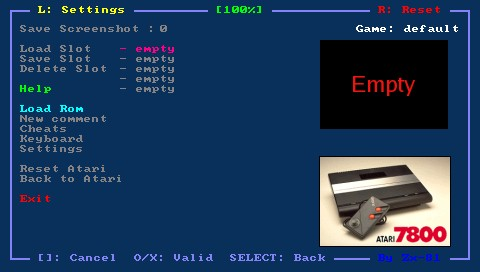
Put your rom file (with .zip or .a78 file extension) on your PSP Memory Stick in the roms directory, and go to Load ROM from the emulator main menu. | Put your rom file (with .zip or .a78 file extension) on your PSP Memory Stick in the roms directory, and go to Load ROM from the emulator main menu. | ||
You can use the virtual keyboard in the file requester menu to choose the first letter of the game you search (if you have tons of games in the same folder). Use the Run key of the virtual keyboard to launch the rom. | You can use the virtual keyboard in the file requester menu to choose the first letter of the game you search (if you have tons of games in the same folder). | ||
Use the Run key of the virtual keyboard to launch the rom. | |||
===Cheat Code (CHT)=== | ===Cheat Code (CHT)=== | ||