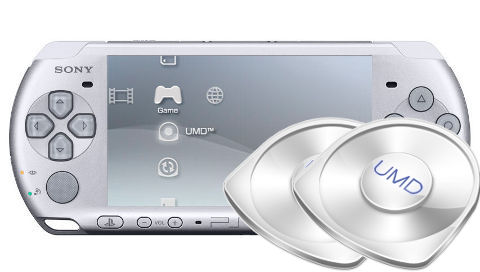
ISOchange PSP: Difference between revisions
From GameBrew
More actions
No edit summary |
No edit summary |
||
| Line 26: | Line 26: | ||
==User guide== | ==User guide== | ||
===How to use=== | ===How to use=== | ||
Rename the ISO files that you intend to use with the plugin. | Rename the ISO/CSO files that you intend to use with the plugin. | ||
* DISC1 - xxxx1.iso (cso) | * DISC1 - xxxx1.iso (cso) | ||
* DISC2 - xxxx2.iso (cso) | * DISC2 - xxxx2.iso (cso) | ||
Start the game. When disc replacement screen appears during the game, | Start the game. When disc replacement screen appears during the game, press Home button then press the combination keys to switch discs. | ||
===Supported Drivers=== | ===Supported Drivers=== | ||
| Line 42: | Line 42: | ||
==Controls== | ==Controls== | ||
Home+L+R - Switch between | Home+L+R - Switch between disks | ||
==Compatibility== | ==Compatibility== | ||
| Line 53: | Line 53: | ||
==External links== | ==External links== | ||
Author's | * Author's Tweet - https://twitter.com/plum_429/status/184922700219822080 | ||
Author's | * Author's Tweet - https://twitter.com/plum_429/status/79500502135603200 | ||
[[Category:PSP homebrew applications]] | [[Category:PSP homebrew applications]] | ||
[[Category:PSP homebrew plugins]] | [[Category:PSP homebrew plugins]] | ||