
Gamepad Overlay Switch: Difference between revisions
From GameBrew
More actions
No edit summary |
No edit summary |
||
| Line 4: | Line 4: | ||
|description=A gamepad overlay for the Nintendo Switch. | |description=A gamepad overlay for the Nintendo Switch. | ||
|author=etonedemid | |author=etonedemid | ||
|lastupdated=2026/ | |lastupdated=2026/07/04 | ||
|type=Utilities | |type=Utilities | ||
|version=1.0. | |version=1.0.4 | ||
|license=N/A | |license=N/A | ||
|download=https://dlhb.gamebrew.org/switchhomebrews/GamepadOverlaySwitch.7z | |download=https://dlhb.gamebrew.org/switchhomebrews/GamepadOverlaySwitch.7z | ||
| Line 41: | Line 41: | ||
== Changelog == | == Changelog == | ||
'''v1.0.4''' | |||
* Fixed [https://github.com/etonedemid/gamepad-overlay-nx/issues/2 #2]. | |||
'''v1.0.3''' | '''v1.0.3''' | ||
* Added group positioning and preset support. | * Added group positioning and preset support. | ||
Latest revision as of 04:09, 5 July 2026
| Gamepad Overlay | |
|---|---|
 | |
| General | |
| Author | etonedemid |
| Type | Utilities |
| Version | 1.0.4 |
| License | N/A |
| Last Updated | 2026/07/04 |
| Links | |
| Download | |
| Website | |
| Source | |
| Support Author | |
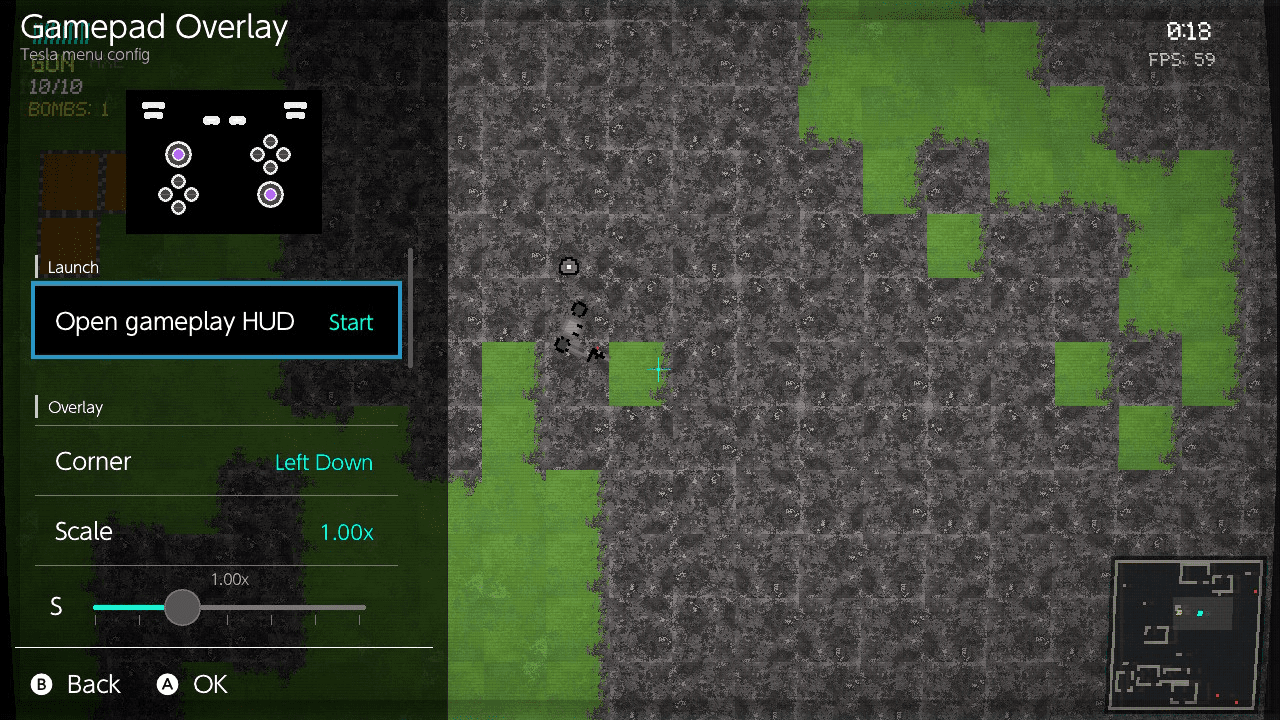
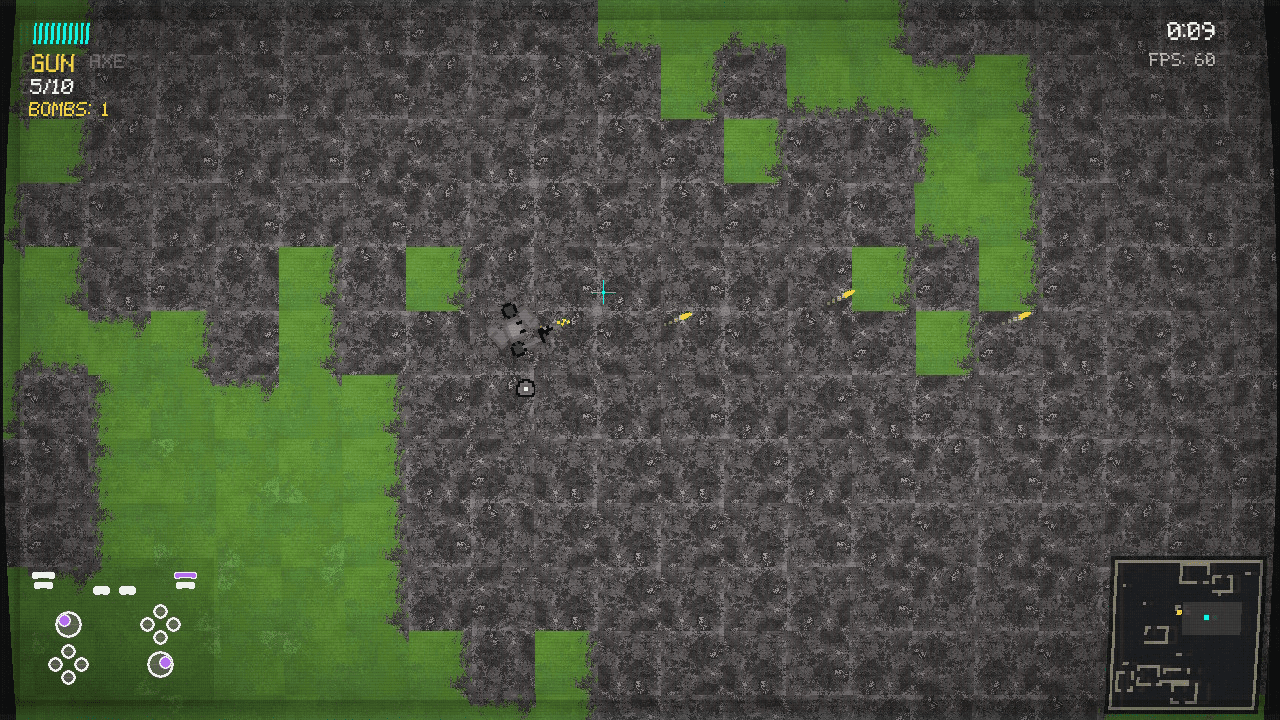
Gamepad Overlay is a Nintendo Switch Tesla overlay that shows a compact live preview of gamepad inputs.
Features
- Live controller preview
- Customizable corner, scale, highlight color, and backdrop alpha
Installation
Requirements:
Install:
- Copy
gamepadoverlay.ovlto/switch/.overlays/on the SD card.
Screenshots
|
|
Changelog
v1.0.4
- Fixed #2.
v1.0.3
- Added group positioning and preset support.
v1.0.2
- Reference libtesla as git submodule and apply your custom patches via Makefile, so build "just works"
- Include Docker build script
- Pressing "B" now closes the overlay menu like standard, not custom "X" which can be confusing
- Gamepad overlay continues to ignore "B", while on overlay key combo, it shows config menu instead of closing entirely
- Home button still ignored
- System overlays like power menu are still usable
v1.0.1
- Gamepad Overlay v1.0.1
v1.0.0
- Initial public release of Gamepad Overlay for Tesla.