
Tico Switch: Difference between revisions
More actions
No edit summary |
No edit summary |
||
| Line 4: | Line 4: | ||
|description=The first custom emulation frontend for Nintendo Switch. | |description=The first custom emulation frontend for Nintendo Switch. | ||
|author=dantiicu | |author=dantiicu | ||
|lastupdated=2026/02/ | |lastupdated=2026/02/18 | ||
|type=Other Emulators | |type=Other Emulators | ||
|version=0. | |version=0.5.0-alpha | ||
|license=tiicu | |license=tiicu | ||
|download=https://dlhb.gamebrew.org/switchhomebrews/ticoSwitch.7z | |download=https://dlhb.gamebrew.org/switchhomebrews/ticoSwitch.7z | ||
Revision as of 03:33, 22 February 2026
| tico | |
|---|---|
 | |
| General | |
| Author | dantiicu |
| Type | Other Emulators |
| Version | 0.5.0-alpha |
| License | tiicu |
| Last Updated | 2026/02/18 |
| Links | |
| Download | |
| Website | |
| Source | |
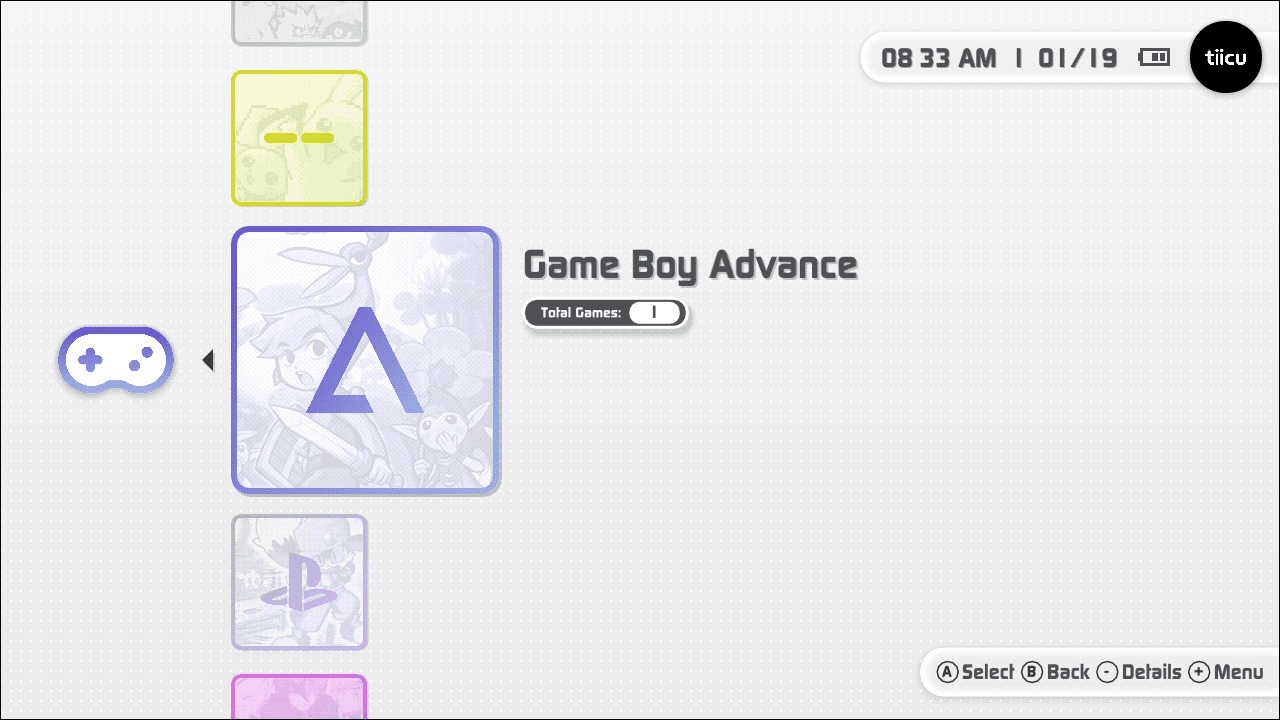
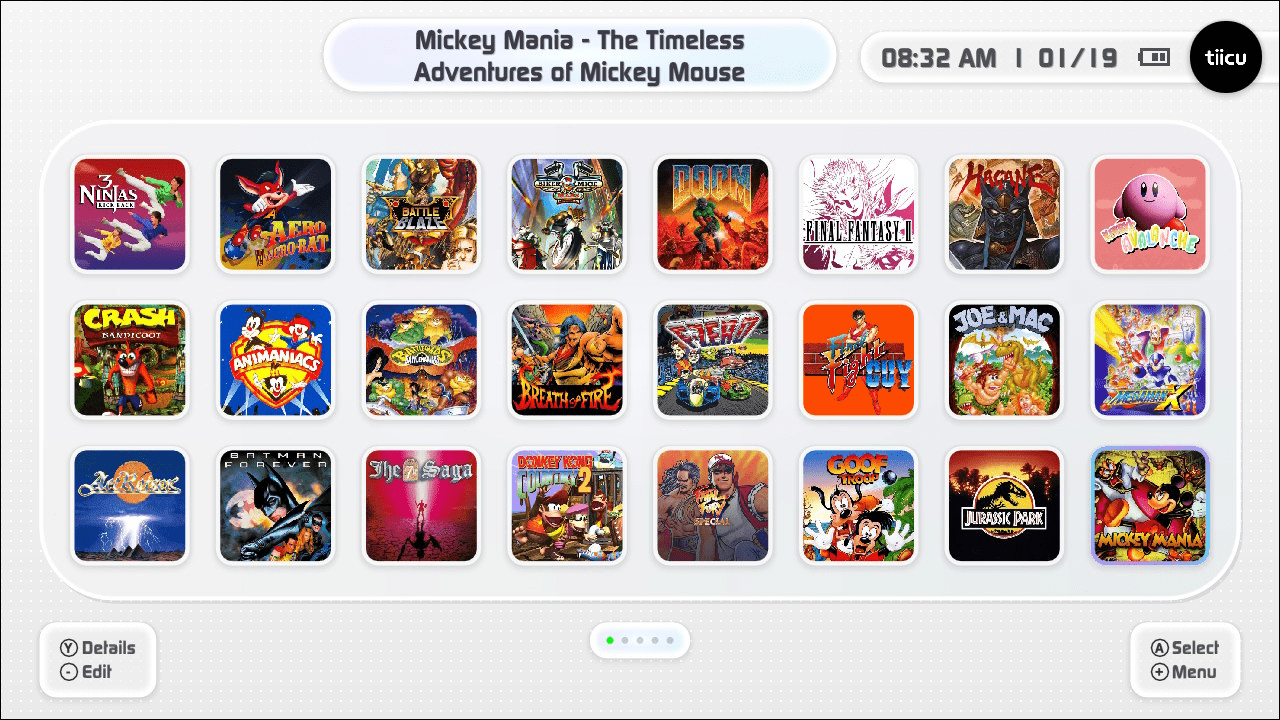
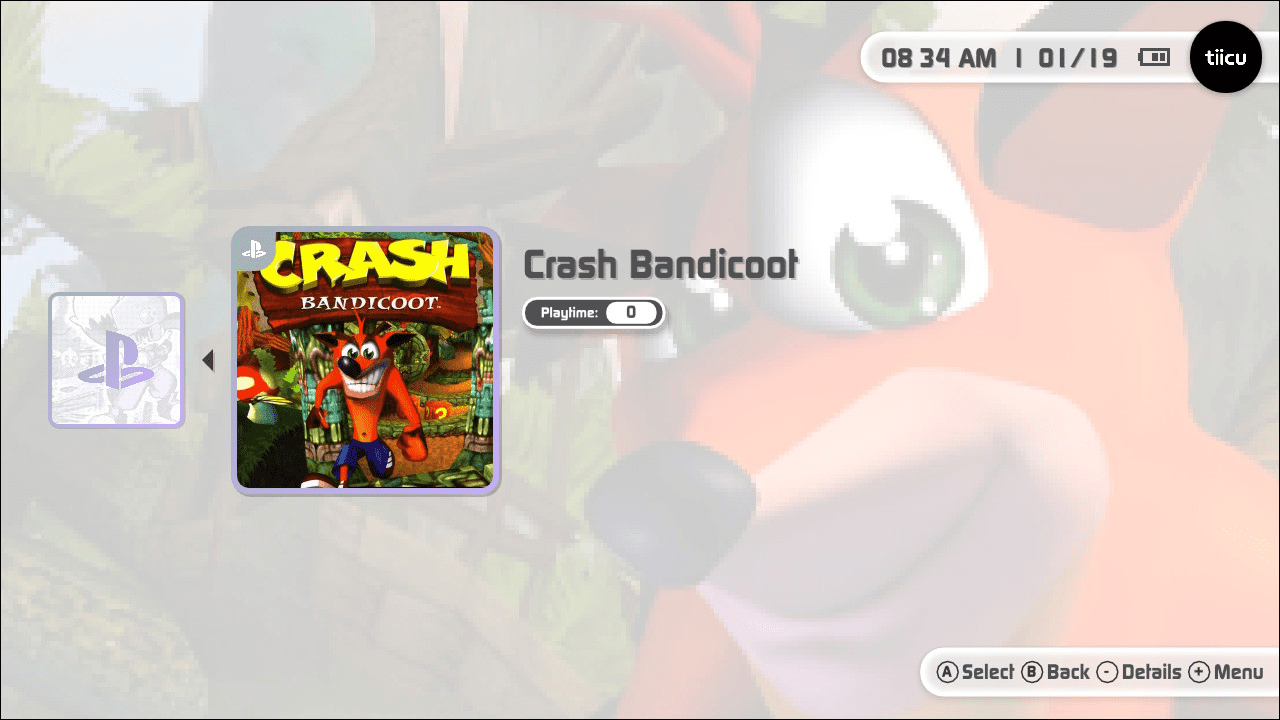
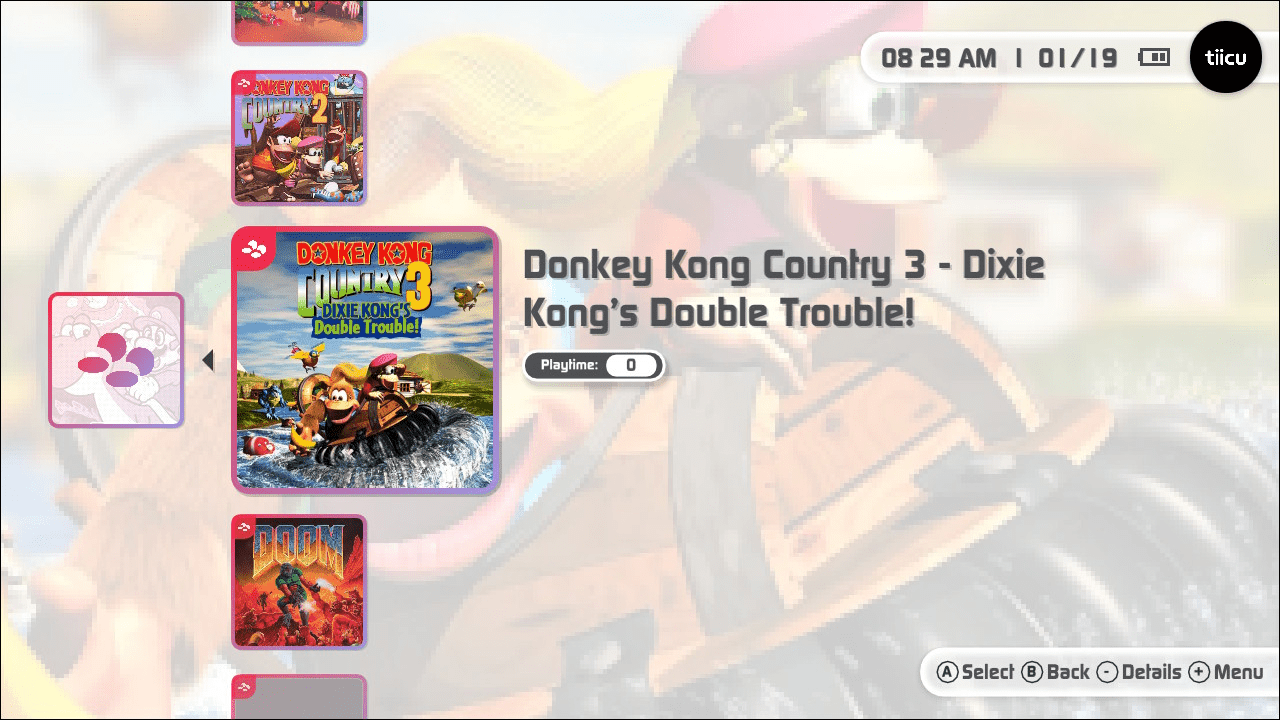
Tico is the first custom emulation frontend for Nintendo Switch — a controller-first, native C++ interface designed for performance, simplicity, and long-term portability.
User guide
tico is a multi-platform emulation frontend focused on delivering a console-quality user experience.
Instead of file browsers, configuration menus, and fragmented tools, tico provides a unified interface that automatically organizes games, manages assets, and launches embedded emulator cores with zero user configuration.
It is designed to feel like a real console UI — not a development tool.
What tico does not include
tico does not include:
- ROMs
- BIOS files
- System firmware
- DRM circumvention tools
Users are responsible for legal ownership of games and compliance with local laws.
Features
Interface
- Redesigned UI with full dark mode
- Home screen with customizable game shortcuts and a dedicated favorites page
- Dynamic customizable cards — use custom images as console covers with swappable symbols and backgrounds
- Unified multi-console launcher
- Controller-first navigation
- Instant library loading with intelligent caching
- One-button rescan system
- Nintendo Switch account integration (avatar and nickname displayed in the interface)
- SteamGridDB integration — download cover art directly from the tico interface (API key required from steamgriddb.com)
Settings
- Comprehensive Settings screen with General, Display, Audio, Gamelist, and Emulator sections
- General settings: clock format (12-hour or 24-hour), ROM root directory picker with in-app folder navigation
- Per-core aspect ratio settings with unified display modes: 4:3, 16:9, Stretch, Integer 1×, and Integer 2×
- Per-core display configuration
Game Management
- Automatic No-Intro and Redump naming support
- Auto-organization by system and region
- Direct pinning from library to home screen
- Structured save and asset directories
Embedded and External Emulator Cores
- Built-in, statically linked cores
- External core support for flexible management, easier updates, and licensing compliance
- Resume app state support for external cores
- No manual installation
- No configuration required
- Optimized builds for Nintendo Switch
System
- Auto directory initialization — tico creates the complete folder structure for all supported consoles on first launch
- BIOS validation — tico checks for required BIOS files before launching a game and displays a clear error if any are missing
Architecture
- Written in modern C++
- Native performance
- No scripting languages
- No heavy frameworks
- Designed for long-term portability
Supported Systems
- Game Boy (GB)
- Game Boy Color (GBC)
- Game Boy Advance (GBA)
- Nintendo Entertainment System (NES)
- Super Nintendo Entertainment System (SNES)
- PlayStation 1 (PS1)
- PlayStation Portable (PSP)
- Sega Dreamcast (DC)
- Sega Saturn
- Sega Game Gear
- Sega Master System
- Sega Mega Drive (Genesis)
- Sega CD
Installation
- Copy the tico folder to the root of your SD card
- Place tico.nro inside the switch folder
- Launch any game while holding R to open the Homebrew Menu
- Open tico
- Enjoy
Note: On first launch, tico auto-generates its full directory structure. After opening tico once, reconnect your Switch to a PC or phone to copy ROMs, saves, and BIOS files into the correct locations.
Important: tico does not work in applet mode.
Migrating from earlier versions
The project directory has been renamed from tiicu to tico. Existing users must:
- Navigate to the root of the SD card
- Rename the tiicu folder to tico
- Move custom assets: sdmc:/tiicu/covers → sdmc:/tico/assets/covers and sdmc:/tiicu/backgrounds → sdmc:/tico/assets/backgrounds
All ROMs, saves, states, and configuration will remain intact.
Note: If you have a custom ROM path set via the old custom_roms_path field in roms.json, migrate your path through the new Settings interface — that field is deprecated and will be ignored.
Directory Structure
ROMs should be organized in the following structure:
sdmc:/tico/roms/{console}/
sdmc:/tico/assets/covers/{console}/
sdmc:/tico/assets/backgrounds/{console}/
sdmc:/tico/saves/{console}/
sdmc:/tico/states/{console}/
Where {console} can be: gb, gbc, gba, nes, snes, psx, psp, dc, saturn, game-gear, master-system, genesis, sega-cd
Artwork must match ROM names (without extension) and must be in JPG format.
Custom ROM Path
You can set a custom ROM root directory through the built-in Settings screen under General Settings. Use the in-app folder navigation to select your preferred ROM root directory.
Note: Changing the ROM root path invalidates existing caches; a one-time rescan will be required.
Inside your custom path, keep consoles separated in their respective folders.
BIOS Requirements
PlayStation (PS1)
Place one of the following BIOS files in: sdmc:/tico/system/psx/
- scph5501.bin
- scph5502.bin
- scph5500.bin
- scph1001.bin
Sega Saturn
Place one of the following BIOS files in: sdmc:/tico/system/saturn/
- saturn_bios.bin
- sega_101.bin
- mpr-17933.bin
Dreamcast
Place the following BIOS file in:
sdmc:/tico/system/dc/
- dc_boot.bin — Dreamcast Boot ROM
Sega Systems
All Sega BIOS files should be placed in:
sdmc:/tico/system/sega-cd/
Sega CD / Mega CD:
- bios_CD_U.bin — Sega CD (NTSC-U)
- bios_CD_E.bin — Mega CD (PAL)
- bios_CD_J.bin — Mega CD (NTSC-J)
Super Nintendo (Satellaview)
For Satellaview games on SNES:
- Copy BS-X.bin to: sdmc:/tico/system/snes/
Controls
- Use D-PAD Left/Right to navigate between home screen pages
- Use L or R to swap between docked screens
In-Game
- Press + and - together to suspend gameplay and access game options
- Configure aspect ratio settings per-core for optimal display
Sega Saturn
- Press ZL and − to switch between Standard Pad and 3D Pad
Configuration
Settings Screen
The built-in Settings screen provides access to:
- General Settings — Clock format, ROM root directory
- Display Settings — Visual preferences
- Audio Settings — Sound output and volume controls
- Gamelist Settings — Library organization and display options
- Emulator Settings — Per-core configuration
Core Settings
PSP core settings can be customized at:
sdmc:/tico/config/cores/ppsspp.jsonc
Core improvements include:
- PPSSPP (PSP): 2x resolution rendering, 60fps support
- SwanStation (PS1): 2x resolution rendering, TrueColor mode enabled
- SNES9x (SNES): Overclock mode (Compatible), Flicker Reduction, Sinc Audio Resampling
- mGBA (GBA): Smart Color Blending, No Frameskip
- Gambatte (GB/GBC): Ghosting Reduction, Sinc Audio Resampling
- Flycast (Dreamcast): Seamless handheld-to-docked transitions, 1080p docked mode
- Beetle Saturn (Saturn): 720p/1080p output, FXAA, Scanlines, Bilinear filters, Standard Pad and 3D Pad support
Screenshots
|
|
Changelog
0.5.0-alpha 2026/02/18
- New: Sega Saturn support (720p/1080p, 60fps 2D / 30fps 3D, Standard Pad and 3D Pad, FXAA/Scanlines/Bilinear filters)
- New: SteamGridDB integration — download cover art directly from the interface (API key required)
- New: General Settings section (clock format, ROM root directory picker with in-app folder navigation)
- New: Unified aspect ratio display modes across all cores (4:3, 16:9, Stretch, Integer 1×, Integer 2×)
- New: Auto directory initialization on first launch for all supported consoles
- New: BIOS validation — checks for required BIOS files before launching and displays clear error messages
- Improvement: Flycast seamless handheld-to-docked transitions, fixed 1080p docked resolution
- Improvement: Expanded PS1 BIOS compatibility (scph5501.bin, scph5502.bin, scph5500.bin, scph1001.bin)
- Improvement: Simplified Dreamcast BIOS requirement (dc_boot.bin only)
- Changed: Custom ROM path configuration via roms.json is deprecated — use the Settings interface instead
- Various minor fixes and stability improvements
0.4.0-alpha 2026/02/10
- Redesigned: Complete visual overhaul with new UI, refined colors, and sleek iconography
- Redesigned: Full dark mode across the entire application
- New: Dynamic customizable cards — custom images as console covers, swappable symbols and backgrounds
- New: Nintendo Switch account integration (avatar and nickname)
- New: Comprehensive Settings screen (Display, Audio, Gamelist, Emulator)
- New: Sega Dreamcast support
- New: Favorites page opens automatically on launch
- New: Per-core aspect ratio settings (stretch or integer scaling)
- New: External core support for flexible management and licensing compliance
- New: Resume app state support for external cores
- Changed: Project directory renamed from tiicu to tico
- Changed: Asset directories moved under sdmc:/tico/assets/
- Changed: Navigation — D-PAD Left/Right swaps home screen pages, L/R navigates docked screens
0.3.0-alpha 2026/01/23
- Fixed: Custom ROM paths now work correctly
- Fixed: Moving shortcuts no longer creates duplicates
- Fixed: PlayStation analog stick/axis controls now function properly
- Improvement: "Add to homescreen" automatically navigates to first available page
- New: Alert notification when all home screen pages are full
- New: Sega Game Gear support
- New: Sega Master System support
- New: Sega Mega Drive (Genesis) support
- New: Sega CD support
- New: PSP CHD format support
- New: Advanced PPSSPP settings customization via config file
0.0.2 2026/01/20
- Major: ROM scanning no longer strictly enforces No-Intro or Redump naming
- New: Custom ROM path configuration support
- New: NES (Nintendo Entertainment System) support
- Improvement: Desktop items now animate gracefully on startup
- Improvement: Consoles organized alphabetically in launcher
- Improvement: Better animation when entering games
- Bugfix: Shortcuts no longer disappear when deleting or moving other shortcuts
- Core: PPSSPP 2x resolution rendering, 60fps support
- Core: SwanStation 2x resolution rendering, TrueColor mode
- Core: SNES9x Overclock mode, Flicker Reduction, Sinc Audio Resampling
- Core: mGBA Smart Color Blending, No Frameskip
- Core: Gambatte Ghosting Reduction, Sinc Audio Resampling