
Portal Vita: Difference between revisions
From GameBrew
More actions
m Update Installation |
Add mirror link |
||
| Line 9: | Line 9: | ||
|license=N/A | |license=N/A | ||
|format=VPK | |format=VPK | ||
| | |download=https://dlhb.gamebrew.org/vitahomebrews/Portal_Vita.7z | ||
| | |website=https://www.reddit.com/r/VitaPiracy/comments/kjl4md/portal_1_ps_vita_port/?show=original | ||
}} | }} | ||
<!--https://drive.google.com/uc?export=download&id=1v4MpglT8dbNBz30AuzvpZs1gJxSlt4m_--> | |||
Portal Vita is a Unity3D Remake of Portal ported to the PS Vita. | Portal Vita is a Unity3D Remake of Portal ported to the PS Vita. | ||
Revision as of 02:08, 18 September 2025
| Portal Vita | |
|---|---|
 | |
| General | |
| Author | DanCooper |
| Type | Puzzle |
| Version | 1.0 |
| License | N/A |
| Last Updated | 2025/09/17 |
| Links | |
| Download | |
| Website | |
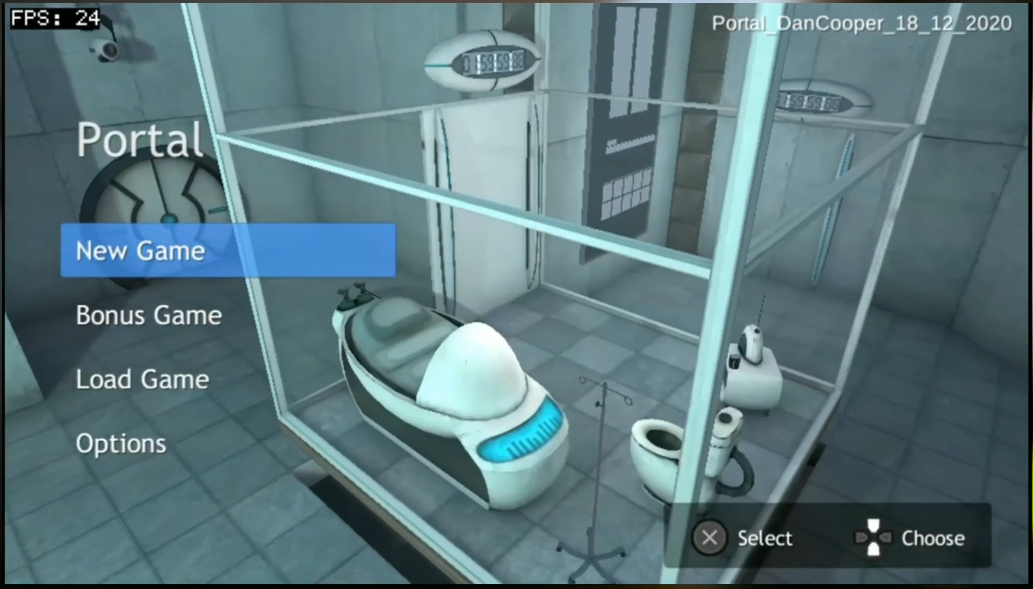
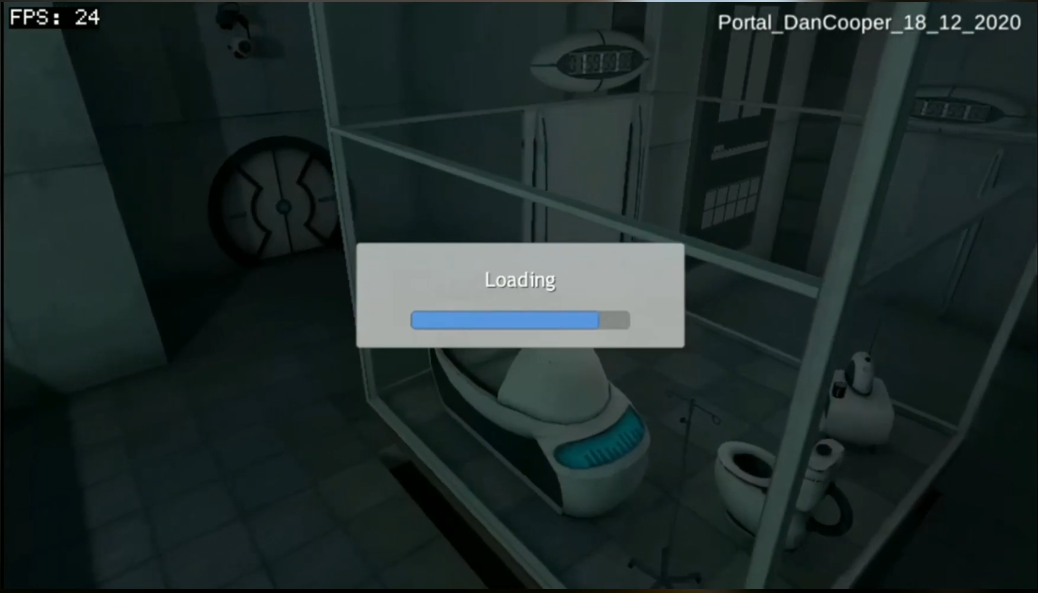
Portal Vita is a Unity3D Remake of Portal ported to the PS Vita.
It was ported by a developer named DanCooper but later made lost and abandoned by them. This page is an archive of the game for you to try out and enjoy!
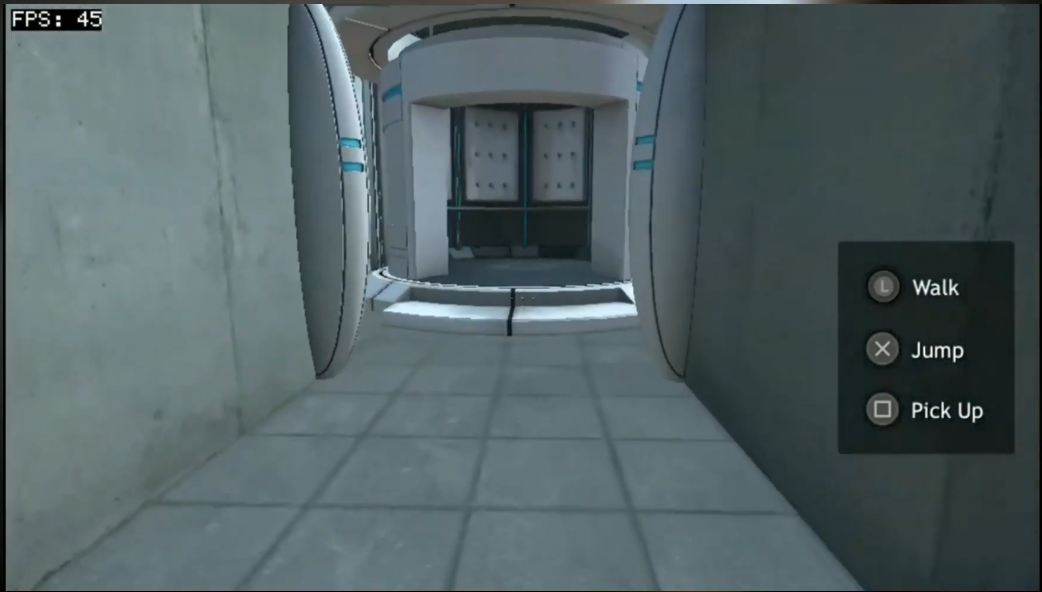
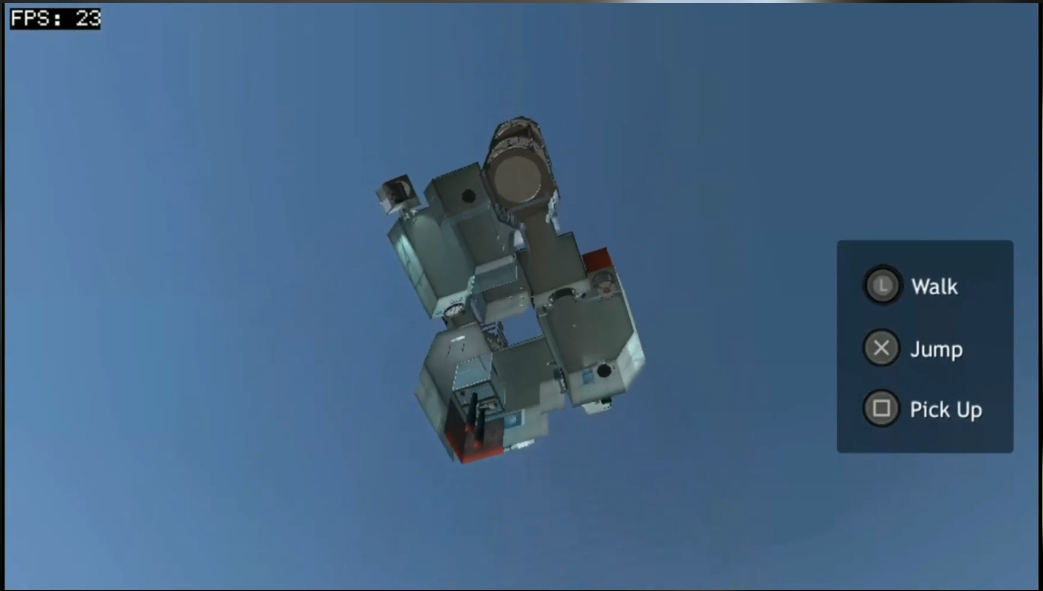
This game was still incomplete at the time of its existance and so, has little gameplay to offer.
Installation
Step 1: (Download the game file):
- Download the VPK file using the link provided with the page.
Step 2 (Transfer the game file to your PS Vita):
- After downloading the VPK file to your device, transfer it to your PS Vita via USB or FTP.
Step 3 (Install the game):
- Once transfered, install the game on VitaShell by pressing cross while selecting the VPK file and then click cross 2 times ignore the pop ups.
- Wait for the game to finish installation, then close VitaShell and open your newly installed game!
Its pretty simple to get this port up and running as the game comes in one big file.
Screenshots
Media
Only Video Available To Date (Javidmedina)