
Rolling Down Vita: Difference between revisions
From GameBrew
More actions
No edit summary |
No edit summary |
||
| Line 2: | Line 2: | ||
|title=Rolling Down Vita | |title=Rolling Down Vita | ||
|image=RollingDownVita.png | |image=RollingDownVita.png | ||
|description=Port of Rolling Down: Emoji Adventure for | |description=Port of Rolling Down: Emoji Adventure for PS Vita. | ||
|author=Rinnegatamante | |author=Rinnegatamante | ||
|lastupdated=2025/08/16 | |lastupdated=2025/08/16 | ||
| Line 19: | Line 19: | ||
|image_alt=Rolling Down Vita | |image_alt=Rolling Down Vita | ||
}} | }} | ||
This is a wrapper/port of Rolling Down: Emoji Adventure for | This is a wrapper/port of Rolling Down: Emoji Adventure for the PS Vita. | ||
==Installation== | ==Installation== | ||
| Line 41: | Line 41: | ||
'''Note:''' The game plays in portrait mode. | '''Note:''' The game plays in portrait mode. | ||
==Screenshots== | ==Screenshots== | ||
| Line 52: | Line 48: | ||
https://dlhb.gamebrew.org/vitahomebrews/images/RollingDownVita-03.png | https://dlhb.gamebrew.org/vitahomebrews/images/RollingDownVita-03.png | ||
==Media== | |||
'''2G Rolling Down: Emoji Adventure''' ([https://www.youtube.com/watch?v=UzKC9gRNIVg @2gplaygames]) <br> | |||
<youtube width="640">UzKC9gRNIVg</youtube> | |||
==Changelog== | ==Changelog== | ||
Revision as of 00:51, 17 August 2025
| Rolling Down Vita | |
|---|---|
 | |
| General | |
| Author | Rinnegatamante |
| Type | Puzzle |
| Version | 1.0 |
| License | N/A |
| Last Updated | 2025/08/16 |
| Links | |
| Download | |
| Website | |
| Source | |
| Support Author | |
This is a wrapper/port of Rolling Down: Emoji Adventure for the PS Vita.
Installation
Requirements:
- libshacccg.suprx
- kubridge.skprx
- Android game files (tested with v.1.2.17 of the game)
Instructions:
- Install Kubridge and FdFix by copying
kubridge.skprxandfd_fix.skprxto your taiHEN plugins folder (usuallyux0:tai) and adding two entries to yourconfig.txtunder*KERNEL:
  *KERNEL
  ux0:tai/kubridge.skprx
  ux0:tai/fd_fix.skprx
- Note: Don't install fd_fix.skprx if you're using rePatch plugin
- (Optional) Install PSVshell to overclock your device to 500Mhz.
- Install
libshacccg.suprx, if you don't have it already, by following this guide. - Install the vpk from Release tab.
- Obtain your copy of "Rolling Down: Emoji Adventure" legally for Android in form of an
.apk. - Open the apk with your zip explorer and extract the file
libgame.sofrom thelib/armeabi-v7afolder toux0:data/rolling. - Extract the content of the folder
assetsinux0:data/rolling.
Note: The game plays in portrait mode.
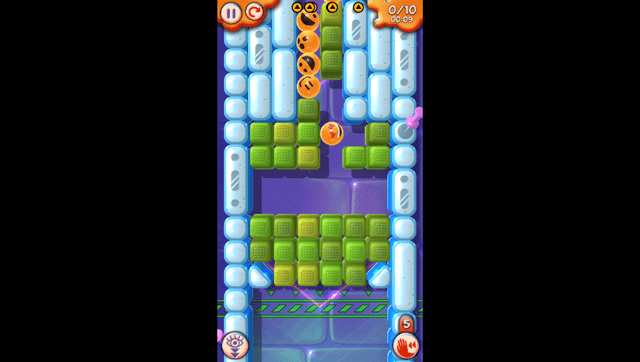
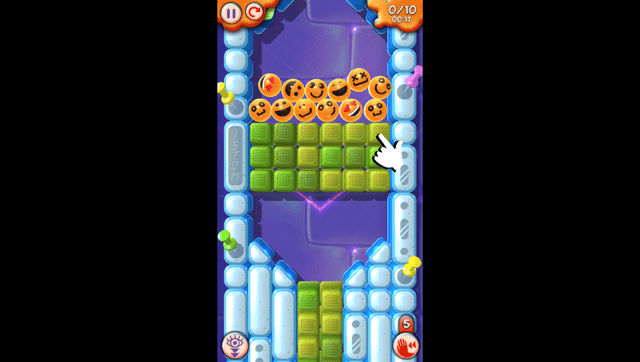
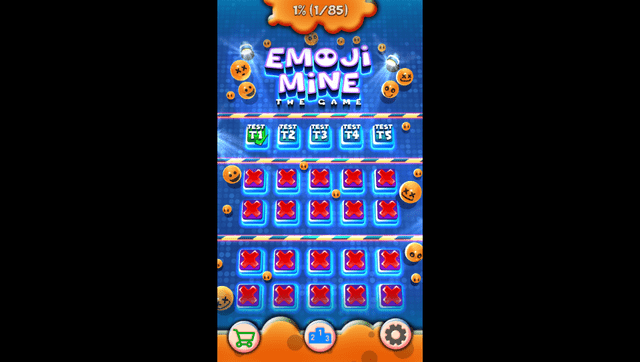
Screenshots
Media
2G Rolling Down: Emoji Adventure (@2gplaygames)
Changelog
v1.0
- First Release.
Credits
- TheFloW for the original .so loader.