
UndertaleModTool Switch: Difference between revisions
From GameBrew
More actions
No edit summary |
No edit summary |
||
| Line 8: | Line 8: | ||
|version=0.8.1.1 | |version=0.8.1.1 | ||
|license=GPL-3.0 | |license=GPL-3.0 | ||
|downloadraw=[https://github.com/krzys-h/UndertaleModTool/releases/tag/bleeding-edge Bleeding Edge] - [https://github.com/UnderminersTeam/UndertaleModTool/releases/tag/0.8. | |downloadraw=[https://github.com/krzys-h/UndertaleModTool/releases/tag/bleeding-edge Bleeding Edge] - [https://github.com/UnderminersTeam/UndertaleModTool/releases/tag/0.8.1.1 Stable Download] | ||
|website=https://gamebanana.com/tools/6647 | |website=https://gamebanana.com/tools/6647 | ||
|source=https://github.com/krzys-h/UndertaleModTool | |source=https://github.com/krzys-h/UndertaleModTool | ||
Revision as of 03:36, 18 May 2025
| UndertaleModTool | |
|---|---|
 | |
| General | |
| Author | krzys-h |
| Type | Hack Utilities |
| Version | 0.8.1.1 |
| License | GPL-3.0 |
| Last Updated | 2025/05/12 |
| Links | |
| Bleeding Edge - Stable Download | |
| Website | |
| Source | |
The most complete tool for modding, decompiling and unpacking Undertale (and other Game Maker: Studio games).
Features
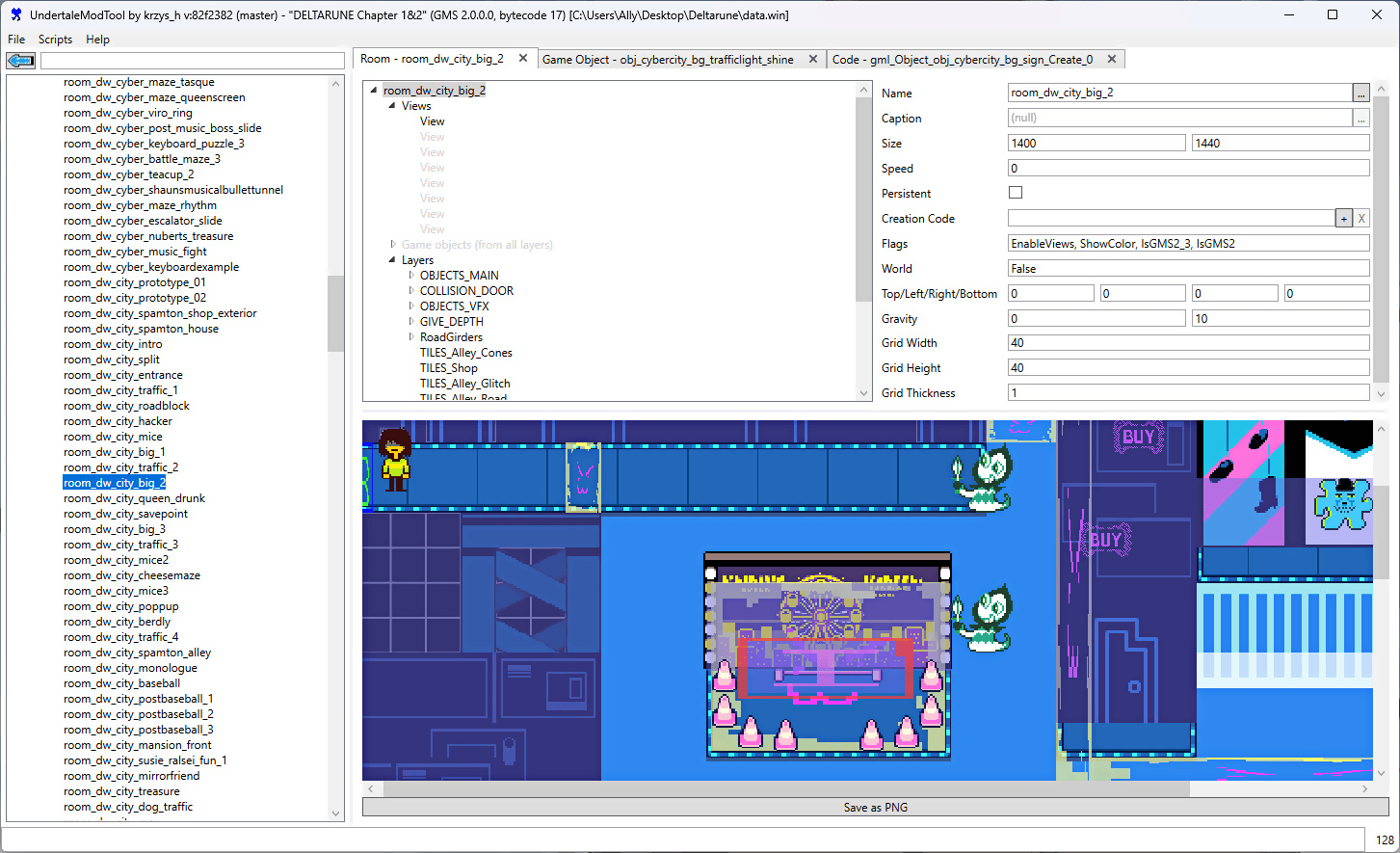
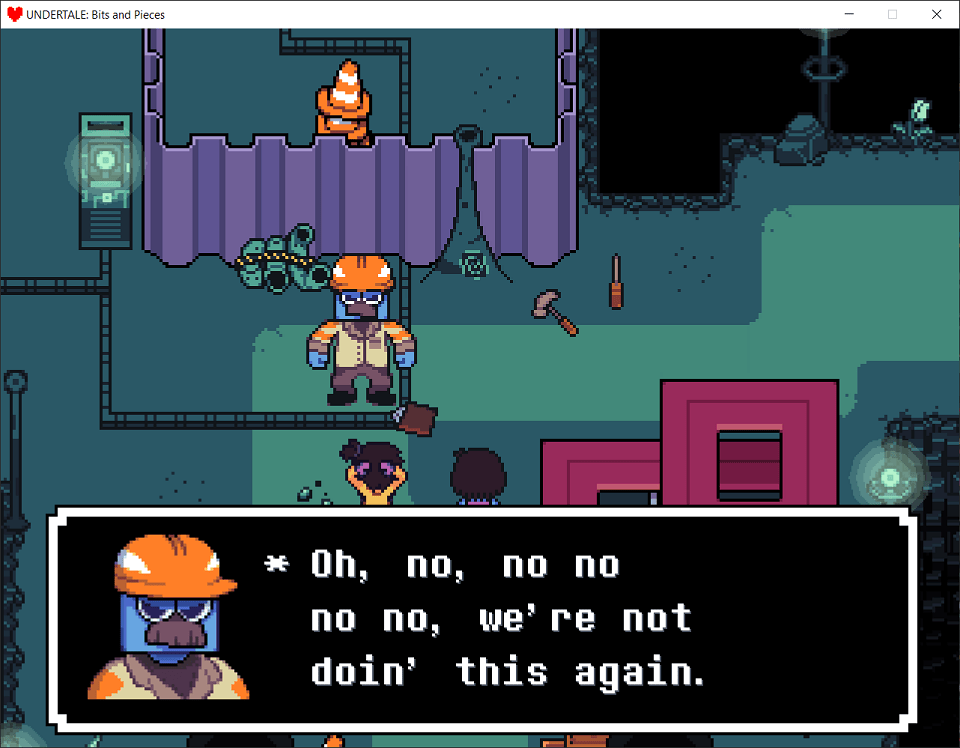
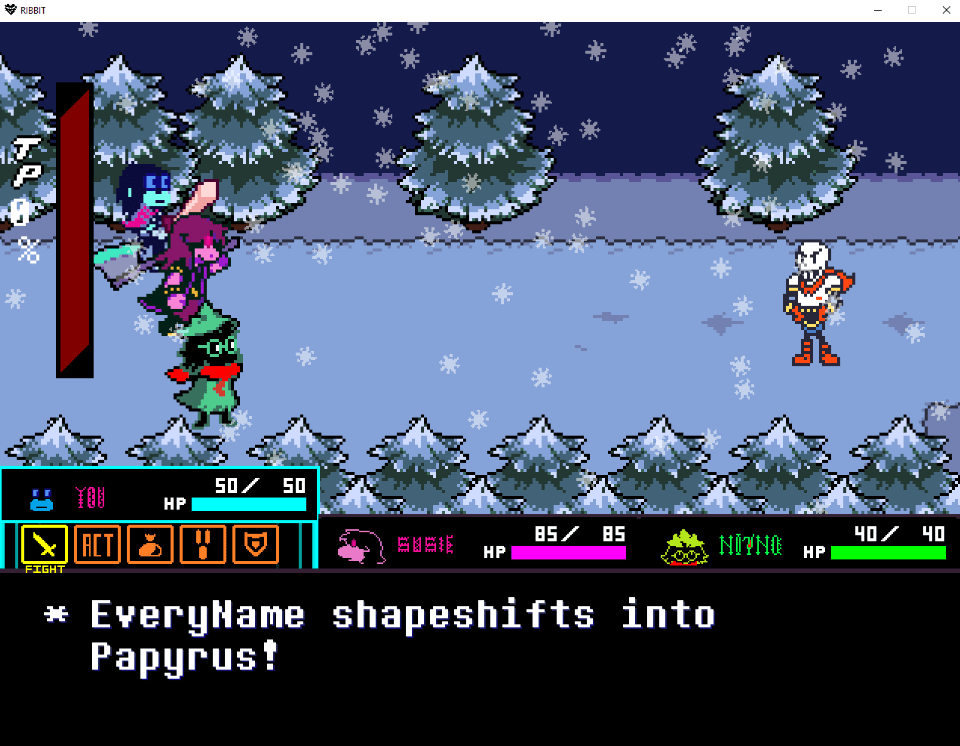
- Can read every single byte from the data file for lastest version of Undertale, Deltarune, and most other GameMaker: Studio games (GM:S 1.4 and GMS2 bytecode versions 13 to 17 are currently supported) for every platform and then recreate a byte-for-byte exact copy from the decoded data.
- Properly handles all of the pointers in the file so that if you add/remove stuff, make things longer/shorter, move them around etc. the file format won't break.
- An editor which lets you change (almost) every single value, including unknown ones.
- Includes a simple room/level editor.
- Allows for code disassembly and editing. This means you can add any custom code to the game, either using the built-in GML compiler or GML assembly.
- Experimental high-level decompiler. The output is accurate (except for the latest GameMaker versions), but it could use some more cleaning up of the high-level structures.
- Support for running scripts that automatically modify your data file (or perform other nefarious tasks) - this is the way to distribute mods, but creating them is a manual job for now. It also serves as a replacement for sharing hex editor offsets - if you make it into a file-format-aware script instead, there is much smaller change of it breaking after an update.
- All core IO functionality extracted into a library for use in external tools.
- Can generate an .yydebug file for the GM:S debugger so that you can edit variables live (see here).
- Automatic file associations for all GameMaker related files. This can be disabled by having a dna.txt file next to the executable.
User guide
UndertaleModTool has different builds per release. The differences are as follows:
.NET bundled- Bundles the required .NET runtime version needed to run the tool alongside it. All stable releases are .NET bundled, so you don't have to worry about installing the necessary runtime.Single file- The tool is only one executable, with all dependencies embedded within it. This does make your folders cleaner, however it also causes some unexpected stability issues.Non-single File- All dependencies are not embedded within the executable, but are now located right next to it. Choose this if you don't care about finding the right executable in-between of ~300 dll's, or if the stability issues from the Single file build affect you.
Some test scripts are included:
- Universal:
- Search - Basic text search within decompiled code entries.
- Scripts to batch import and export various types of asset files.
- Undertale only:
- EnableDebug - Activates Undertale's debug mode by enabling the global variable 'debug' at game start.
- DebugToggler - Allows toggling the debug mode on and off with the F1 key.
- BorderEnabler - Facilitates the importation of PlayStation exclusive borders into the PC version, while ensuring proper display by patching version checks.
- Testing - Displays random text on the main menu, this was the first script ever created.
- TTFFonts - Makes the game load fonts in TTF format from current directory instead of using the spritesheet fonts. You'll need to provide the font files yourself.
- RoomOfDetermination - Adds a new room to Undertale 1.08. Although incomplete, it serves as a comprehensive example of adding content.
- Deltarune only:
- DeltaHATE - HATE-inspired script for corrupting Deltarune
- DeltaMILK - Replaces every non-background sprite with the K.Round healing milk. Don't ask why.
- TheWholeWorldRevolving - Creates a spinning effect.
- Undertale and Deltarune only:
- GoToRoom - Replaces the F3 button's debug mode functionality with a dialog allowing you to jump to any room by its ID.
- ShowRoomName - Displays the current room name and ID on the screen during debug mode.
Additionally, there are some community-made scripts. For more information, consult the SCRIPTS.md file.
Documentation is available on UndertaleModTool wiki.
Screenshots
Changelog
External links
- GitHub - https://github.com/krzys-h/UndertaleModTool
- GameBanana - https://gamebanana.com/tools/6647