
Pong-NX Switch: Difference between revisions
From GameBrew
More actions
Created page with ""{{Infobox Switch Homebrews |title=Pong-NX |image=pongnxswitch.png |description=A Nintendo Switch version of Pong. |author=Zamacian |lastupdated=2023/05/25 |type=Arcade Games |version=1.0 |license=Mixed |download=https://dlhb.gamebrew.org/switchhomebrews/pongnxswitch.7z |website=https://github.com/Zamacian/Pong-NX |source=https://github.com/Zamacian/Pong-NX |donation= }} {{#seo: |title=Switch Homebrew Games (Arcade Games) - GameBrew |title_mode=append |image=pongnxswitch..." |
No edit summary |
||
| Line 1: | Line 1: | ||
{{Infobox Switch Homebrews | |||
|title=Pong-NX | |title=Pong-NX | ||
|image=pongnxswitch.png | |image=pongnxswitch.png | ||
Revision as of 02:12, 6 June 2023
| Pong-NX | |
|---|---|
 | |
| General | |
| Author | Zamacian |
| Type | Arcade Games |
| Version | 1.0 |
| License | Mixed |
| Last Updated | 2023/05/25 |
| Links | |
| Download | |
| Website | |
| Source | |
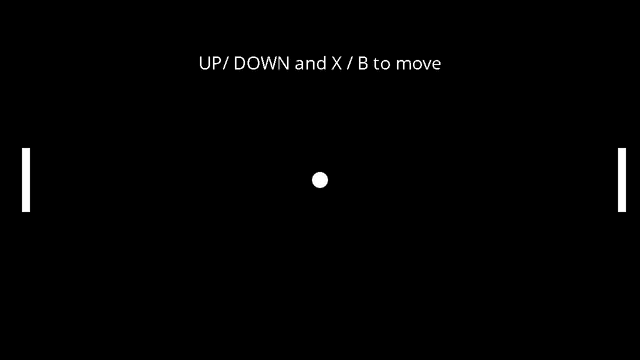
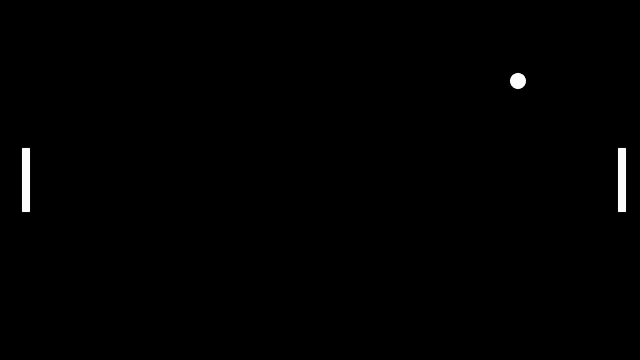
Pong-NX is a simple Nintendo Switch version of the classic game Pong, developed by user Zamacian. The game is written in C++ and uses the Simple DirectMedia Layer (SDL2) library for rendering graphics and handling user input.
The same developer has also created a version of the game for the Nintendo 3DS, which can be found at Pong-3DSX.
Controls
- Use the UP and DOWN buttons on the D-Pad to move the left paddle.
- Use the X and B buttons to move the right paddle.
Screenshots
Changelog
v.1.0
- First Release.
External links
- Github - https://github.com/Zamacian/Pong-NX