
PyNX Switch: Difference between revisions
More actions
No edit summary |
No edit summary |
||
| Line 13: | Line 13: | ||
|donation= | |donation= | ||
}} | }} | ||
nx-python is an ecosystem for developing and running Python homebrew applications on the Nintendo Switch. PyNX serves as the entry point to running Python apps on your Switch. | nx-python is an ecosystem for developing and running [https://www.python.org/ Python] homebrew applications on the Nintendo Switch. PyNX serves as the entry point to running Python apps on your Switch. | ||
It is a homebrew app that contains a port of the CPython interpreter and allows you to run Python applications from the Homebrew Menu. | It is a homebrew app that contains a port of the CPython interpreter and allows you to run Python applications from the Homebrew Menu. | ||
Revision as of 01:25, 3 June 2023
| PyNX | |
|---|---|
 | |
| General | |
| Author | nx-python |
| Type | Developments |
| Version | 0.6.0-alpha |
| License | ISC |
| Last Updated | 2018/08/10 |
| Links | |
| Download | |
| Website | |
| Source | |
nx-python is an ecosystem for developing and running Python homebrew applications on the Nintendo Switch. PyNX serves as the entry point to running Python apps on your Switch.
It is a homebrew app that contains a port of the CPython interpreter and allows you to run Python applications from the Homebrew Menu.
Currently, Python 3.5 is supported. Documentation can be found on ReadTheDocs.
Installation
Place the PyNX.nro to the /switch/ folder on the SD card.
Python homebrew applications can be a single .py file or a directory containing a main.py file.
Screenshots
|
|
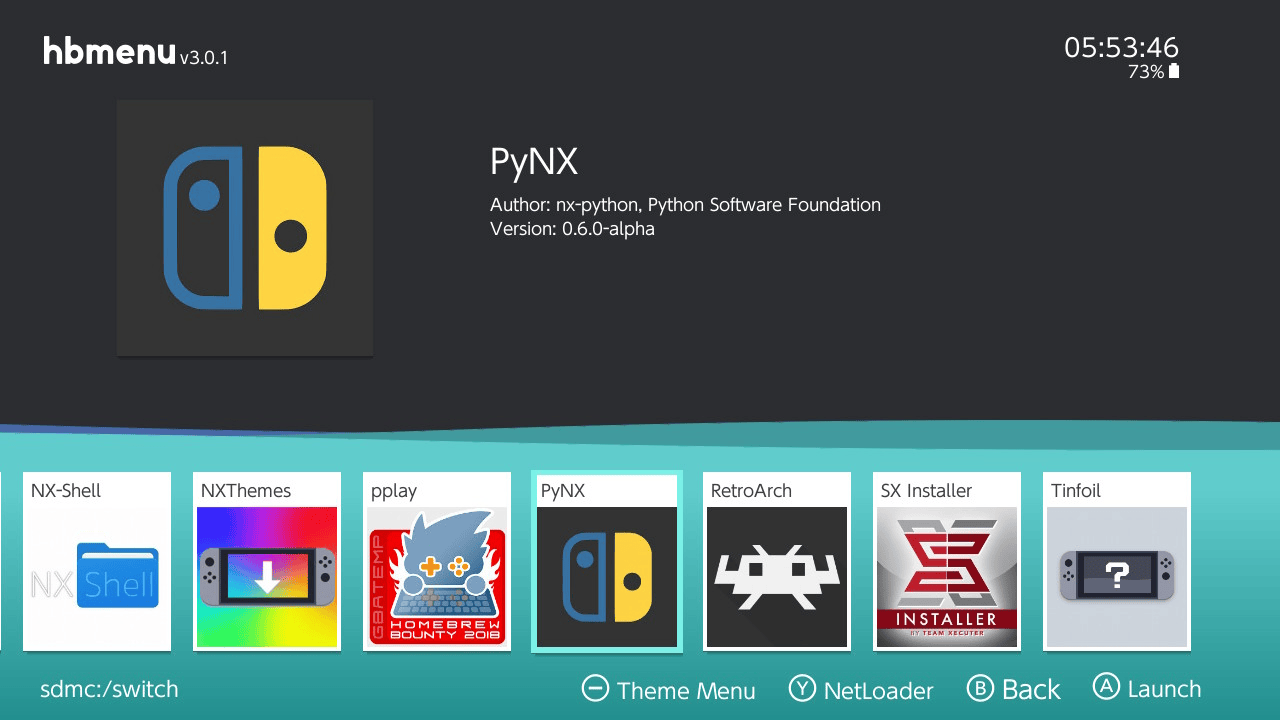
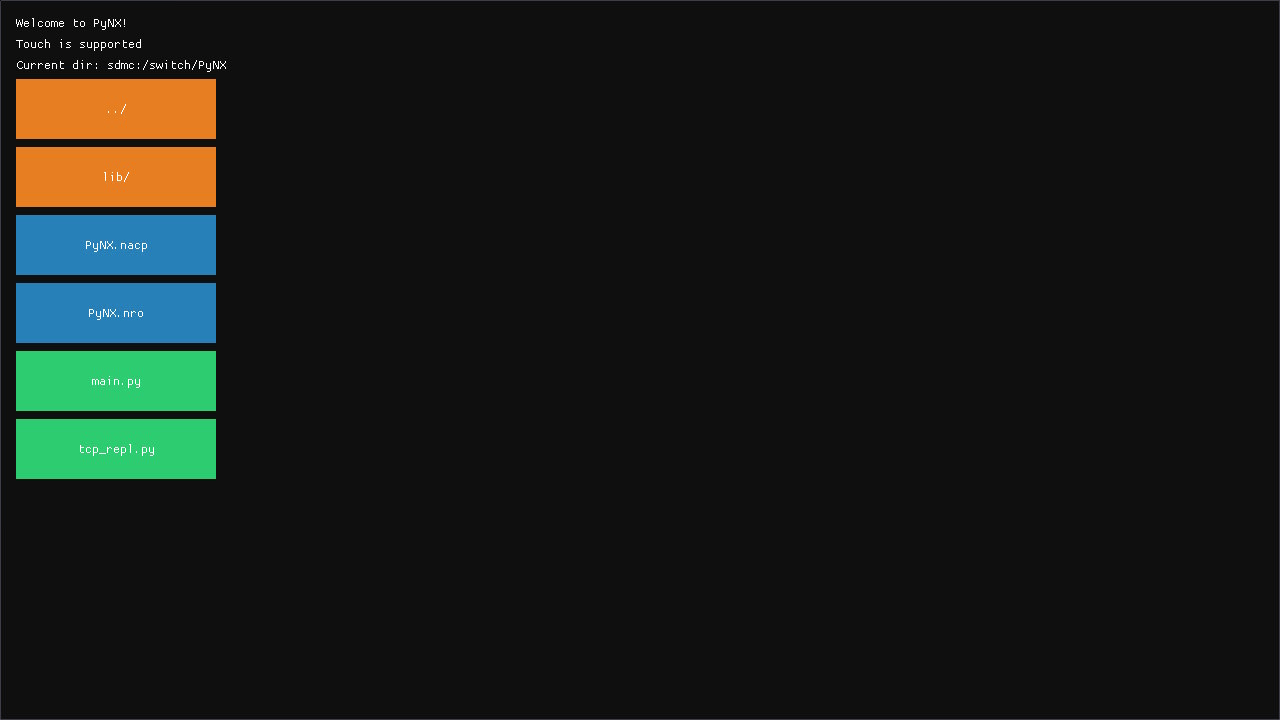
Changelog
v0.6.0-alpha 2019/08/10
- Imgui and Pyimgui support (Documentation, Example).
- Urllib works properly now.
- New python file launcher.
v0.5.2-alpha 2019/07/18
- Python threads support.
- zlib support.
v0.5.1-alpha 2019/05/29
- Fix relative import paths.
v0.5.0-alpha 2019/05/27
- When launching PyNX, you will now be greeted with a menu that allows you to select the Python program you want to launch.
- Python homebrew applications are now placed in the /switch/ directory on the SD card.
- Python homebrew applications can be a single
.pyfile or a directory containing amain.pyfile. - Python homebrews can of course import each other, as long as the homebrew they're trying to import is installed.
- Miscellaneous controller input fixes.
v0.4.1-alpha 2019/05/19
- Fixed a bug that stopped
nx.utils.AnsiMenufrom working. - Fixed a bug related to player 1's controller input.
v0.4.0-alpha 2019/05/16
- Documentation.
- Lots of bugfixes.
v0.3.2-alpha 2019/05/11
- Added full 10 point multitouch support.
- Fixed several filesystem related issues.
- Fixed lots of other issues.
v0.3.1-alpha 2018/05/31
- Hotfix: Accessing the currently active user via
nx.users.active_usershouldn't crash PyNX anymore.
v0.3.0-alpha 2018/05/30
- This release adds the _nx CPython extension module and the nx package. This allows developers to access Switch-specific functionalities. For now, only savedata access and basic controller input are implemented.
v0.2.0-alpha 2019/03/19
- This release adds support for Python version 3.5.
v0.1.0-alpha 2019/03/15
- This release only supports Python 2.7. Name your Python program
main.pyand place it next to thePynx.nro. - Special thanks to @marcuzd, @DavidBuchanan314, @gudenau, Naomi and several other people from the @reswitched community, as well as the developers of devkitPro, devkitA64, libnx and the Python Software Foundation.