
Chip-8 Emulator PSP: Difference between revisions
From GameBrew
More actions
Created page with "{{Infobox PSP Homebrews |title=Chip-8 Emulator |image=chip8hom2.png |description=Chip-8 emulator. |author=HomerSp |lastupdated=2007/02/24 |type=Computer |version=2007 |license..." |
No edit summary |
||
| Line 19: | Line 19: | ||
Supports .ch8 format, there are already some games included. | Supports .ch8 format, there are already some games included. | ||
[https://chip-8.github.io/links/ | ==User guide== | ||
See [https://chip-8.github.io/links/ Awesome CHIP-8] for many CHIP-8 resources, tools, documentation, related projects and open source ROMs. | |||
==Controls== | ==Controls== | ||
Revision as of 06:43, 12 November 2022
| Chip-8 Emulator | |
|---|---|
 | |
| General | |
| Author | HomerSp |
| Type | Computer |
| Version | 2007 |
| License | Mixed |
| Last Updated | 2007/02/24 |
| Links | |
| Download | |
| Website | |
| Source | |
Chip-8 emulator for the PSP.
Installation
Copy the Chip-8 folder to ms0:/PSP/GAME/.
Supports .ch8 format, there are already some games included.
User guide
See Awesome CHIP-8 for many CHIP-8 resources, tools, documentation, related projects and open source ROMs.
Controls
Down - Key 2
Left - Key 4
Right - Key 6
Up - Key 8
Cross - Key 1, Select
Square - Key 3
Circle - Key 5
Triangle - Key 7
Start - Return to the file browser
Screenshots
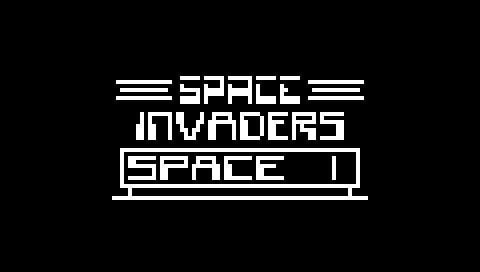
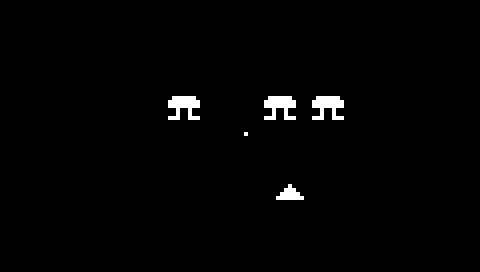

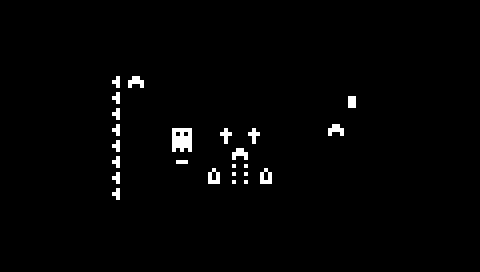
External links
- Author's website - http://homersoft.co.nr/