
LegoCad DS: Difference between revisions
From GameBrew
More actions
m Text replacement - "image = https://dlhb.gamebrew.org/dshomebrew/" to "image = " |
m Text replacement - "| licence" to "| license" |
||
| Line 4: | Line 4: | ||
| type = Simulation | | type = Simulation | ||
| version = 0.2 | | version = 0.2 | ||
| | | license = Mixed | ||
| author = shadowghost21 | | author = shadowghost21 | ||
| website = http://palib.info/forum/modules/newbb/viewtopic.php?viewmode=flat&type=&topic_id=1823&forum=28 | | website = http://palib.info/forum/modules/newbb/viewtopic.php?viewmode=flat&type=&topic_id=1823&forum=28 | ||
Revision as of 10:04, 20 October 2021
| LegoCad DS | |
|---|---|
 | |
| General | |
| Author | shadowghost21 |
| Type | Simulation |
| Version | 0.2 |
| License | Mixed |
| Links | |
| Download | |
| Website | |
Legocad is a software program for the NDS that allows students to design or reproduce their LEGO models on a computer, which will create a permanent copy of the model.
User guide
Draw bricks (3D boxes of different sizes).
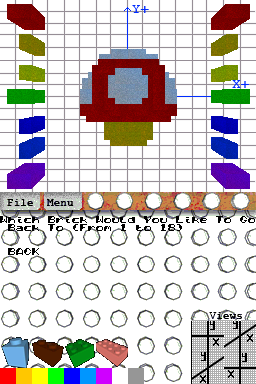
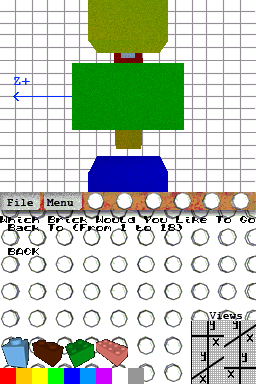
In the main window, you will see a few icons, on the right are the different perspectives. Top and bottom do not work.
On the left are the different brick available for you to choose from.
Controls
D-Pad - Move block around
X - Cement block (you will not be able to go back to it)
R - Flip screen
Screenshots
Known issues
Creation disappears if you use too many blocks.