Nintellivision: Difference between revisions
From GameBrew
More actions
No edit summary |
No edit summary |
||
| Line 32: | Line 32: | ||
==User guide== | ==User guide== | ||
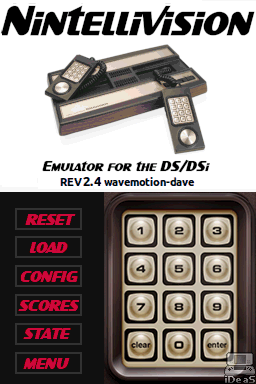
When you load the emulator, select LOAD to select a cartridge/game to play. The emulator supports two types of files, raw binary files (BIN or INT) and intellicart | When you load the emulator, select LOAD to select a cartridge/game to play. The emulator supports two types of files, raw binary files (BIN or INT) and intellicart ROM files (where the .ROM contains the loading information, popular among newer homebrew games). | ||
Once loaded, the configuration (or default settings) is loaded with the game. You can pick your overlay and tweak key mappings and other settings in configuration. | Once loaded, the configuration (or default settings) is loaded with the game. You can pick your overlay and tweak key mappings and other settings in configuration. | ||