Wolf3D for DS: Difference between revisions
From GameBrew
More actions
No edit summary |
No edit summary |
||
| Line 16: | Line 16: | ||
Copy all files to the flashcard, run DSx86. | Copy all files to the flashcard, run DSx86. | ||
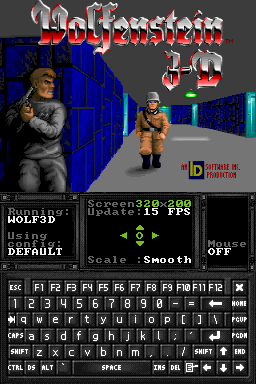
Run install.exe. Once installation is completed, type wolf3d to launch the game. | |||
It is advised to change FPS to 15 and Screenettings to Smooth for best results. | It is advised to change FPS to 15 and Screenettings to Smooth for best results. | ||