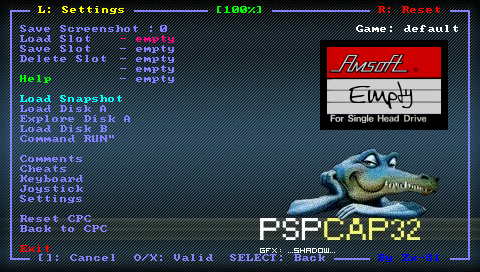
PSPCAP32: Difference between revisions
From GameBrew
More actions
No edit summary |
|||
| Line 29: | Line 29: | ||
==Installation== | ==Installation== | ||
Unzip the ZIP file, and copy the | Unzip the ZIP file, and copy the folder pspcap32 to ms0:/PSP/GAME/. | ||
Put your snapshot files generated using the Windows version of Caprice32 on the snap sub-directory, or disk image on disk sub-directory. | Put your snapshot files generated using the Windows version of Caprice32 on the snap sub-directory, or disk image on disk sub-directory. | ||