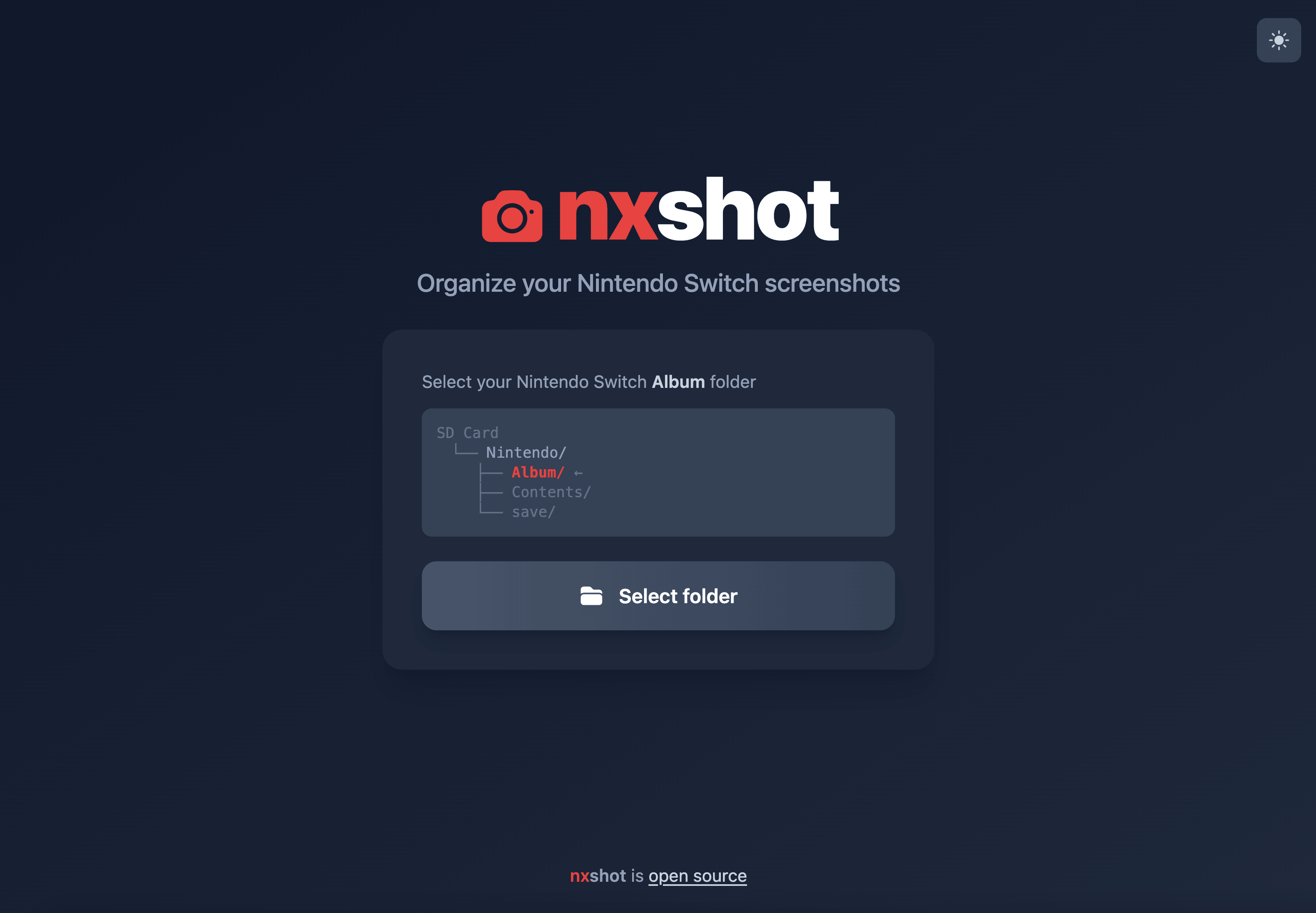
Nxshot-web Switch: Difference between revisions
More actions
No edit summary |
No edit summary |
||
| Line 59: | Line 59: | ||
The ZIP file contains your screenshots organized by game name, with the correct file dates preserved. | The ZIP file contains your screenshots organized by game name, with the correct file dates preserved. | ||
https://dlhb.gamebrew.org/switchhomebrews/images/nxshotwebSwitch-02.png | |||
If some of your screenshots end up in an "Unknown" folder, please open an issue with the capture ID from the screenshot filename so that the database can be updated. | If some of your screenshots end up in an "Unknown" folder, please open an issue with the capture ID from the screenshot filename so that the database can be updated. | ||
Revision as of 06:36, 25 January 2026
| nxshot-web | |
|---|---|
 | |
| General | |
| Author | pxdl |
| Type | PC Utilities |
| Version | 2026 |
| License | N/A |
| Last Updated | 2026/01/18 |
| Links | |
| Download | |
| Website | |
| Source | |
A web-based port of the nxshot Python script that automatically organizes and timestamps Nintendo Switch screenshots by recognizing games from capture filenames.
Browser Support
Works on all modern browsers:
- Google Chrome 86+
- Microsoft Edge 86+
- Mozilla Firefox 90+
- Safari 15.4+
- Opera 72+
| Browser | Save Location | Large Files (2GB+) |
|---|---|---|
| Chrome, Edge, Opera | Save picker | Streaming (efficient) |
| Firefox | Downloads folder | Streaming (efficient) |
| Safari | Downloads folder | Buffered (may fail for very large collections) |
Chrome/Edge/Firefox use streaming to efficiently handle large collections without running out of memory. Safari uses a buffered approach which works reliably for most collections but may struggle with very large ones.
Usage
- Click the "Select Folder" button and choose the
Nintendo/Albumfolder from your Nintendo Switch's SD card - Accept the browser prompt to allow access to the folder
- After scanning completes, click "Download as ZIP" to get your organized screenshots
The ZIP file contains your screenshots organized by game name, with the correct file dates preserved.
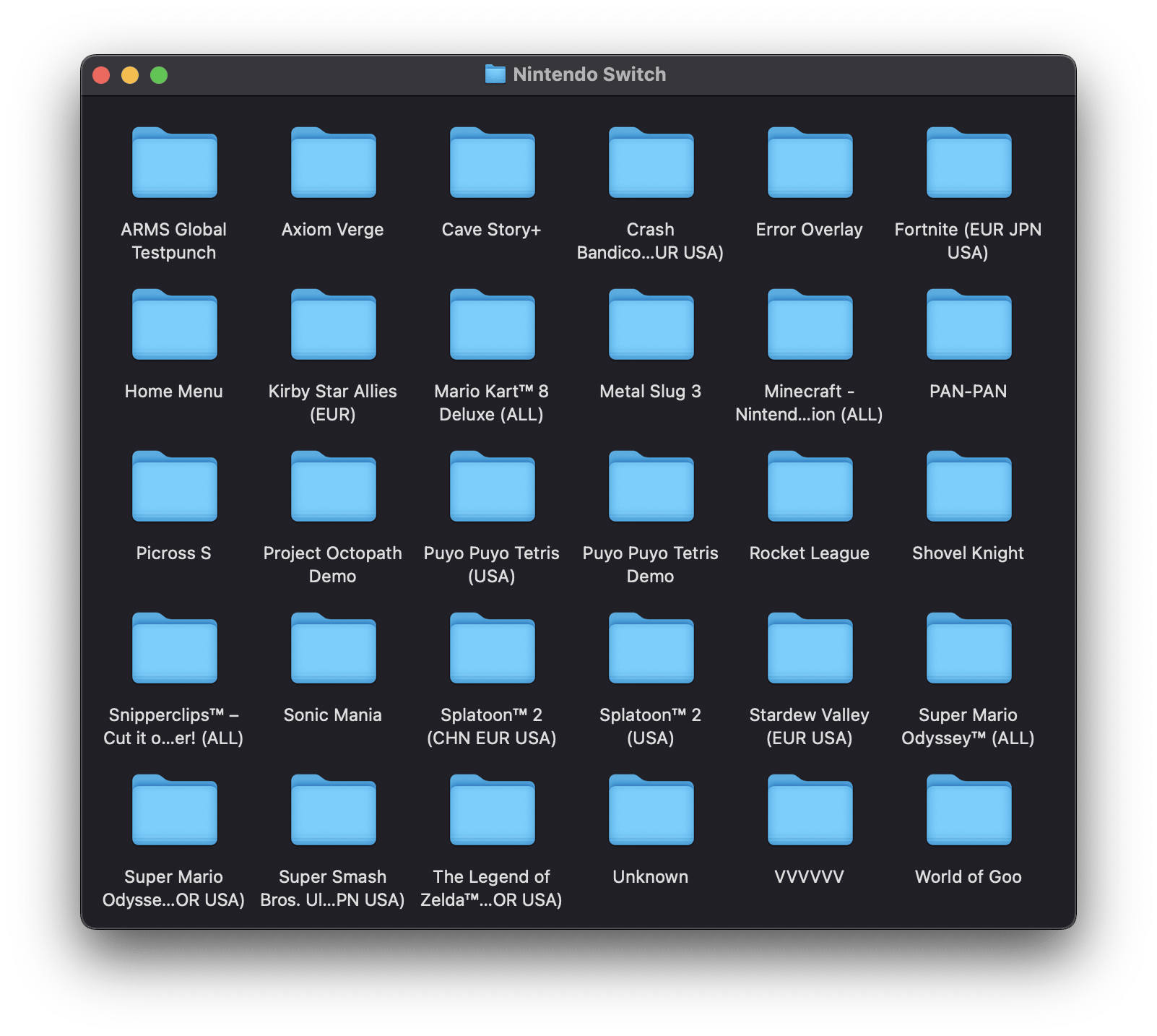
If some of your screenshots end up in an "Unknown" folder, please open an issue with the capture ID from the screenshot filename so that the database can be updated.
Capture ID Database
The code recognizes games using a database of capture IDs (the 32-character hex string in screenshot filenames). See captureIds.json for the full list.
The database is automatically updated weekly via GitHub Actions, pulling from:
Updating the Capture ID Database
To manually update the capture ID database:
pip install -r scripts/requirements.txt
export CAPTURE_ID_KEY=<key>
python scripts/update_capture_ids.py
The encryption key can be found at offset 0x71000704D0 in the capsrv NSO loaded in IDA. The key hash for verification is 24e0dc62a15c11d38b622162ea2b4383.
Options:
--source switchbrew|nswdb|titledb|all- Choose data source (default: all)--keep-existing- Merge with existing data instead of replacing--dry-run- Show stats without writing file
Screenshots
|
|