
Dropsy Vita: Difference between revisions
From GameBrew
More actions
No edit summary |
No edit summary |
||
| Line 2: | Line 2: | ||
|title=Dropsy Vita | |title=Dropsy Vita | ||
|image=DropsyVita.png | |image=DropsyVita.png | ||
|description=Port of Dropsy for | |description=Port of Dropsy for PS Vita. | ||
|author=LordChickenBlaster | |author=LordChickenBlaster | ||
|lastupdated=2025/07/26 | |lastupdated=2025/07/26 | ||
Revision as of 04:24, 27 July 2025
| Dropsy Vita | |
|---|---|
 | |
| General | |
| Author | LordChickenBlaster |
| Type | Puzzle |
| Version | 1.02 |
| License | N/A |
| Last Updated | 2025/07/26 |
| Links | |
| Download | |
| Website | |
Dropsy is a non-traditional take on the classic point and click adventure formula starring the game's perpetually carefree namesake clown as he explores a richly detailed world full of colorful characters and sinister secrets, doling out hugs along the way.
You need to supply your own patched GOG or Steam files to ux0:app/DROP5400/
Installation
This page contains patches that you can use in order to get fully working files for my port. You might want to install the .VPK using VitaShell. Don't try to launch the game, because it will crash without the necessary files.
STEAM
- Download DropsyVITA.vpk from VitaDB or itch.io and install it.
- Put the game's folder(..Steam\steamapps\common\Dropsy\Dropsy_Data) inside the extracted folder
- Launch ApplyPatch.bat and wait(Will need 1 to 5 minutes depending on the system).
- Let it finish and there should be a .ZIP file named DropsyVita.zip.
- Open VitaShell, connect your PS Vita to your PC and copy the contents of the .ZIP file(Zip file should be around 231KB before unpacking) over to ux0:app/DROP54000/.
- Click on "Replace the files in destination" when it asks you to.
- Launch the game and have fun!
GOG
- Download DropsyVITA.vpk from VitaDB or itch.io and install it.
- Put the game's folder(...GOG Galaxy\Games\Dropsy\Dropsy_Data) inside the extracted folder
- Launch ApplyPatch.bat and wait(Will need 1 to 5 minutes depending on the system).
- Let it finish and there should be a .ZIP file named DropsyVita.zip.
- Open VitaShell, connect your PS Vita to your PC and copy the contents of the .ZIP file (Zip file should be around 231KB before unpacking) over to ux0:app/DROP54000/.
- Click on "Replace the files in destination" when it asks you to.
- Launch the game and have fun!
Media
Dropsy: A Point & Click Hugventure (YUOTUBE)
Screenshots
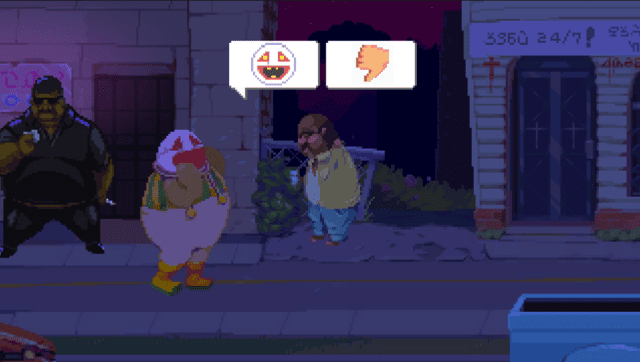
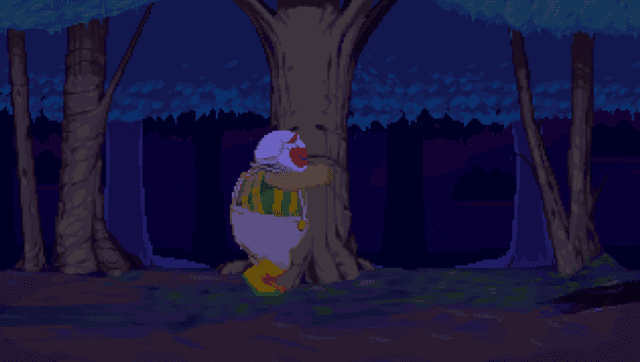
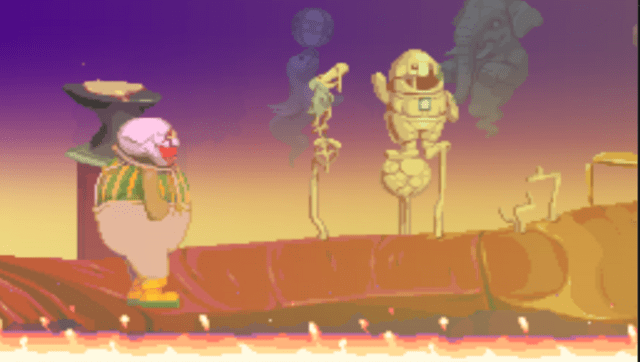
Changelog
v1.02
- Added joystick controls and PSTV support.
v1.01
- Fixed save data bug that could cause issues.
v1.0
- First Release.