
FMSX PS4: Difference between revisions
From GameBrew
More actions
No edit summary |
No edit summary |
||
| Line 18: | Line 18: | ||
|image=fmsxps4.png | |image=fmsxps4.png | ||
|image_alt=FMSX | |image_alt=FMSX | ||
}} | }}<!--pz--> | ||
This is a port of [https://fms.komkon.org/fMSX/ fMSX] to the PS4. It is an emulator created by Marat Fayzullin for 8bit home computers MSX, MSX2, and MSX2+. | This is a port of [https://fms.komkon.org/fMSX/ fMSX] to the PS4. It is an emulator created by Marat Fayzullin for 8bit home computers MSX, MSX2, and MSX2+. | ||
==User guide== | ==User guide== | ||
Revision as of 02:23, 20 May 2025
| FMSX | |
|---|---|
 | |
| General | |
| Author | bigboss |
| Type | Computer |
| Version | 2018 |
| License | Mixed |
| Last Updated | 2018/06/23 |
| Links | |
| Download | |
| Website | |
| Source | |
This is a port of fMSX to the PS4. It is an emulator created by Marat Fayzullin for 8bit home computers MSX, MSX2, and MSX2+.
User guide
- MSX2 is loaded by default, if you have a bluetooth keyboard you can write your basic programs.
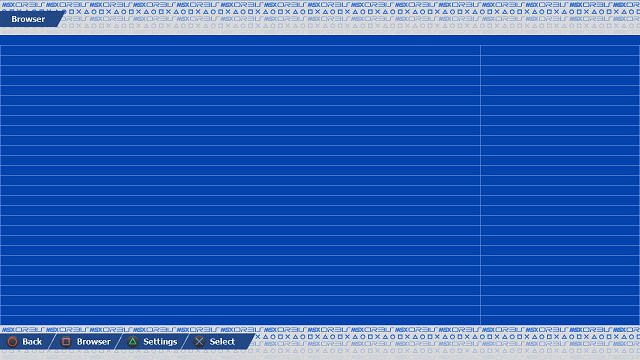
- Press L2 + R2: to go to menu where you can browser in your pc/mac folders to choose a ROM or DSK or CAS press X.
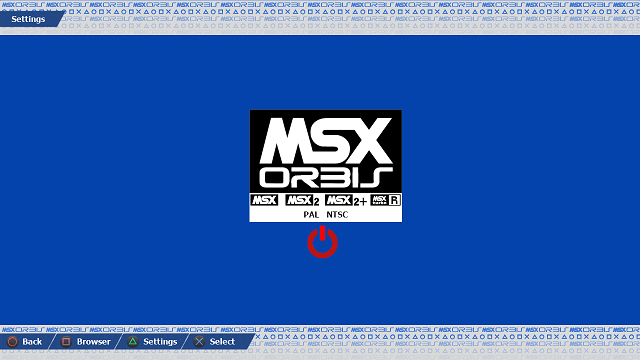
- You can go to settings pressing triangle.
- You can choose MSX MSX2 and MSX2+ and PAL or NTSC mode, pressing X.
- Red power button let you reset the msx system with new settings.
Screenshots
Media
Emulator MSX - Nemesis 2 and Metal Gear on PS4 on PlayStation 4 (Tralala LS)
Changelog
12/10/2018
- msxorbis code for 5th MSX RU Sevilla 2018.
23/06/2018
- 5.05 support.
25/12/2017
- Initial release.