
Xash3D FWGS PSP: Difference between revisions
From GameBrew
More actions
No edit summary |
m Text replacement - "{{Template:First person shooter}}" to "{{First person shooter}}" |
||
| Line 50: | Line 50: | ||
* GitHub - https://github.com/Crow-bar/xash3d-fwgs | * GitHub - https://github.com/Crow-bar/xash3d-fwgs | ||
{{ | {{First person shooter}} | ||
Revision as of 11:31, 24 December 2024
| Xash3D FWGS | |
|---|---|
 | |
| General | |
| Author | Crow-bar |
| Type | Shooter |
| Version | 2603-wip |
| License | Mixed |
| Last Updated | 2022/05/26 |
| Links | |
| Download | |
| Website | |
| Source | |
Xash3D FWGS PSP is a game engine that allows you to play Half-Life on your PSP. The engine is a fork of Xash3D Engine by Unkle Mike with extended features and cross-platform support for x86 and ARM on Windows, Linux, BSD, Android.
Installation
- Copy EBOOT.PBP to
/PSP/GAME/Xash3D/. - Copy
valve(andbshift) directory from Half-Life to/PSP/GAME/Xash3D/. - Overwrite
valve(andbshift) directory from archive.
Folder structure should be like this:
Xash3D/valveXash3D/bshiftXash3D/EBOOT.PBPXash3D/start.cmd
Screenshots
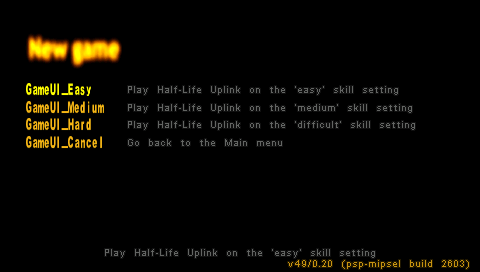
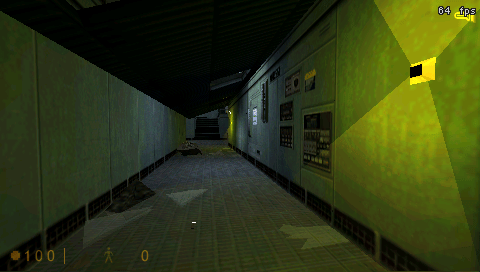
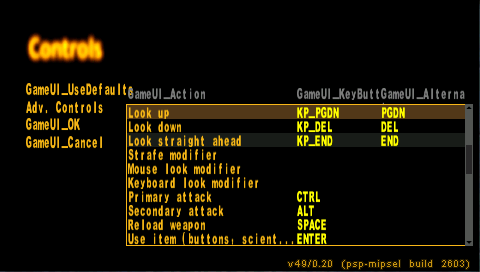
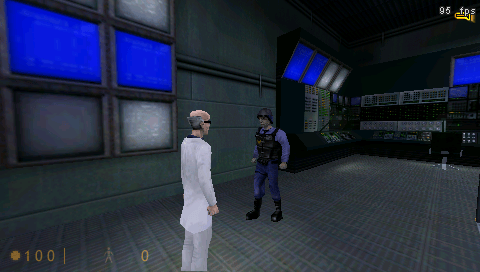
Compatibility
Tested on PPSSPP with the Uplink version.
Changelog
v0.20 build 2603
- Full Changelog - https://github.com/Crow-bar/xash3d-fwgs/commits/2603