GameYob DS: Difference between revisions
From GameBrew
More actions
No edit summary |
No edit summary |
||
| Line 65: | Line 65: | ||
===GBC Bios=== | ===GBC Bios=== | ||
If you have the corresponding gbc_bios.bin file in your ROM directory (you can find it on google), you can turn this option on to get colorized Gameboy games like you you would have if you were playing them on GBC hardware. The file's location can also be specified in | If you have the corresponding gbc_bios.bin file in your ROM directory (you can find it on google), you can turn this option on to get colorized Gameboy games like you you would have if you were playing them on GBC hardware. The file's location can also be specified in gameyob.ini. A prime example is Metroid II: Return of Samus, which gets individual palettes for Samus, enemies and items instead of being monochromatic. | ||
You can also pick different palettes by pressing the directional pad and the AB buttons while the boot up "GAME BOY" logo is flashing. | You can also pick different palettes by pressing the directional pad and the AB buttons while the boot up "GAME BOY" logo is flashing. | ||
| Line 93: | Line 93: | ||
'''What does Sound Timing Fix mean?''' | '''What does Sound Timing Fix mean?''' | ||
This option makes sound emulation more accurate, while potentially using more power. Most notably it fixes Pikachu in Pokemon Yellow / Pinball, but it also makes many subtle improvements to other sound effects. Results are optimal when scaling is disabled, but this is not a requirement. It's recommended to leave this option on. | This option makes sound emulation more accurate, while potentially using more power. Most notably it fixes Pikachu in Pokemon Yellow/Pinball, but it also makes many subtle improvements to other sound effects. Results are optimal when scaling is disabled, but this is not a requirement. It's recommended to leave this option on. | ||
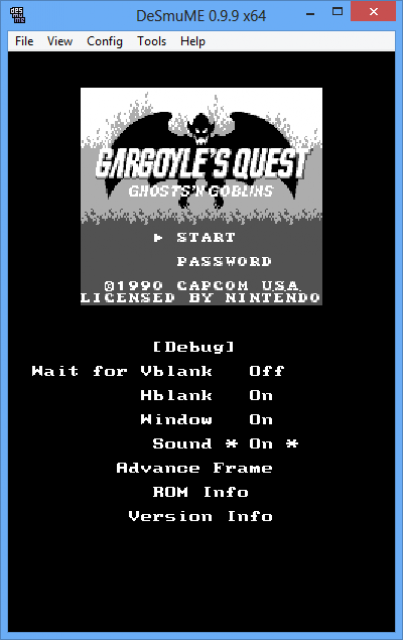
If you experience slowdown when this option is enabled, be sure to disable the Wait for Vblank option in the debug settings. | If you experience slowdown when this option is enabled, be sure to disable the Wait for Vblank option in the debug settings. | ||