
Super Mario World Vita: Difference between revisions
From GameBrew
More actions
m Text replacement - " for PSVITA." to " for PS Vita." |
m Text replacement - "|description=A port of" to "|description=Port of" |
||
| Line 2: | Line 2: | ||
|title=Super Mario World Vita | |title=Super Mario World Vita | ||
|image=supermarioworldvita.png | |image=supermarioworldvita.png | ||
|description= | |description=Port of Super Mario World for PS Vita. | ||
|author=Rinnegatamante | |author=Rinnegatamante | ||
|lastupdated=2024/06/07 | |lastupdated=2024/06/07 | ||
Revision as of 14:55, 6 July 2024
| Super Mario World Vita | |
|---|---|
 | |
| General | |
| Author | Rinnegatamante |
| Type | Adventure |
| Version | 1.0 |
| License | MIT License |
| Last Updated | 2024/06/07 |
| Links | |
| Download | |
| Website | |
| Source | |
| Support Author | |
Super Mario World Vita is a port of smw, a reverse engineering project of Super Mario World with several enhancements.
Installation
Requires the smw_assets.dat from a dump of your own Super Mario World US SNES cartridge.
Instructions:
- Download Python installer and install.
- Open the command prompt.
- Type
python -m pip install --upgrade pipand hit enter. - Type
python -m pip install --upgrade Pillowand hit enter. - Type
python -m pip install --upgrade pyyamland hit enter. - Close the command prompt.
- Download https://github.com/snesrev/smw/archive/refs/heads/main.zip
- Extract smw-main.zip somewhere and open smw-main folder.
- Place your US rom of the game named as smw.sfc in this folder.
- Run extract_assets.bat.
- Place smw_assets.dat file in ux0:data/smworld.
Options: Several options can be changed by editing the file ux0:data/smworld/smw.ini.
Screenshots
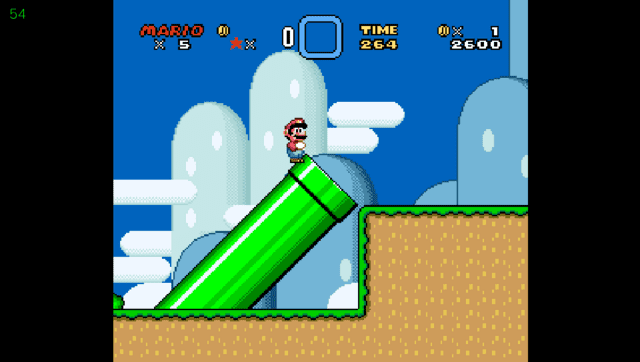
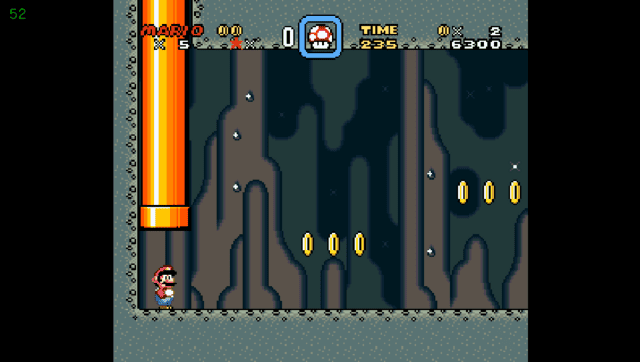
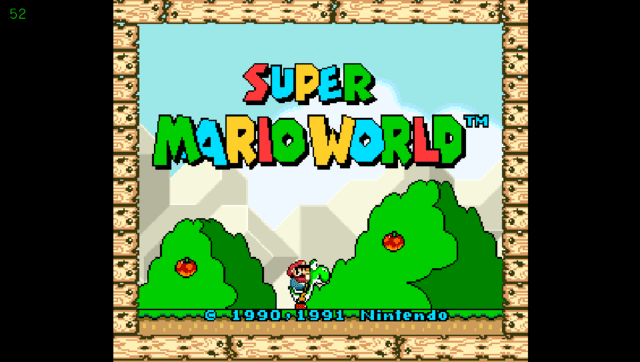
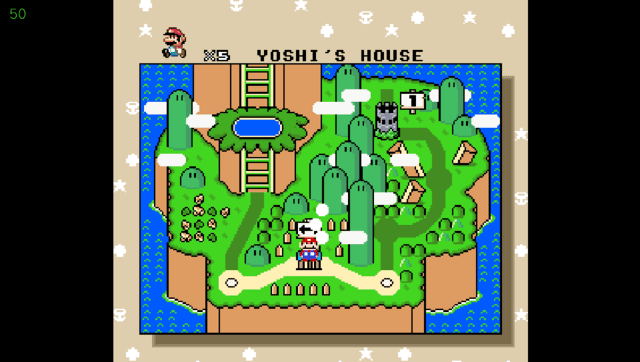
Media
Super Mario World on Ps Vita (nosorogek1)
Changelog
v1.0
- First Release.
Credits
- TheIronUniverse for the Livearea assets.
- CatoTheYounger for testing the homebrew and providing screenshots.
- snesrev and everyone involved in the original recreation project.