
WUDD Wii U: Difference between revisions
More actions
m Text replacement - "Backup Utilities" to "Backup Tools" |
m Text replacement - "ForTheUsers - " to "Homebrew App Store - " |
||
| Line 95: | Line 95: | ||
== External links == | == External links == | ||
* GitHub - https://github.com/wiiu-env/wudd/ | * GitHub - https://github.com/wiiu-env/wudd/ | ||
* | * Homebrew App Store - https://hb-app.store/wiiu/wudd | ||
Latest revision as of 12:01, 23 November 2025
| WUDD - Wii U Disc Dumper | |
|---|---|
 | |
| General | |
| Author | Maschell |
| Type | Backup Tools |
| Version | 1.2.2 |
| License | Mixed |
| Last Updated | 2023/01/10 |
| Links | |
| Download | |
| Website | |
| Source | |
WUDD is a Wii U Disc Dumper inspired by wudump from FIX94.
Features
- Dump a Wii U Disc in WUD (uncompressed) or WUX (lossless compression) format, including the game.key.
- Dump GM Partitions (Game, Updates, DLCs) of a Wii U Disc as .app, .h3, .tmd, .tik, .cert files.
- Supports dumping to SD (FAT32) and USB (NTFS only). When dumping to SD, files are split into 2 GiB parts due to FAT32 limitations.
Installation
Aroma:
- Extract the wuud_wuhb.zip file to the root of the SD card.
- Run it from the Wii U menu.
Tiramisu:
- Extract the wuud_rpx.zip file to the root of the SD card.
- Run it from the Homebrew Launcher.
User guide
Files will be dumped to /wudump/[DISC-ID]/. The disc ID of a game can be found on the disc (e.g., WUP-P-ARDP for the EUR version of Super Mario 3D World).
If WUDD fails to determine the disc ID, "DISC" with a timestamp will be used instead.
How to Merge Split Files:
- When you dump a .wux or .wud to the SD card, it gets split into 2 GiB parts (FAT32 limitation). To merge them, use the
copycmd tool. - Example:
copy /b game.wux.part1 + game.wux.part2 game.wux
Screenshots
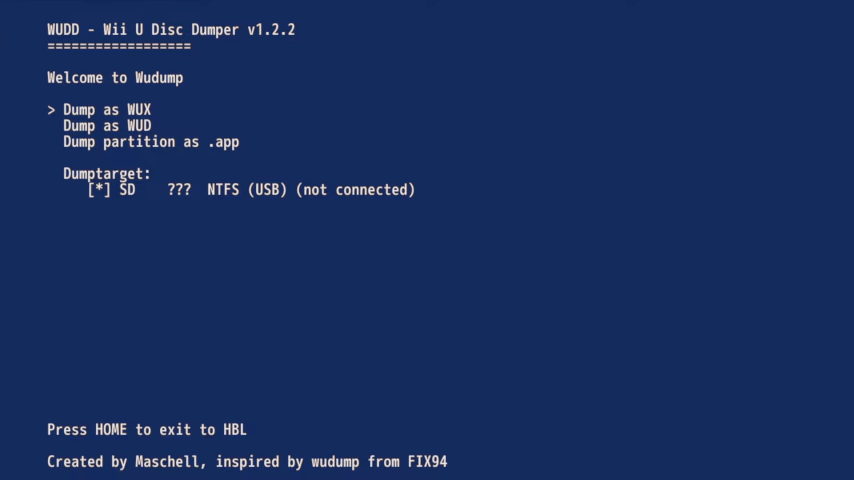
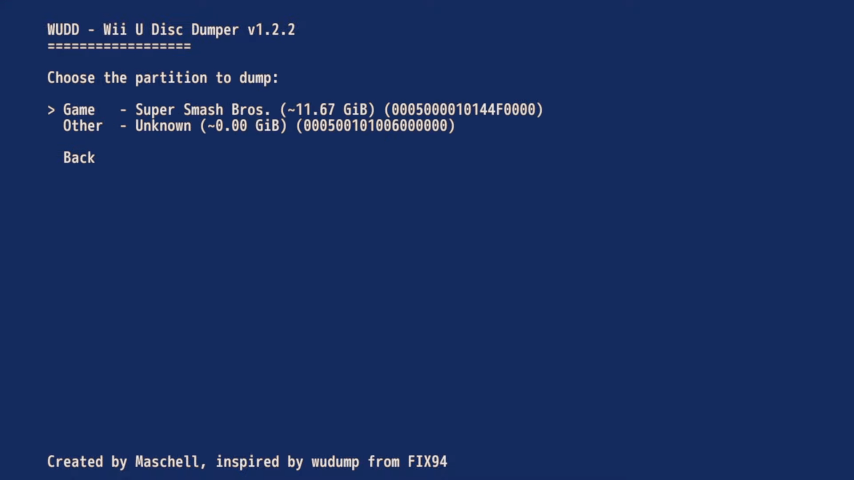
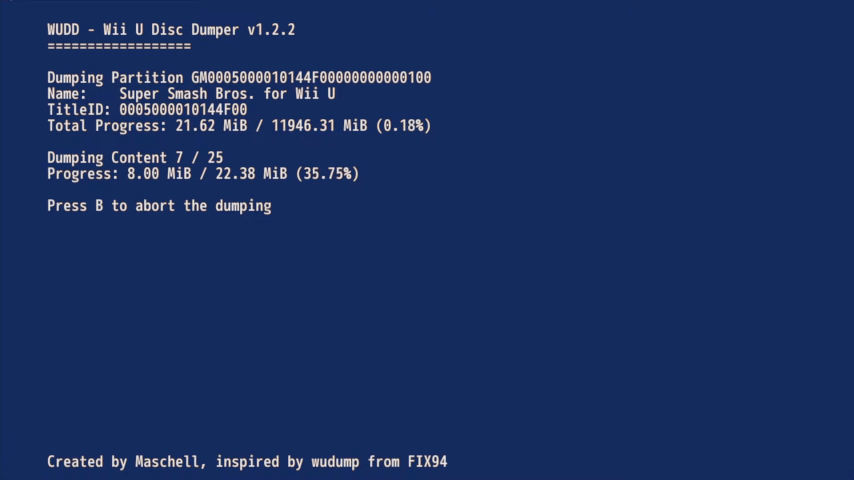
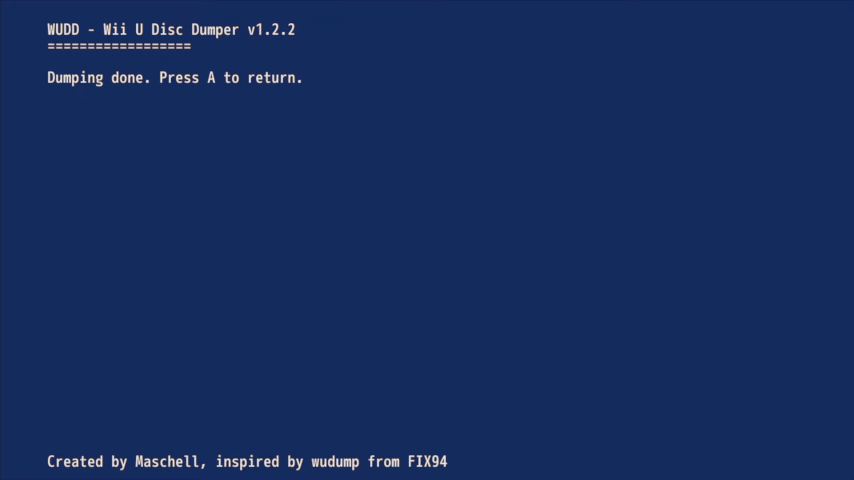
Media
How To Dump Wii U Discs To Install On A Wii U Console Or Use With CEMU Emulation! (Archades Games)
Changelog
v1.2.2 2023/01/10
- Fixed dumping incomplete h3 files (Fixes .app dumps of games with big .app files) by @Maschell in #23.
- Updated CI, audio stops now when launching WUDD by @Maschell in #24.
- Full Changelog: v1.2.1...v1.2.2
v1.2.1 2022/09/21
- Added an icon.
- WUDD is now also distributed as .wuhb..
v1.2.0 2022/08/07
- Fixed closing the disc drive handle on error. This fixes the issues where the Wii U failed to read any disc after using WUUD (disc may showed up as "Invalid Disc".
- Fixed
PARSE_ERROR_DISC_HEADERerror that showed up while some disc as .app. This most likely happens to games which contained game updates or DLCs.
v1.1.0 2022/07/28
Bug fixes:
- Fixed dumping non-retail discs without a disc id.
- Fixed the write result handling to fix a potential softlock when the target device has no more free space while dumping a .wux.
Other changes:
- Added the WUDD version to the main menu.
- Improved logging to always log errors to the system log.
- Improved the displayed error messages.
- Built with the latest version of wut.
v1.0.0 2022/07/27
Initial release of the Wii U Disc Dumper.
- Dumps a Wii U Disc in WUD (uncompressed) or WUX (loseless compression) format (including the game.key)
- Dumps the GM Partitions (Game, Updates, DLCs) of an Wii U Disc as .app,.h3, .tmd, .tik, .cert files
- Supports dumping to SD (FAT32) and USB (NTFS only). When dumping to SD the files get slitted in 2 GiB parts.
Requires an Environment (e.g. Tiramisu or Aroma) with MochaPayload (Nightly-MochaPayload-20220725-155554 or newer).
External links
- GitHub - https://github.com/wiiu-env/wudd/
- Homebrew App Store - https://hb-app.store/wiiu/wudd