
PinHockey: Difference between revisions
From GameBrew
More actions
m Text replacement - "EJS_gameUrl = 'https://dlhb.gamebrew.org/dshomebrew/" to "EJS_gameUrl = 'https://dlhb.gamebrew.org/onlineemulators/nds/" |
m Text replacement - "EJS_core = 'nds';" to "EJS_core = 'desmume2015';" |
||
| Line 43: | Line 43: | ||
<script type='text/javascript'> | <script type='text/javascript'> | ||
{{DS EmulatorJS Settings}} | {{DS EmulatorJS Settings}} | ||
EJS_core = ' | EJS_core = 'desmume2015'; | ||
EJS_gameName = "PinHockey"; | EJS_gameName = "PinHockey"; | ||
EJS_gameUrl = 'https://dlhb.gamebrew.org/onlineemulators/nds/pinhockey.7z'; | EJS_gameUrl = 'https://dlhb.gamebrew.org/onlineemulators/nds/pinhockey.7z'; | ||
Revision as of 11:36, 28 November 2023
| PinHockey | |
|---|---|
 | |
| General | |
| Author | Relavak |
| Type | Arcade Games |
| Version | 0.2 |
| License | Mixed |
| Last Updated | 2008/03/04 |
| Links | |
| Download | |
| Website | |
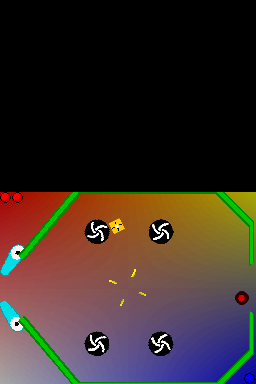
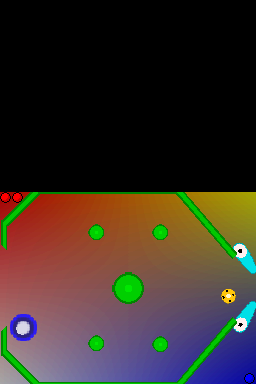
A mix of air hockey and pinball.
User guide
Hit the ball with the bar to get in the opposing goal. Aim for the highest scores.
Controls
Menu:
Start - Start
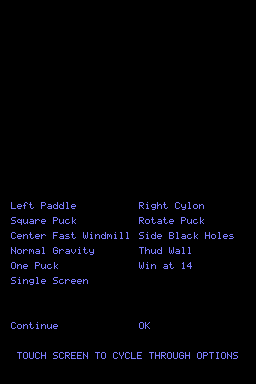
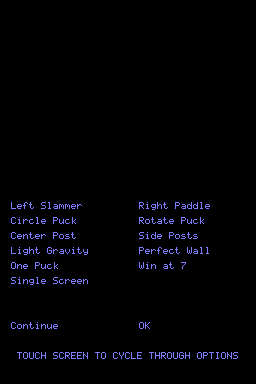
Select - Obstacles menu
Stylus - Choose obstacles
In game:
L/A - Control left pinbar
R/B - Control right pinbar
Screenshots
Online Emulator
| Nintendo DS | Keyboard |
|---|---|

|

|

|

|

|

|

|

|

|

|

|

|

|

|

|

|

|

|
Changelog
0.2
- Added Dual Screen field with moving paddles and various options.
- Added Booster and Spin Booster obstacles.
- Added “Win At” options.
- Added one puck/two puck option.
- Updated underlying Box2D library to version 2.
External links
- Author's website - https://relavak.wordpress.com/2008/03/04/update-of-pinhockey-version-02