
DarkStar: Difference between revisions
From GameBrew
More actions
m Text replacement - "EJS_gameUrl = 'https://dlhb.gamebrew.org/dshomebrew/" to "EJS_gameUrl = 'https://dlhb.gamebrew.org/onlineemulators/nds/" |
m Text replacement - "EJS_core = 'nds';" to "EJS_core = 'desmume2015';" |
||
| Line 42: | Line 42: | ||
<script type='text/javascript'> | <script type='text/javascript'> | ||
{{DS EmulatorJS Settings}} | {{DS EmulatorJS Settings}} | ||
EJS_core = ' | EJS_core = 'desmume2015'; | ||
EJS_gameName = "DarkStar"; | EJS_gameName = "DarkStar"; | ||
EJS_gameUrl = 'https://dlhb.gamebrew.org/onlineemulators/nds/darkstar.7z'; | EJS_gameUrl = 'https://dlhb.gamebrew.org/onlineemulators/nds/darkstar.7z'; | ||
Revision as of 11:34, 28 November 2023
| DarkStar | |
|---|---|
 | |
| General | |
| Author | DarkainMX |
| Type | Other Games |
| Version | 2005 |
| License | Mixed |
| Last Updated | 2005/08/04 |
| Links | |
| Download | |
| Website | |
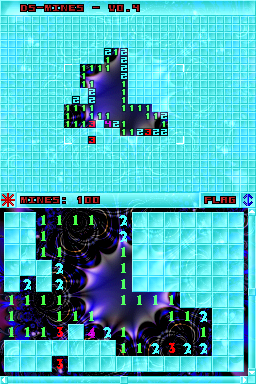
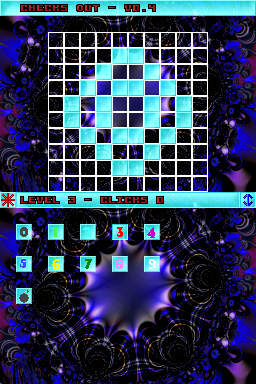
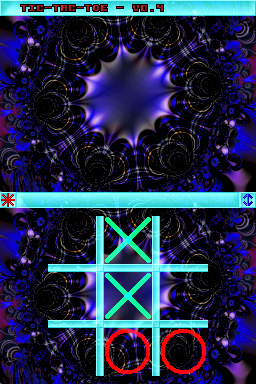
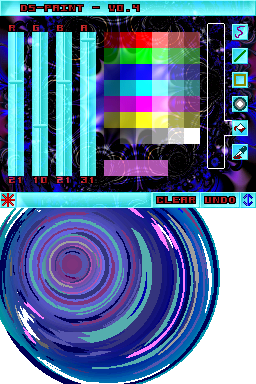
DarkStar is a DS homebrew started out a simple paint program, DSPaint, and is now a suite of applications and games.
User guide
There is a list of applications and games in DarkStar, including:
- Debug screen.
- Paint.
- Mines.
- Checks Out.
- Tic-Tac-Toe.
Controls
Start - Menu
Up/Down - Select list
A - Start application
Can be controlled with Stylus.
Screenshots
Online Emulator
| Nintendo DS | Keyboard |
|---|---|

|

|

|

|

|

|

|

|

|

|

|

|

|

|

|

|

|

|
External links
- Author's website - http://ds.darkain.com