
OpenSupaplex Wii U: Difference between revisions
More actions
m Text replacement - "ForTheUsers - " to "Homebrew App Store - " |
7.2.2 |
||
| Line 4: | Line 4: | ||
|description=Reverse engineering Supaplex. | |description=Reverse engineering Supaplex. | ||
|author=sergiou87 | |author=sergiou87 | ||
|lastupdated= | |lastupdated=2026/03/31 | ||
|format=rpx | |format=rpx | ||
|type=Puzzle | |type=Puzzle | ||
|version= | |version=7.2.2 | ||
|license= | |license=Mixed | ||
|download=https://dlhb.gamebrew.org/wiiuhomebrews/opensupaplexwiiu.7z | |download=https://dlhb.gamebrew.org/wiiuhomebrews/opensupaplexwiiu.7z | ||
|website=https://github.com/sergiou87/open-supaplex | |website=https://github.com/sergiou87/open-supaplex | ||
| Line 45: | Line 45: | ||
== Changelog == | == Changelog == | ||
'''v7.1.2 2020/08/21''' | '''v7.2.2 2026/03/31''' | ||
*FIXED: | |||
NEW: | ** The list of non-original levels would render garbage on Windows. | ||
* Added proper Linux support (thanks [https://github.com/DarthGandalf @DarthGandalf]). | '''v7.2.1 2026/03/31''' | ||
*FIXED: | |||
FIXED: | ** The list of levels would render garbage on Windows. | ||
* The Nintendo Switch port can now be played in Applet Mode. Virtual keyboard support has been disabled (thanks [https://github.com/rjimenezda @rjimenezda]). | '''v7.2 2026/03/23''' | ||
*NEW: | |||
'''v7.1.1 2020/07/05''' | ** Added support for Nintendo DS, RISC OS and PS2. | ||
** Switched music from OGG to MOD files, which are lighter and require less CPU usage, which means better performance! Thanks @mills32 for this contribution! | |||
FIXED: | ** Improved renderer for PSP, getting 60fps most of the time! Thanks @mills32 for this contribution! | ||
* LB/L1/L and RB/R1/R buttons won't change the game speed anymore when used in the main menu. | ** Thanks to the new renderer, audio quality in PSP has been also bumped. | ||
* Wii and Wii U ports had the wrong title in the Homebrew Channel. | ** Switched sound effects from OGG to WAV. They require less CPU usage, which is another increase in performance and simpler packaging! | ||
* Fixed game panel behavior when you restart a level with it hidden. Now it will be shown when you restart a level. | ** Now there is only one build for both Old and New Nintendo 3DS. | ||
*FIXED: | |||
'''v7.1 2020/07/02''' | ** Switch: Virtual keyboard wouldn't work when the game is running in Applet mode. Instead, now it will just autogenerate a player name. Thanks @rjimenezda for this fix! | ||
'''v7.1.2 2020/08/21''' | |||
NEW: | *NEW: | ||
* Added support for PSP, Nintendo 3DS, Windows 64bit, macOS, PS3, Wii and Wii U. | ** Added proper Linux support (thanks [https://github.com/DarthGandalf @DarthGandalf]). | ||
* Added Music and Sound Effects. | *FIXED: | ||
* Added support for saving and loading game states. | ** The Nintendo Switch port can now be played in Applet Mode. Virtual keyboard support has been disabled (thanks [https://github.com/rjimenezda @rjimenezda]). | ||
* Bumped the default game speed from 5 to 10 (maximum). | '''v7.1.1 2020/07/05''' | ||
* Added different scaling modes. | *FIXED: | ||
* Improved gamepad controls: | ** LB/L1/L and RB/R1/R buttons won't change the game speed anymore when used in the main menu. | ||
** LB/L1/L and RB/R1/R buttons can be used in the main menu to select a different level set. | ** Wii and Wii U ports had the wrong title in the Homebrew Channel. | ||
** LB/L1/L and RB/R1/R buttons can be used in during the game to change the game speed. | ** Fixed game panel behavior when you restart a level with it hidden. Now it will be shown when you restart a level. | ||
** Y/Triangle button (X on Nintendo consoles) shows/hides the bottom panel during the game. | '''v7.1 2020/07/02''' | ||
** B/Circle button (A on Nintendo consoles) displays, for a few seconds, the number of red disks you have. | *NEW: | ||
** Back/Select/Minus during a game will exit the level immediately. | ** Added support for PSP, Nintendo 3DS, Windows 64bit, macOS, PS3, Wii and Wii U. | ||
** Start/Plus during a game will pause the game. | ** Added Music and Sound Effects. | ||
* Added advanced menu giving access to many options that were only available with a keyboard before, or not available at all: | ** Added support for saving and loading game states. | ||
** Restart the level. | ** Bumped the default game speed from 5 to 10 (maximum). | ||
** Sound and music volume. | ** Added different scaling modes. | ||
** Change the scaling mode. | ** Improved gamepad controls: | ||
** Game speed. | *** LB/L1/L and RB/R1/R buttons can be used in the main menu to select a different level set. | ||
** Play/record demos. | *** LB/L1/L and RB/R1/R buttons can be used in during the game to change the game speed. | ||
** Debug options (show FPS, load/save state, remove Zonks/Snik Snaks…). If you use these, your progress won't count!! | *** Y/Triangle button (X on Nintendo consoles) shows/hides the bottom panel during the game. | ||
** And more things! | *** B/Circle button (A on Nintendo consoles) displays, for a few seconds, the number of red disks you have. | ||
* Added command line options in platforms that support this. Just run the game with <code>--help</code> for more info. | *** Back/Select/Minus during a game will exit the level immediately. | ||
*** Start/Plus during a game will pause the game. | |||
FIXED: | ** Added advanced menu giving access to many options that were only available with a keyboard before, or not available at all: | ||
* Fixed many MANY bugs. Now the game should behave exactly as the original, validated by almost 7000 pre-recorded demos. | *** Restart the level. | ||
*** Sound and music volume. | |||
*** Change the scaling mode. | |||
*** Game speed. | |||
*** Play/record demos. | |||
*** Debug options (show FPS, load/save state, remove Zonks/Snik Snaks…). If you use these, your progress won't count!! | |||
*** And more things! | |||
** Added command line options in platforms that support this. Just run the game with <code>--help</code> for more info. | |||
*FIXED: | |||
** Fixed many MANY bugs. Now the game should behave exactly as the original, validated by almost 7000 pre-recorded demos. | |||
== External links == | == External links == | ||
* GitHub - https://github.com/sergiou87/open-supaplex/ | * GitHub - https://github.com/sergiou87/open-supaplex/ | ||
* Homebrew App Store - https://hb-app.store/wiiu/Opensupaplex | * Homebrew App Store - https://hb-app.store/wiiu/Opensupaplex | ||
Latest revision as of 23:26, 3 April 2026
| OpenSupaplex | |
|---|---|
 | |
| General | |
| Author | sergiou87 |
| Type | Puzzle |
| Version | 7.2.2 |
| License | Mixed |
| Last Updated | 2026/03/31 |
| Links | |
| Download | |
| Website | |
| Source | |
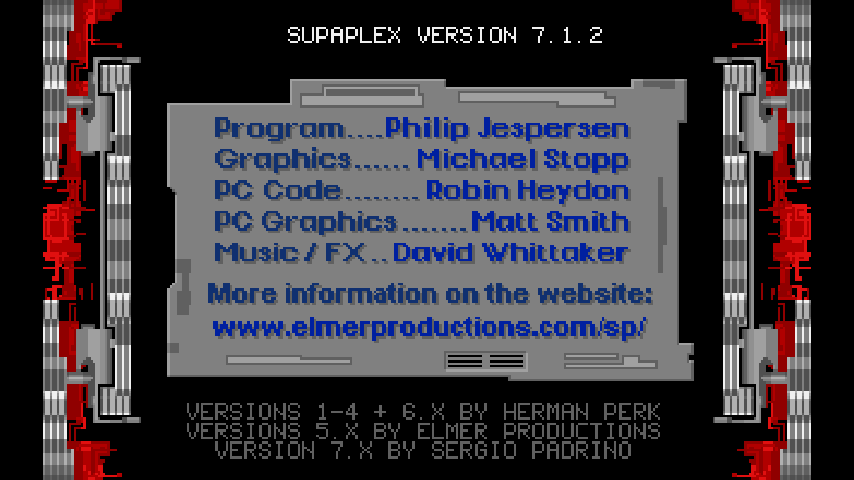
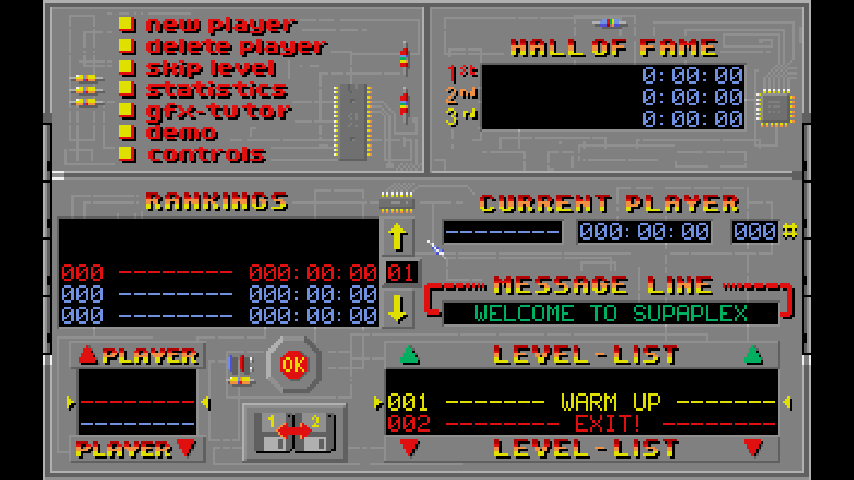
OpenSupaplex is an open-source remake of the 1991 video game Supaplex, originally created by Philip Jespersen and Michael Stopp.
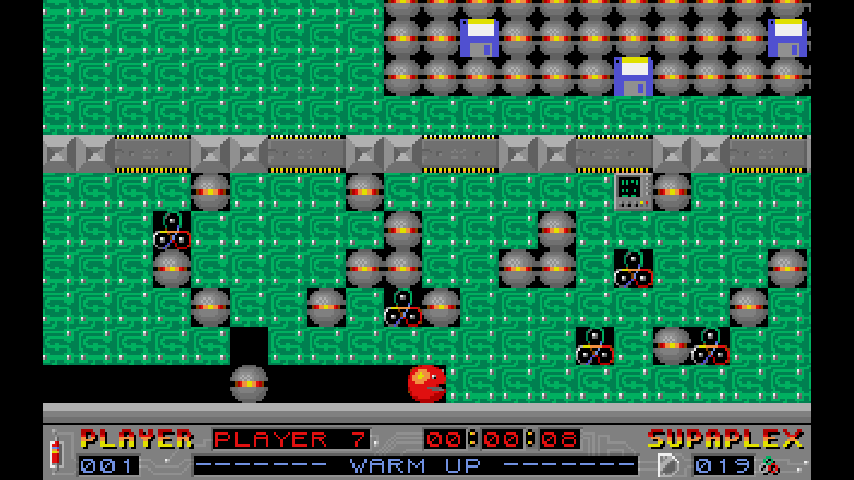
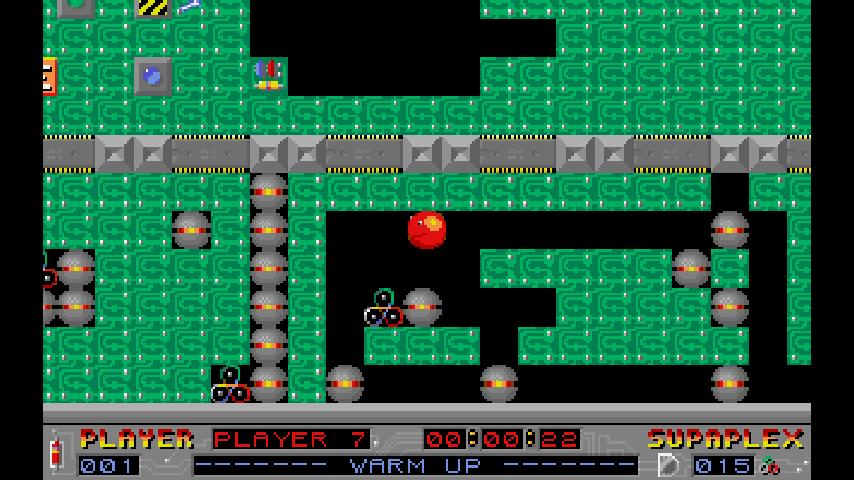
Supaplex is a variation of Boulder Dash, with new elements/enemies like bugs, electrostatic discharges, Ports, and terminals. But unlike Boulder Dash, Supaplex is not fully grid-based, allowing objects to be in between grid positions. This unique behavior results in certain bugs that players use to their advantage, the game also includes gravity in some levels.
Installation
Download the latest release, extract it to the root of the SD card and merge it.
Controls
Left Stick/D-Pad - Up/Down/Left/Right
Y+D-Pad - Removing bases/infotrons next to Murphy
Hold Y - Detonate red disk
X - Show/hide bottom game panel
A - Show number of red disks
L/R - Change game speed
Minus - Exit/Back
Plus - Pause
Screenshots
Changelog
v7.2.2 2026/03/31
- FIXED:
- The list of non-original levels would render garbage on Windows.
v7.2.1 2026/03/31
- FIXED:
- The list of levels would render garbage on Windows.
v7.2 2026/03/23
- NEW:
- Added support for Nintendo DS, RISC OS and PS2.
- Switched music from OGG to MOD files, which are lighter and require less CPU usage, which means better performance! Thanks @mills32 for this contribution!
- Improved renderer for PSP, getting 60fps most of the time! Thanks @mills32 for this contribution!
- Thanks to the new renderer, audio quality in PSP has been also bumped.
- Switched sound effects from OGG to WAV. They require less CPU usage, which is another increase in performance and simpler packaging!
- Now there is only one build for both Old and New Nintendo 3DS.
- FIXED:
- Switch: Virtual keyboard wouldn't work when the game is running in Applet mode. Instead, now it will just autogenerate a player name. Thanks @rjimenezda for this fix!
v7.1.2 2020/08/21
- NEW:
- Added proper Linux support (thanks @DarthGandalf).
- FIXED:
- The Nintendo Switch port can now be played in Applet Mode. Virtual keyboard support has been disabled (thanks @rjimenezda).
v7.1.1 2020/07/05
- FIXED:
- LB/L1/L and RB/R1/R buttons won't change the game speed anymore when used in the main menu.
- Wii and Wii U ports had the wrong title in the Homebrew Channel.
- Fixed game panel behavior when you restart a level with it hidden. Now it will be shown when you restart a level.
v7.1 2020/07/02
- NEW:
- Added support for PSP, Nintendo 3DS, Windows 64bit, macOS, PS3, Wii and Wii U.
- Added Music and Sound Effects.
- Added support for saving and loading game states.
- Bumped the default game speed from 5 to 10 (maximum).
- Added different scaling modes.
- Improved gamepad controls:
- LB/L1/L and RB/R1/R buttons can be used in the main menu to select a different level set.
- LB/L1/L and RB/R1/R buttons can be used in during the game to change the game speed.
- Y/Triangle button (X on Nintendo consoles) shows/hides the bottom panel during the game.
- B/Circle button (A on Nintendo consoles) displays, for a few seconds, the number of red disks you have.
- Back/Select/Minus during a game will exit the level immediately.
- Start/Plus during a game will pause the game.
- Added advanced menu giving access to many options that were only available with a keyboard before, or not available at all:
- Restart the level.
- Sound and music volume.
- Change the scaling mode.
- Game speed.
- Play/record demos.
- Debug options (show FPS, load/save state, remove Zonks/Snik Snaks…). If you use these, your progress won't count!!
- And more things!
- Added command line options in platforms that support this. Just run the game with
--helpfor more info.
- FIXED:
- Fixed many MANY bugs. Now the game should behave exactly as the original, validated by almost 7000 pre-recorded demos.
External links
- GitHub - https://github.com/sergiou87/open-supaplex/
- Homebrew App Store - https://hb-app.store/wiiu/Opensupaplex