
Lan Play Curses Switch: Difference between revisions
From GameBrew
More actions
No edit summary Tag: Manual revert |
No edit summary |
||
| Line 2: | Line 2: | ||
|title=Lan Play Curses | |title=Lan Play Curses | ||
|image=lanplaycursesnx.png | |image=lanplaycursesnx.png | ||
|description=A Curses based GUI for | |description=A Curses based GUI for switch-lan-play by spacemeowx2. | ||
|author=HamletDuFromage | |author=HamletDuFromage | ||
|lastupdated=2020/03/24 | |lastupdated=2020/03/24 | ||
Latest revision as of 12:43, 6 July 2024
| Lan Play Curses | |
|---|---|
 | |
| General | |
| Author | HamletDuFromage |
| Type | Network |
| Version | 1 |
| License | GPL-3.0 |
| Last Updated | 2020/03/24 |
| Links | |
| Download | |
| Website | |
| Source | |
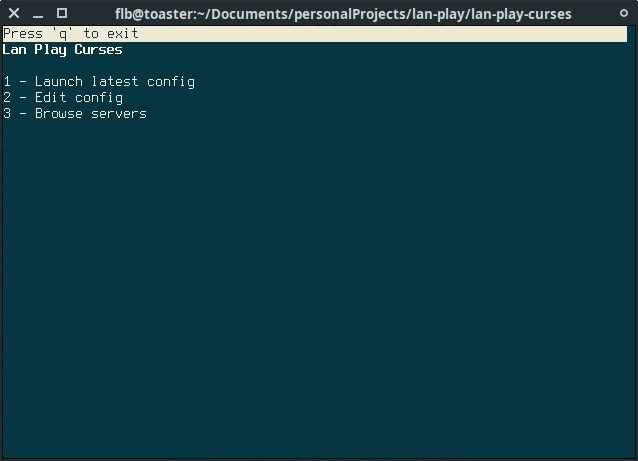
A simple curses GUI for switch-lan-play. Written for GNU/Linux but should also work on Windows (not tested).
Run it as root/admin since switch-lan-play requires root privileges.
With this you can have the UI running and disconnect/switch servers without having to close the program and type the address again.
Features
- Remembers the last server you connected to.
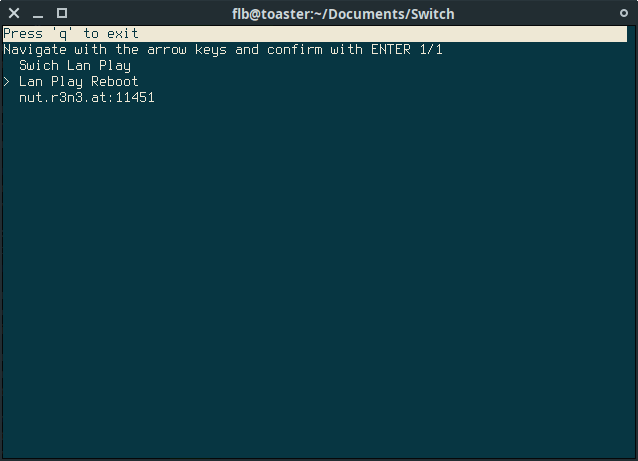
- Offers a server list so you can add servers you keep going back to.
- That's pretty much it.
User guide
Place your lan-play client, lan-play-curses.py and servers.json in the same directory (or edit the path yourself) and launch the script. Run it as root/admin:
$ sudo python3 lan-play-curses.py
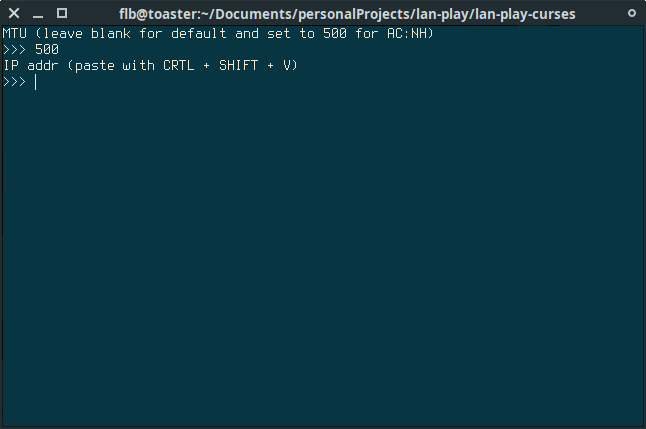
In servers.json, the name and pmtu fields are optional. Set a pmtu of 500 to play Animal Crossing. Add/remove servers to your liking by following the template.
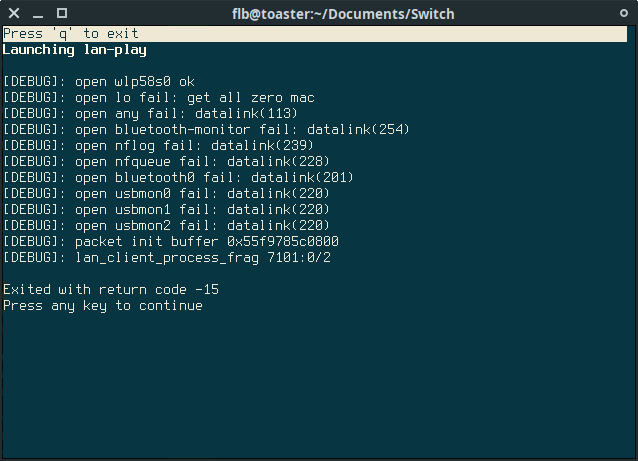
Screenshots
Changelog
v1.0
- First Release.