
Realboy Vita: Difference between revisions
From GameBrew
More actions
No edit summary |
m Text replacement - "https://vitadb.rinnegatamante.it/" to "https://www.rinnegatamante.eu/vitadb/" |
||
| (One intermediate revision by the same user not shown) | |||
| Line 49: | Line 49: | ||
==Screenshots== | ==Screenshots== | ||
realboyvita3.png | https://dlhb.gamebrew.org/vitahomebrews/realboyvita3.png | ||
https://dlhb.gamebrew.org/vitahomebrews/realboyvita4.png | |||
realboyvita4.png | |||
==Changelog== | ==Changelog== | ||
| Line 63: | Line 62: | ||
* Twitter - https://twitter.com/xerpi/status/619659954455212032 | * Twitter - https://twitter.com/xerpi/status/619659954455212032 | ||
* GitHub - https://github.com/xerpi/realboy-vita | * GitHub - https://github.com/xerpi/realboy-vita | ||
* VitaDB - https:// | * VitaDB - https://www.rinnegatamante.eu/vitadb/#/info/167 | ||
Latest revision as of 04:38, 5 January 2025
| RealBoy | |
|---|---|
 | |
| General | |
| Author | xerpi |
| Type | Handheld |
| Version | 1.2 |
| License | GPL-2.0 |
| Last Updated | 2016/08/02 |
| Links | |
| Download | |
| Website | |
| Source | |
This is a port of RealBoy, a free, fast and accurate, Game Boy/Game Boy Color/Super Game Boy Emulator.
Features
- Accuracy: Pass various test ROMS designed to evaluate the accuracy of a Game Boy emulator, including: CPU Instructions, Instructions' Timings and Memory Access Timings.
- Performance: For 64-bit versions of the x86 architecture (a.k.a x86_64, a.k.a amd64), an Assembly Language version of the emulator's core is provided, significantly faster than the C version.
- Experimental Support for the Super Game Boy (disabled by default; see "Super Game Boy Support" below)
- Support for MBC1, MBC3 and MBC5.
- Support for RTC (Real Time Clock) in MBC3.
- Support for executing the original boot ROMS (files not included for legal reasons).
- Internal Debugger: Basic functionality such as adding breakpoints, printing registers, etc.
- FPS: User control over framerate (default is 60fps).
- Sound: Implemented channels 1, 2 and 4.
- Video: Scaling to 2x, 3x and 4x, with or without fullscreen.
- Video: Antialiasing.
- RealBoy Internals: Design and implementation documentation.
User guide
Install the VPK on your homebrew enabled PS Vita or PS TV.
RealBoy creates the Saves Directory us0:data/realboy/saves; RealBoy creates and maintains save files here.
Controls
Start - Pause/Unpause game
L - Speed up the game
R - Return to rom selection menu
L+Triangle - Change games (you will be returned to the menu)
Screenshots
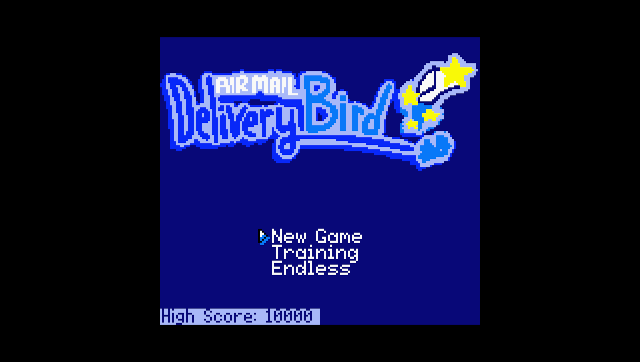
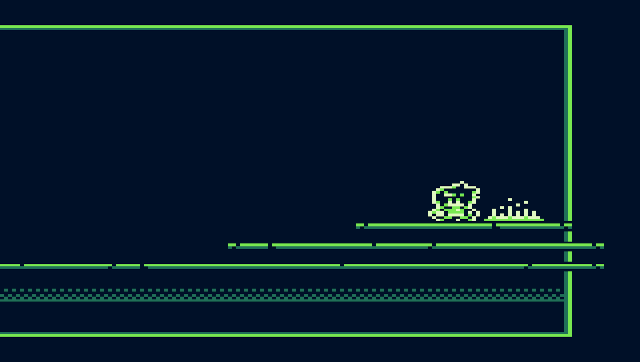
Changelog
v1.2
- Minor fixes since 1.1.
v1.0
- First Release.