
GoldenIdol-Vita: Difference between revisions
More actions
Created page with "{{Infobox Vita Homebrews |title=GoldenIdol-Vita |image=GoldenIdolVita.png |description=Port of The Case of the Golden Idol for PSVita. |author=WolffsRoom |lastupdated=2026/06/04 |type=Puzzle |version=0.3.0 |license=N/A |download=https://dlhb.gamebrew.org/vitahomebrews/GoldenIdolVita.7z |website=https://github.com/WolffsRoom/GoldenIdol-PSVita |source=https://www.reddit.com/r/vitahacks/comments/1twztqs/release_the_case_of_golden_idol_psvita_port/ |donation= }} {{#seo: |tit..." |
No edit summary |
||
| Line 19: | Line 19: | ||
|image_alt=GoldenIdol-Vita | |image_alt=GoldenIdol-Vita | ||
}} | }} | ||
A port of | A port of The Case of the Golden Idol for the PlayStation Vita, adapted from the original Godot Engine PC release. The repository contains the source scripts, patching engines, and tools created to adapt the game to run natively on the PS Vita hardware. | ||
You | '''Note''': You must own the original game on Steam to generate the Vita playable files. No game assets are provided in this repository. | ||
== | == Installation == | ||
Download the latest <code>GoldenIdol-Patch.zip</code> and <code>GoldenIdol-Vita-x.x.x.vpk</code> from [https://github.com/WolffsRoom/GoldenIdol-PSVita/releases Releases]. | |||
Extract <code>GoldenIdol-Patch.zip</code> into a new folder on your PC. | |||
Open Steam, right-click on "The Case of the Golden Idol", go to "Manage" -> "Browse local files". | |||
Copy the file named <code>game.pck</code> from that folder into the <code>DataSteam</code> folder of your extracted patcher. | |||
Go back to the main patcher folder and run <code>ApplyPatch.bat</code>. Follow the on-screen instructions to select your language. | |||
Wait for the process to finish. It will automatically apply the patch and create a new folder named <code>game_data</code> containing your patched game file. | |||
Install the <code>GoldenIdol-Vita-0.3.0.vpk</code> on your PS Vita using [[VitaShell]] or [[FMVita]] (the author's personalized VitaShell). | |||
Connect your Vita via FTP or USB, and copy the entire newly created <code>game_data</code> folder into your Vita's game app folder at: <code>ux0:app/IDOL00001/</code> (this ensures the file ends up exactly at <code>ux0:app/IDOL00001/game_data/game.pck</code>, not just the root app folder). | |||
''' | '''Update warning''': If you want to update the game, update the game files too, not just the VPK. | ||
== Controls == | |||
D-Pad Up/Down - Zoom in/out | |||
Touchscreen - Interact (click) | |||
Cross - Confirm, Interact | |||
Circle - Cancel, Back | |||
Triangle/Square - Open Thinking Panel | |||
==Screenshots== | ==Screenshots== | ||
| Line 109: | Line 66: | ||
https://dlhb.gamebrew.org/vitahomebrews/images/GoldenIdolVita-06.png | https://dlhb.gamebrew.org/vitahomebrews/images/GoldenIdolVita-06.png | ||
== | ==Media== | ||
'''The Case of the Golden Idol - Official Reveal Trailer''' ([https://www.youtube.com/watch?v=jhyFCDbIeEU GameTrailers]) <br> | |||
<youtube width="640">jhyFCDbIeEU</youtube> | |||
== Known | == Known issues == | ||
A slightly longer loading time for screens and levels (about 5 seconds). | |||
==Changelog== | ==Changelog== | ||
| Line 121: | Line 78: | ||
== External links == | == External links == | ||
* | * GitHub - https://github.com/WolffsRoom/GoldenIdol-PSVita | ||
* Reddit - https://www.reddit.com/r/vitahacks/comments/1twztqs/release_the_case_of_golden_idol_psvita_port/ | * Reddit - https://www.reddit.com/r/vitahacks/comments/1twztqs/release_the_case_of_golden_idol_psvita_port/ | ||
* VitaDB - https://www.rinnegatamante.eu/vitadb/#/info/1403 | * VitaDB - https://www.rinnegatamante.eu/vitadb/#/info/1403 | ||
[[Category:PC game ports on Vita]] | |||
[[Category:Vita game ports]] | |||
Revision as of 06:14, 8 June 2026
| GoldenIdol-Vita | |
|---|---|
 | |
| General | |
| Author | WolffsRoom |
| Type | Puzzle |
| Version | 0.3.0 |
| License | N/A |
| Last Updated | 2026/06/04 |
| Links | |
| Download | |
| Website | |
| Source | |
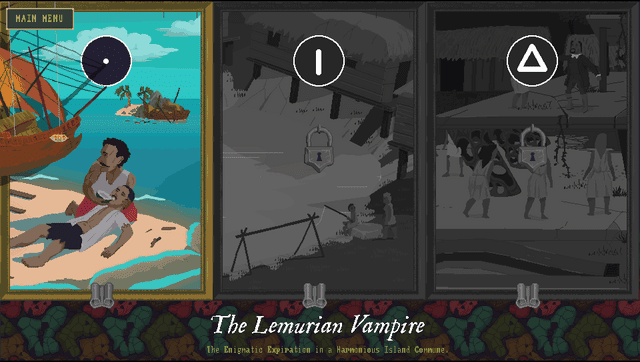
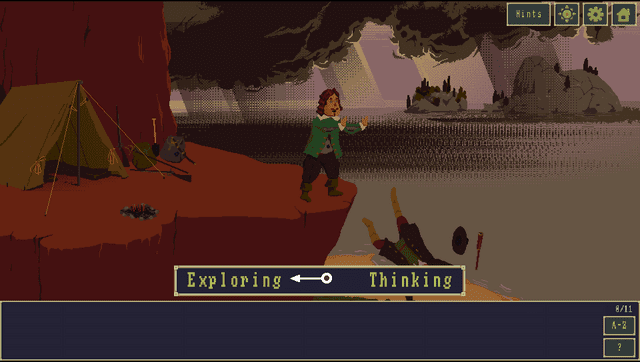
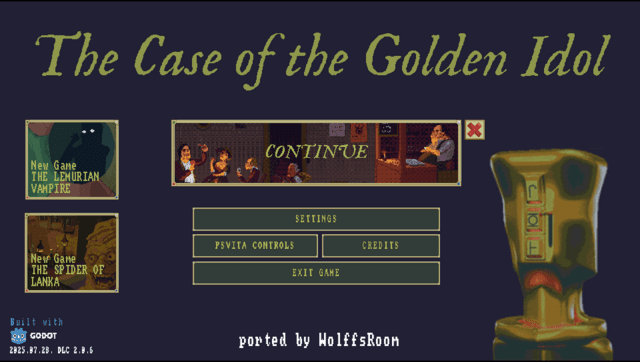
A port of The Case of the Golden Idol for the PlayStation Vita, adapted from the original Godot Engine PC release. The repository contains the source scripts, patching engines, and tools created to adapt the game to run natively on the PS Vita hardware.
Note: You must own the original game on Steam to generate the Vita playable files. No game assets are provided in this repository.
Installation
Download the latest GoldenIdol-Patch.zip and GoldenIdol-Vita-x.x.x.vpk from Releases.
Extract GoldenIdol-Patch.zip into a new folder on your PC.
Open Steam, right-click on "The Case of the Golden Idol", go to "Manage" -> "Browse local files".
Copy the file named game.pck from that folder into the DataSteam folder of your extracted patcher.
Go back to the main patcher folder and run ApplyPatch.bat. Follow the on-screen instructions to select your language.
Wait for the process to finish. It will automatically apply the patch and create a new folder named game_data containing your patched game file.
Install the GoldenIdol-Vita-0.3.0.vpk on your PS Vita using VitaShell or FMVita (the author's personalized VitaShell).
Connect your Vita via FTP or USB, and copy the entire newly created game_data folder into your Vita's game app folder at: ux0:app/IDOL00001/ (this ensures the file ends up exactly at ux0:app/IDOL00001/game_data/game.pck, not just the root app folder).
Update warning: If you want to update the game, update the game files too, not just the VPK.
Controls
D-Pad Up/Down - Zoom in/out
Touchscreen - Interact (click)
Cross - Confirm, Interact
Circle - Cancel, Back
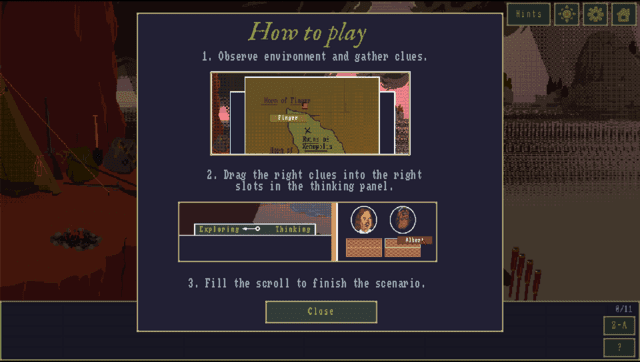
Triangle/Square - Open Thinking Panel
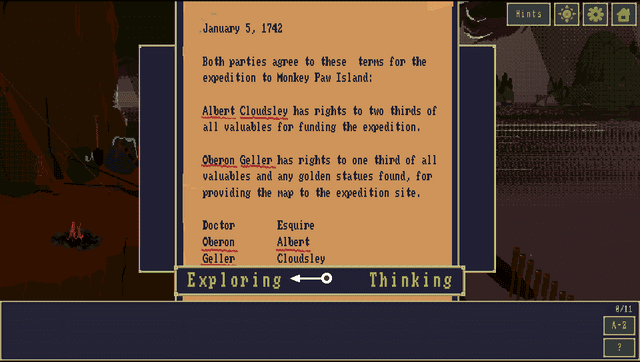
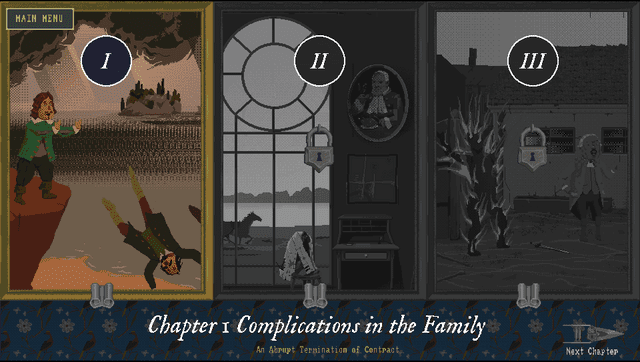
Screenshots
Media
The Case of the Golden Idol - Official Reveal Trailer (GameTrailers)
Known issues
A slightly longer loading time for screens and levels (about 5 seconds).
Changelog
v0.3.0
- First Release.